> ## Documentation Index
> Fetch the complete documentation index at: https://activitysmith.com/docs/llms.txt
> Use this file to discover all available pages before exploring further.

# Live Activity Colors

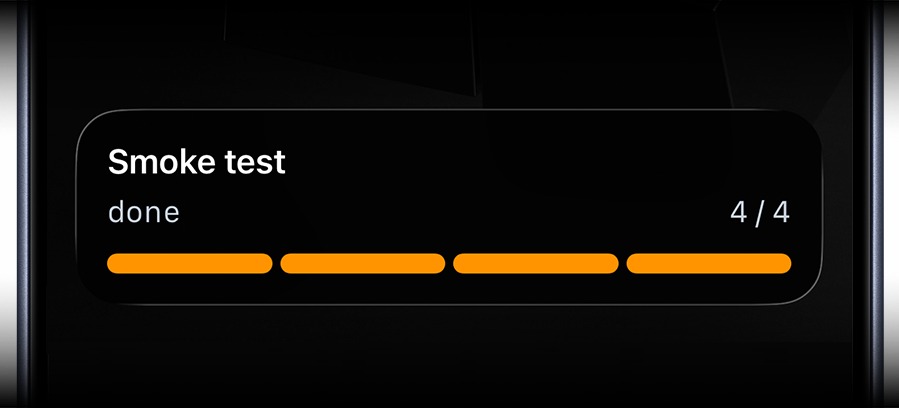
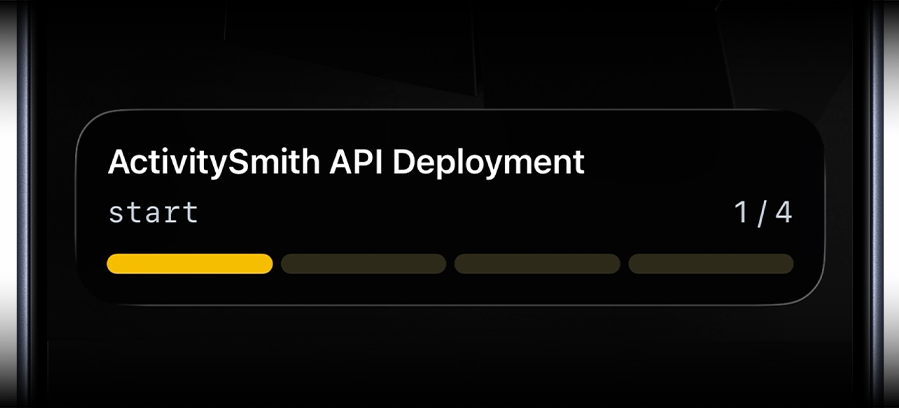
> Colors can be used to customize the appearance of your Live Activities. You can choose from the following colors(default is `blue`):

### `lime`
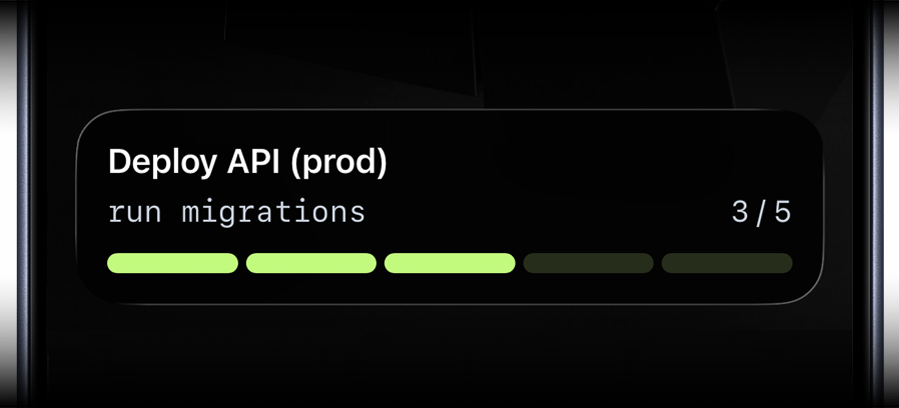
<img className="image" src="https://cdn.activitysmith.com/printkit/live-activity-lime.png" alt="Lime Live Activity" />

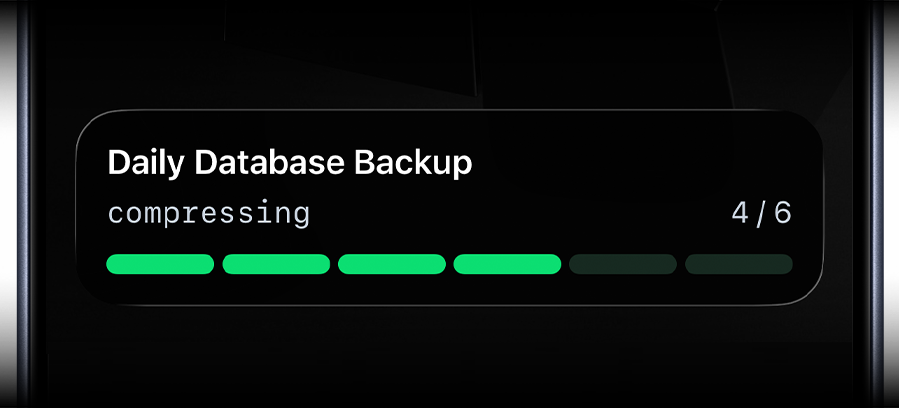
### `green`

<img className="image" src="https://cdn.activitysmith.com/printkit/live-activity-green.png" alt="Green Live Activity" />

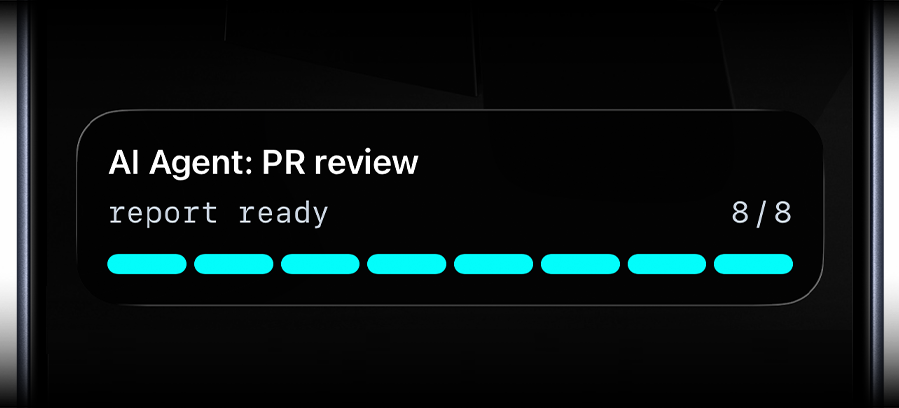
### `cyan`

<img className="image" src="https://cdn.activitysmith.com/printkit/live-activity-cyan.png" alt="Cyan Live Activity" />

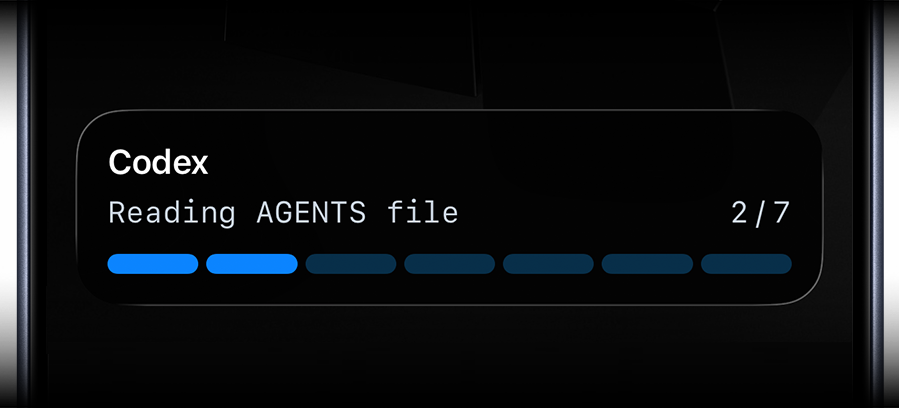
### `blue`

<img className="image" src="https://cdn.activitysmith.com/printkit/live-activity-blue.png" alt="Blue Live Activity" />

### `purple`

<img className="image" src="https://cdn.activitysmith.com/printkit/live-activity-purple.png" alt="Purple Live Activity" />

### `magenta`

<img className="image" src="https://cdn.activitysmith.com/printkit/live-activity-magenta.png" alt="Magenta Live Activity" />

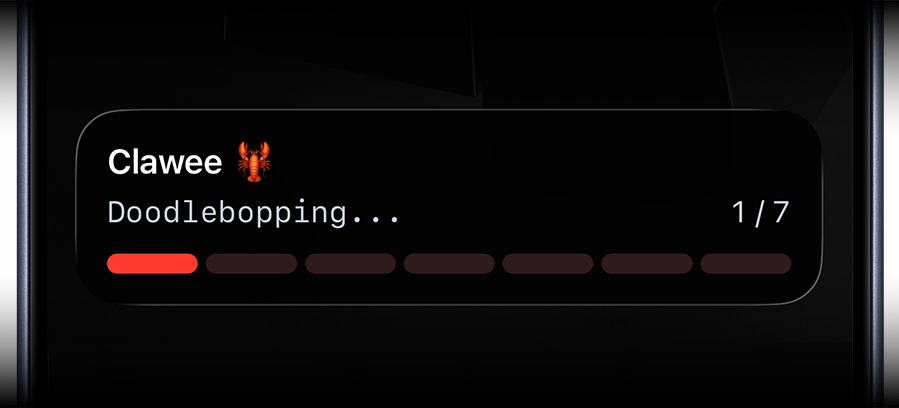
### `red`

<img className="image" src="https://cdn.activitysmith.com/printkit/live-activity-red.png" alt="Red Live Activity" />

### `orange`

<img className="image" src="https://cdn.activitysmith.com/printkit/live-activity-orange.png" alt="Orange Live Activity" />

### `yellow`

<img className="image" src="https://cdn.activitysmith.com/printkit/live-activity-start.png" alt="Yellow Live Activity" />