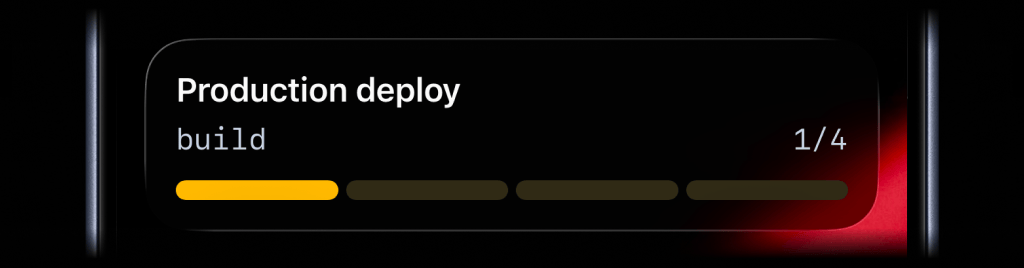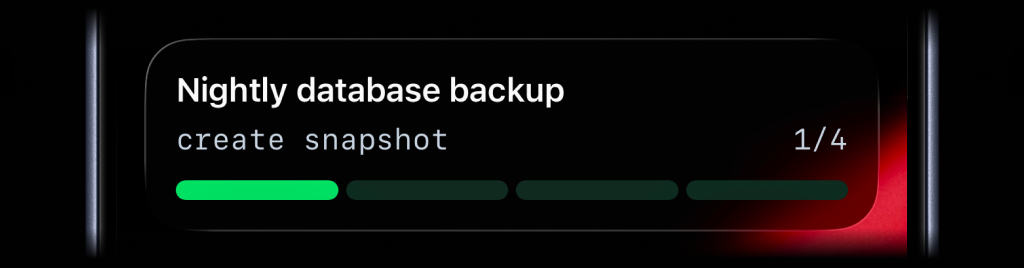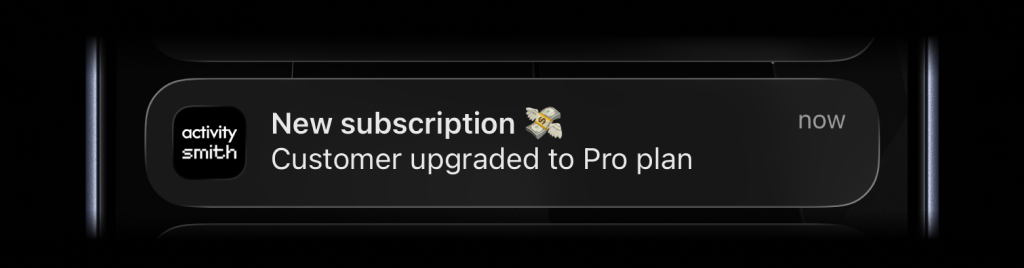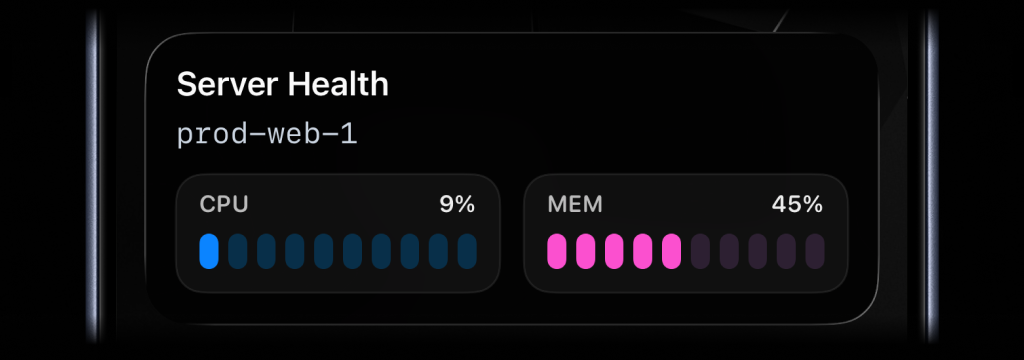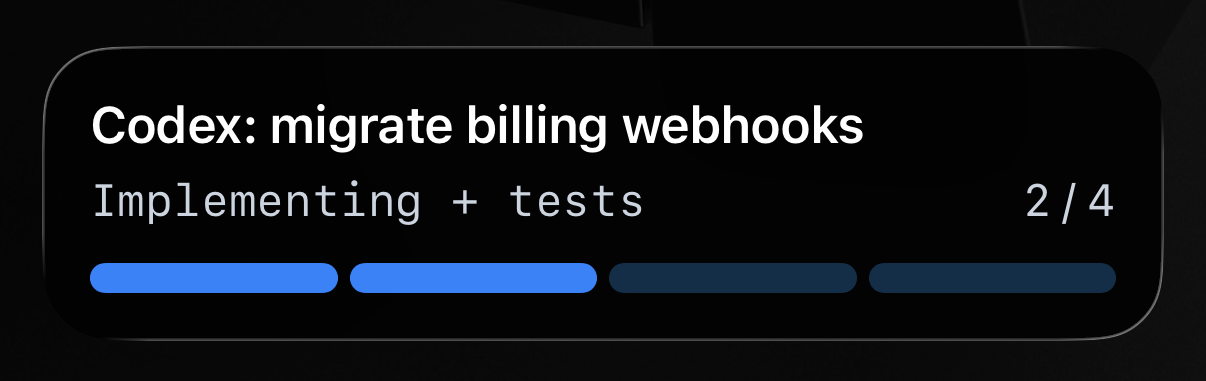
Agent runs from Codex, Claude, Cursor, and other coding tools can take long enough that people stop watching the terminal, queue, chat thread, or browser tab where the work started.
Without a visible status, it is easy to lose track of whether the agent is still working, blocked, failed, or waiting for a person.
Give your agent the ActivitySmith skill or https://activitysmith.com/docs/llms-full.txt, then tell it to keep you updated with ActivitySmith. You can follow a Live Activity on your Lock Screen as the work moves forward, and receive a Push Notification when the agent needs to notify you about completion, a blocker, or a milestone.
Before you start
ActivitySmith account
Create an account so you can generate an API key for this workflow.
API key for your agent
Store your ActivitySmith API key as ACTIVITYSMITH_API_KEY in the shell or environment your coding agent uses.
At least one paired iOS device
Pair an iPhone or iPad with ActivitySmith so the update has somewhere to appear.
Agent setup
Install the ActivitySmith skill or give your agent https://activitysmith.com/docs/llms-full.txt so it knows how to call the API.
Use it with your coding agent
Live Activity while the agent works
Once your agent has the skill or API docs, it can start a Live Activity when a task begins, update it as stages change, and end it when the run finishes or waits for you.
Step 1
Give your agent ActivitySmith context
Install the ActivitySmith skill with the command below, or share https://activitysmith.com/docs/llms-full.txt so the agent can read the full API reference.
npx skills add ActivitySmithHQ/activitysmith-cli --skill activitysmithStep 2
Ask the agent to keep you updated
Tell the agent to use ActivitySmith while it works. A simple prompt is enough: keep me updated on my phone with ActivitySmith, so I can see progress and get notified when something changes.
Step 3
Let the agent manage progress
The agent decides when to start, update, and end the Live Activity based on the task. You do not need to add API calls to your app or workflow.
Get notified when something happens
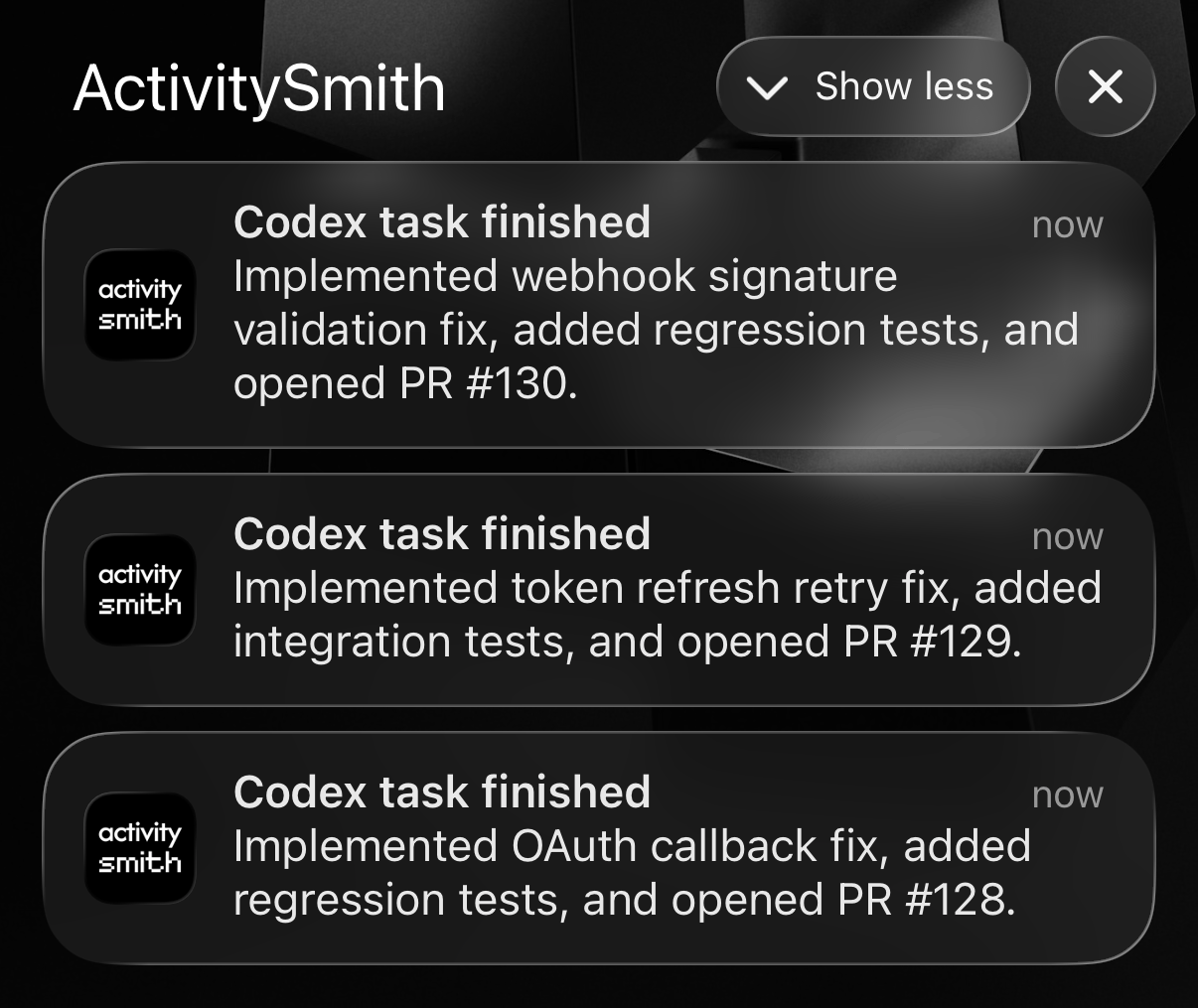
Your agent can notify you with Push Notifications when a run completes, hits a blocker, reaches a milestone, or needs your attention right away.
Team visibility
Invite teammates so anyone running agent work can pair their own iPhone or iPad and receive the same Live Activities and Push Notifications from their agent sessions.
Use channels to target specific people or devices, such as engineering, founders, or product.
Agent runs without babysitting
- Long agent tasks stay visible on your Lock Screen without watching the terminal or chat thread.
- You receive Push Notifications for blockers, completions, and review requests when the agent decides they matter.
- No custom integration work: give your agent the skill or API docs, and receive the updates it sends.
Let your agent report progress to your Lock Screen
See what your agent is doing while it works, directly on your iPhone Lock Screen. When it finishes, blocks, or needs review, you get a Push Notification with the next step.