

Documentation Index
Fetch the complete documentation index at: https://activitysmith.com/docs/llms.txt
Use this file to discover all available pages before exploring further.
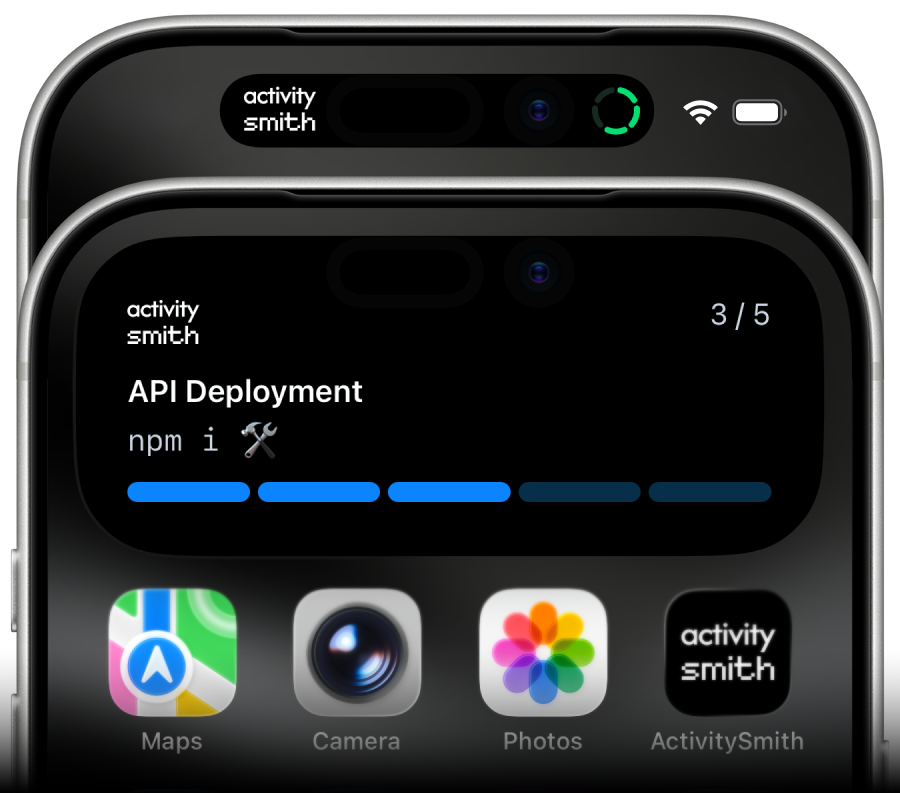
Welcome to ActivitySmith
ActivitySmith is API service that lets you trigger and update Live Activities and send push notifications directly from your own infrastructure. Pair your iOS device(s), authenticate with an API key, and send real-time alerts from any backend, cron, agent, or automation. Without building or maintaining your own iOS app or dealing directly with APNs. Check out the following resources to get started: Want an SDK or Integration? Let us know at adam@activitysmith.com.Prerequisites
- Create an API key
- Download our iOS app and pair your device(s)
Features
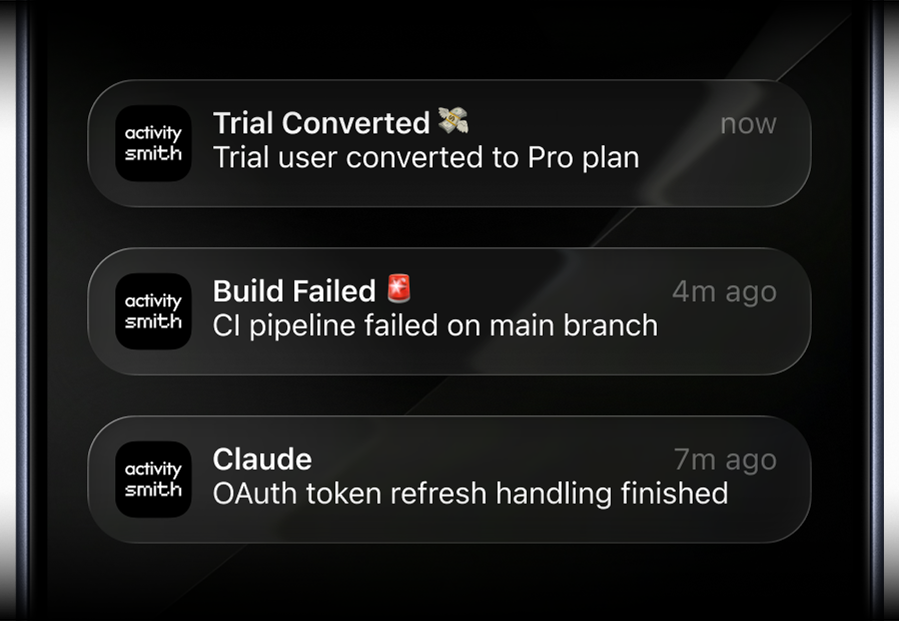
- Push Notifications: send push notifications to all paired devices or target specific channels.
- Live Activities: start, update and end a Live Activity on your lock screen or dynamic island, with optional channel targeting and one optional action button.
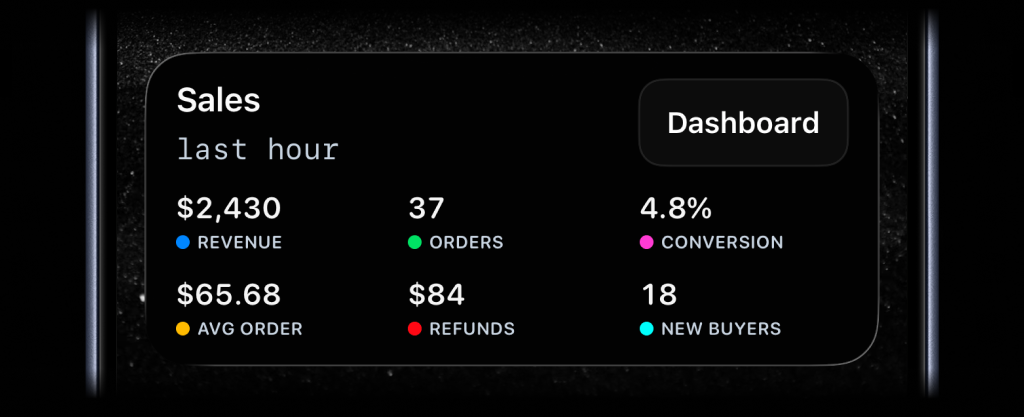
- Widgets: display any value on your Lock Screen with widgets - SaaS metrics, revenue, signups, uptime, habits, or anything else you want to track.
- Inbound Webhooks: forward events from external services such as Vercel, Netlify, Railway, and more, into Push Notifications and Live Activities.
Powerful Capabilities
- Glanceable observability: monitor real-time system state and long-running operations directly on your lock screen or dynamic island.
- The hard stuff: APNs(Apple Push Notification service), certificates, orchestration
- Customizability: adapt the experience to fit your unique needs.
- Works with any backend: use with any backend, cron, agent, automation or AI tool.
- iOS app: ready to use native iOS app for your iPhone or iPad. No need to build your own.
Push Notifications
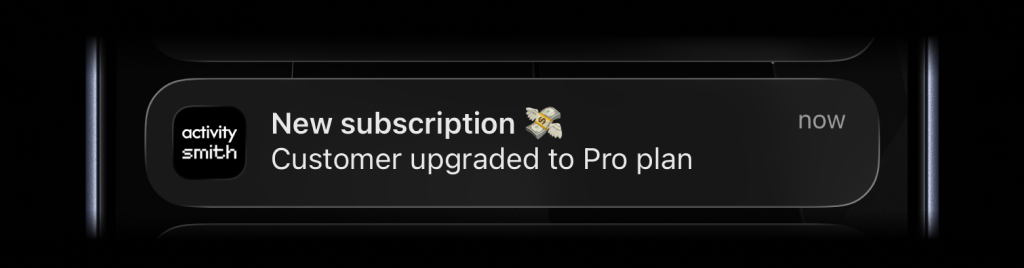
To send a push notification, use thepush-notification endpoint. It takes title and optional fields like message, payload, media, redirection, actions, and target.channels.target.channels accepts channel slugs (for example ["devs", "ops"]).
mediaattaches an image, audio file, or video that users can preview or play when they expand the notification.redirectionopens on normal tap.actions(up to 4) appear when users expand the notification.media + redirectionis supported.media + actionsis not supported in v1.
Live Activities
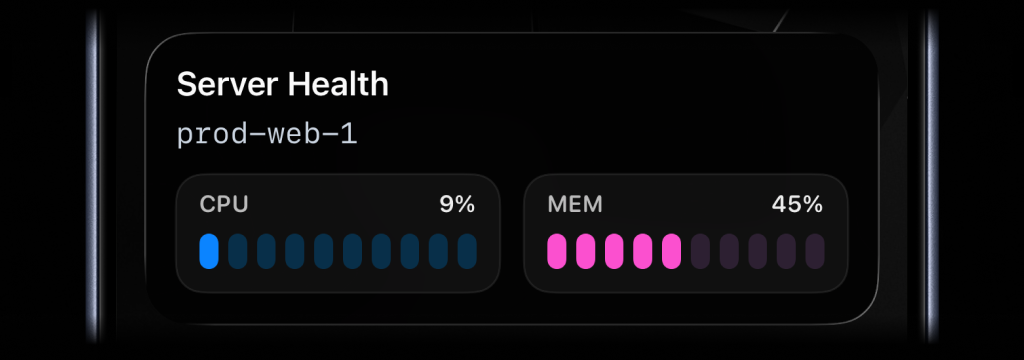
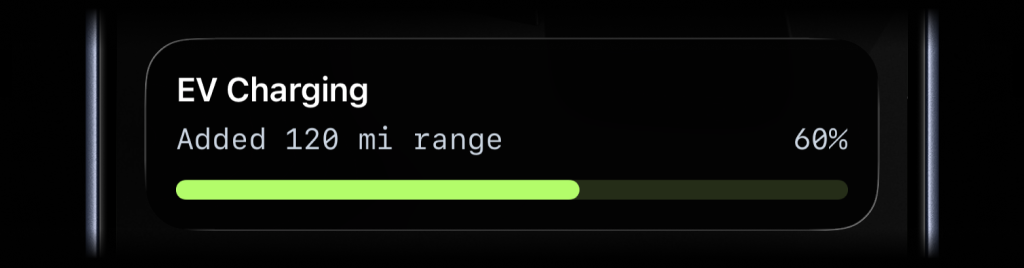
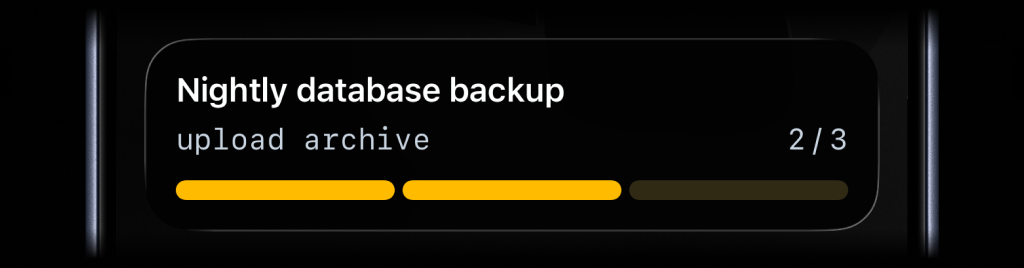
There are four types of Live Activities:| Type | Best for | Required state |
|---|---|---|
stats | up to 8 labeled values | title, type, and a non-empty metrics array |
metrics | Live operational stats | title, type, and a non-empty metrics array |
segmented_progress | Jobs tracked in steps | title, type, number_of_steps, current_step |
progress | Jobs with continuous progress | title, type, and either percentage or value + upper_limit |
Start & Update Live Activity
Use stream updates to start, update, and dismiss Live Activities with a stablestream_key.
Send the latest state for a stable stream_key, and ActivitySmith starts or
updates the Live Activity. You do not need to keep local state between updates.
When the work is done, call DELETE /live-activity/stream/:stream_key with the
same stream_key to dismiss the Live Activity. You can include final values
before it is removed. By default, iOS removes the Live Activity after two
minutes. Set auto_dismiss_minutes to choose a different dismissal time,
including 0 for immediate dismissal.
Action Button
Live Activities support one optionalaction button shown on the Lock Screen. Use it to have a one-tap path from a long-running
job to the place where you can act on it. The action field is accepted on
stream updates and works with all Live Activity types.
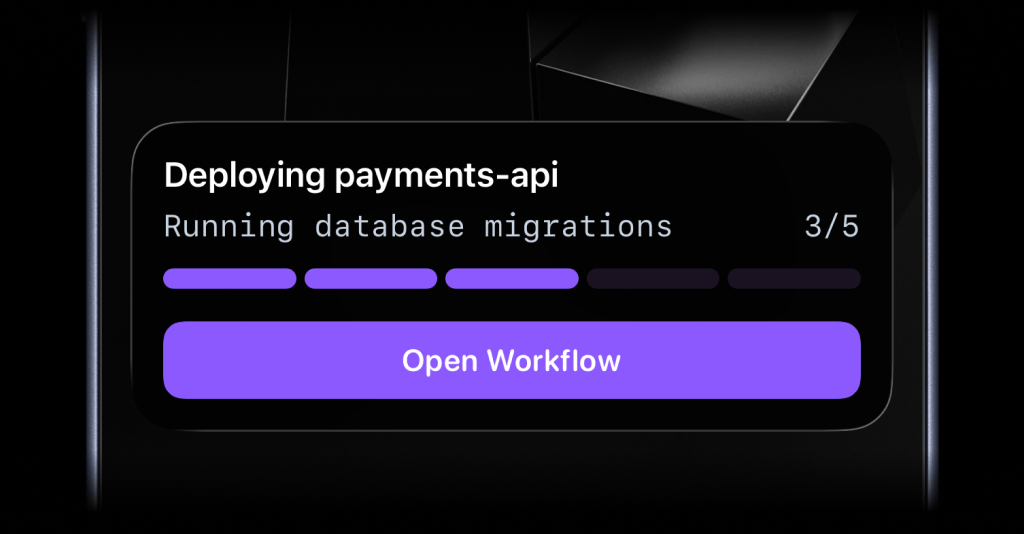
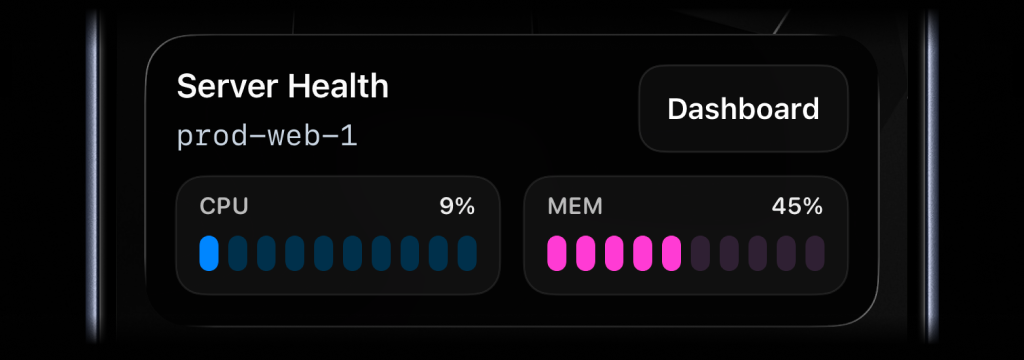
open_url: opens the provided HTTPS URL in the browser.webhook: ActivitySmith’s backend calls your HTTPS webhook withGETorPOST.
action object accepts:
| Field | Required | Description |
|---|---|---|
title | yes | Button label shown on the Live Activity. |
type | yes | Either open_url or webhook. |
url | yes | HTTPS endpoint to open or call. |
method | webhook only | GET or POST. |
body | webhook only | Optional JSON payload sent with the webhook request. |
open_url
Useopen_url when the button should jump the user to a dashboard, run page,
or any browser destination tied to the work.
webhook
Usewebhook when the button should trigger an action in your backend, like
pausing a job, acknowledging an alert, or canceling a workflow. ActivitySmith
calls the URL server-side, so the user does not leave the Lock Screen.
- Only HTTPS URLs are supported for both action types.
- One button per Live Activity.
- Pass
actionon an update call to set or replace the button on an active Live Activity.
Channel Targeting
You can scope delivery with channel slugs:- If
targetis omitted and API key scope isall: send to all account recipients. - If
targetis omitted and API key scope ischannels: send to channels assigned to that key. - If
target.channelsis present: only those channel slugs are used.