GitHub Actions YAML Workflow Basics: A Practical Guide
Learn the core structure of GitHub Actions YAML workflows, from triggers and jobs to reusable steps, conditions, and deployment-safe patterns for CI/CD teams.
If you have ever opened a workflow file and felt like it looked simple but still hard to reason about, this is the practical baseline.
I will walk through what each part of a workflow does, how to structure jobs safely, and how to wire real runtime updates into the same file.
What a Workflow File Looks Like
Workflow files live in .github/workflows/ and use .yml or .yaml.
name: Backend CIon: push: branches: [main]jobs: test: runs-on: ubuntu-latest steps: - uses: actions/checkout@v4 - run: npm ci && npm testThe structure is always the same:
name: human-readable workflow name in theGitHub ActionsUI.on: trigger rules.jobs: units of work that run on isolated runners.steps: ordered commands/actions inside each job.
Core YAML Blocks You Should Know
jobs: deploy: runs-on: ubuntu-latest env: NODE_ENV: production steps: - uses: actions/checkout@v4 - uses: actions/setup-node@v4 with: node-version:node-version:node-version: 22 cache: npm - name: Build run: | npm ci npm run buildWhat each field gives you:
runs-on: the runner image.uses: a reusable action fromGitHub Marketplaceor your repo.run: shell commands.with: action inputs.env: shared environment variables for a job or step.
Expressions, Secrets, and Step Outputs
You can stitch steps together with expressions and outputs.
- name: Start live activity id: start_activity uses: ActivitySmithHQ/activitysmith-github-action@v1 with: action: start_live_activity api-key: ${{ secrets.ACTIVITYSMITH_API_KEY }} payload: | content_state: title: "Release Pipeline" subtitle: "build" number_of_steps: 3 current_step: 1 type: "segmented_progress" color: "yellow"- name: Update live activity uses: ActivitySmithHQ/activitysmith-github-action@v1 with: action: update_live_activity api-key: ${{ secrets.ACTIVITYSMITH_API_KEY }} live-activity-id: ${{ steps.start_activity.outputs.live_activity_id }} payload: | content_state: title: "Release Pipeline" subtitle: "deploy" current_step: 2Three rules:
- Store credentials in
secrets, not plain YAML. - Give important steps an
idwhen you need outputs later. - Use
steps.<id>.outputs.<name>for wiring state across steps.
What You Can Automate in One Workflow
on: push: branches: [main] pull_request: branches: [main] workflow_dispatch: inputs: environment: description: "Where to deploy" required: true default: "staging" schedule: - cron: "0 * * * *"With this, one file can cover:
- CI checks for pull requests.
- Production deploys from
main. - Manual run buttons for recovery/release tasks.
- Hourly jobs (health checks, report generation, cleanup).
Control Execution With needs and if
Before looking at the full workflow, these two controls are the ones most teams miss:
needssets job order, so deploy waits for test.ifgates a job or step behind explicit conditions.success()andfailure()let you split success/failure paths clearly.
jobs: test: runs-on: ubuntu-latest steps: - run: npm test deploy: runs-on: ubuntu-latest needs: test if: ${{ github.ref == 'refs/heads/main' && success() }} steps: - run: ./deploy.sh - name: Notify on failure if: ${{ failure() }} run: ./notify-failure.shPractical End-to-End Example
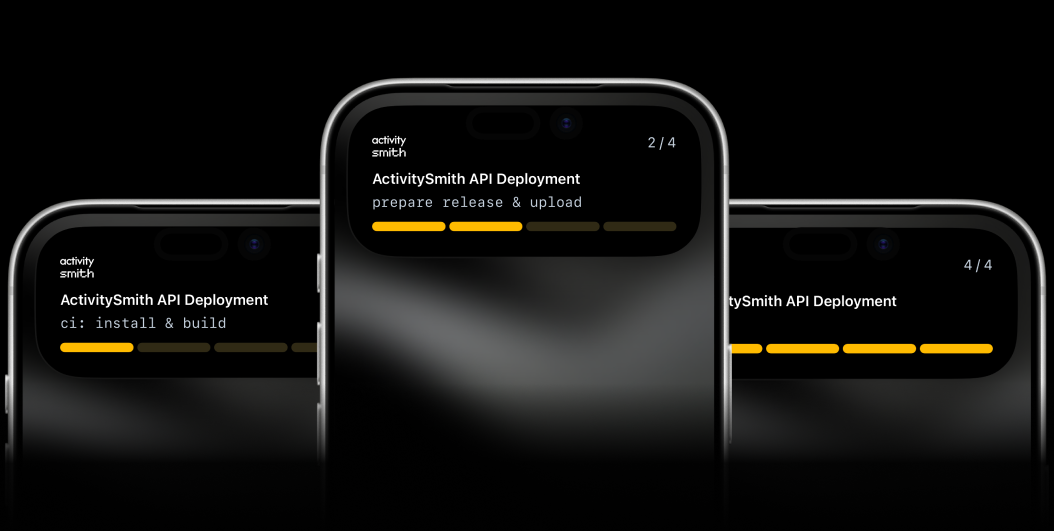
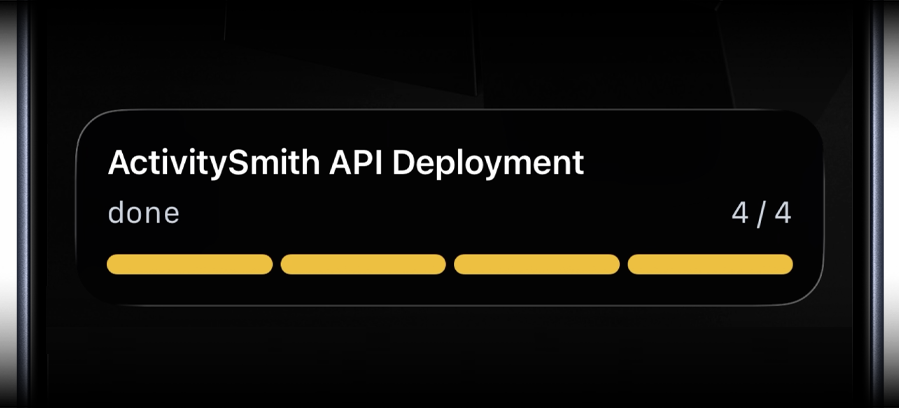
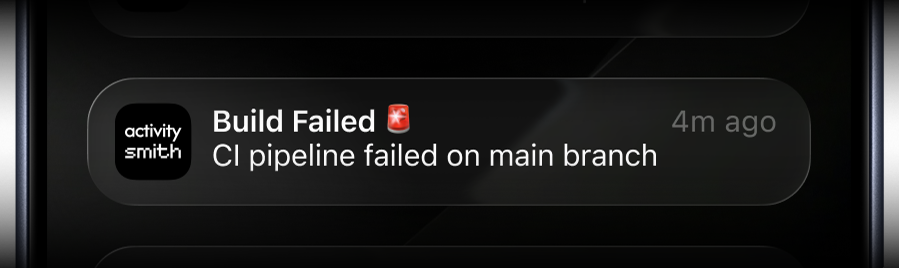
This example runs tests, deploys on main, streams progress updates, and sends a failure push.
name: API CI and Deployon: push: branches: [main] pull_request: branches: [main] workflow_dispatch:jobs: test: runs-on: ubuntu-latest strategy: matrix: node: [20, 22] steps: - uses: actions/checkout@v4 - uses: actions/setup-node@v4 with: node-version:node-version:node-version: ${{ matrix.node }} cache: npm - run: npm ci - run: npm test deploy: runs-on: ubuntu-latest needs: test if: ${{ github.ref == 'refs/heads/main' }} steps: - uses: actions/checkout@v4 - uses: actions/setup-node@v4 with: node-version:node-version:node-version: 22 cache: npm - name: Start live activity id: start_activity continue-on-error: true uses: ActivitySmithHQ/activitysmith-github-action@v1 with: action: start_live_activity api-key: ${{ secrets.ACTIVITYSMITH_API_KEY }} payload: | content_state: title: "API Deploy" subtitle: "build" number_of_steps: 3 current_step: 1 type: "segmented_progress" color: "yellow" - name: Build run: | npm ci npm run build - name: Update live activity if: ${{ steps.start_activity.outputs.live_activity_id != '' }} continue-on-error: true uses: ActivitySmithHQ/activitysmith-github-action@v1 with: action: update_live_activity api-key: ${{ secrets.ACTIVITYSMITH_API_KEY }} live-activity-id: ${{ steps.start_activity.outputs.live_activity_id }} payload: | content_state: title: "API Deploy" subtitle: "release switch and reload" current_step: 2 - name: Deploy run: | # release directory prep # artifact upload # dependency install # symlink switch # process reload - name: End live activity if: ${{ steps.start_activity.outputs.live_activity_id != '' }} continue-on-error: true uses: ActivitySmithHQ/activitysmith-github-action@v1 with: action: end_live_activity api-key: ${{ secrets.ACTIVITYSMITH_API_KEY }} live-activity-id: ${{ steps.start_activity.outputs.live_activity_id }} payload: | content_state: title: "API Deploy" subtitle: "done" current_step: 3 - name: Send failed deployment push notification if: ${{ failure() }} uses: ActivitySmithHQ/activitysmith-github-action@v1 with: action: send_push_notification api-key: ${{ secrets.ACTIVITYSMITH_API_KEY }} payload: | title: "Deploy Failed" message: "Main branch deploy failed. Open GitHub Actions run for details."Common Mistakes to Avoid
- Missing
idon a step that needs outputs later. - Forgetting
needsand running deploy in parallel with tests. - Hardcoding environment values that should come from
secretsorinputs. - Skipping
if: ${{ failure() }}branches and losing fast failure visibility.
Final Notes
If you remember only few things, make it these:
- Keep workflow files small and explicit so intent is obvious during incidents.
- Treat
secretsand step outputs as first-class building blocks. - Add failure paths (
if: ${{ failure() }}) so breakages are visible immediately.
Start with a single CI workflow, then expand to deploy and scheduled jobs once the basics are stable.