Value
Best for tracking a single value, such as revenue, a queue count, or a temperature.
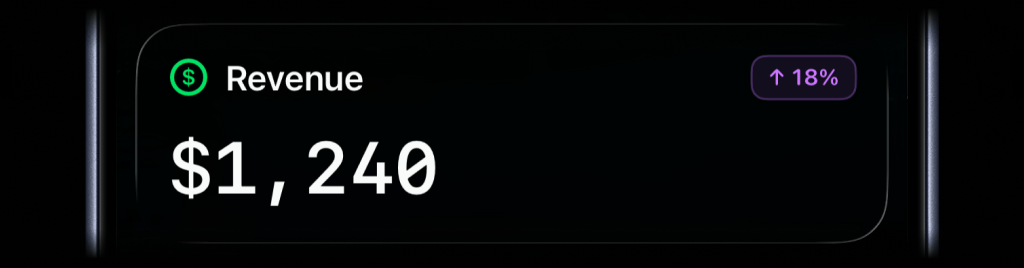
Keep revenue, sales, uptime, deploys, jobs, AI agent runs, and any other live data from your business visible on your iPhone Lock Screen in real time.
Choose the Live Activity type that best fits what you want to keep visible, then send updates whenever the underlying state changes.
Best for tracking a single value, such as revenue, a queue count, or a temperature.
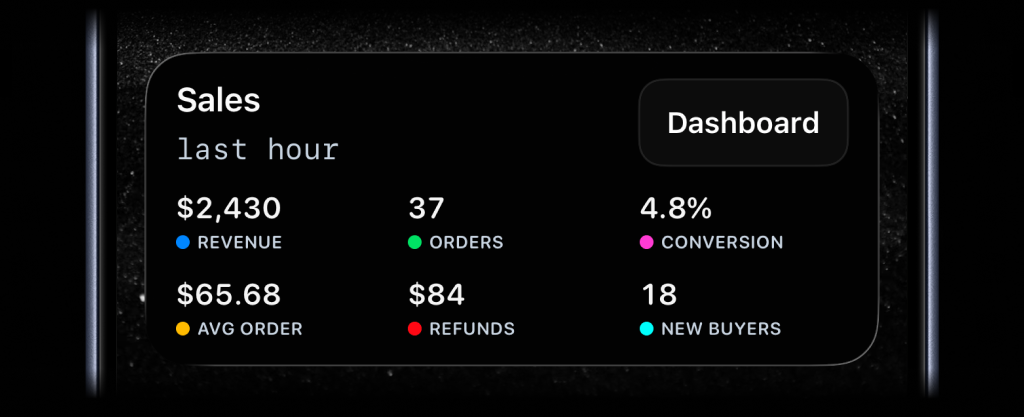
Best for showing business numbers side by side: revenue, sales, new users, conversion, uptime, refunds, or any other value you want visible at a glance.
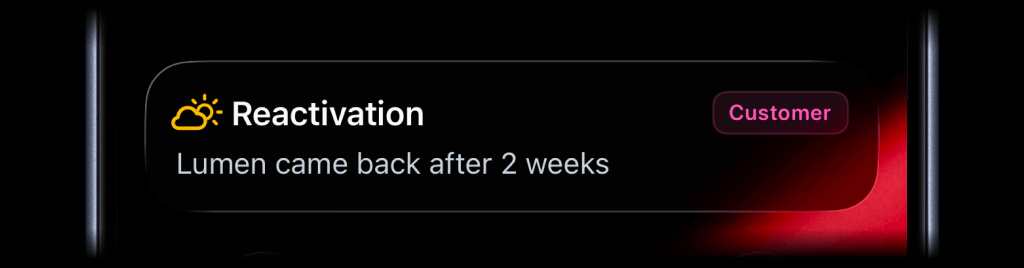
Best for status updates with a clear message, badge, or icon: incidents, escalations, feature adoption, reactivation, onboarding friction, and customer journey moments.
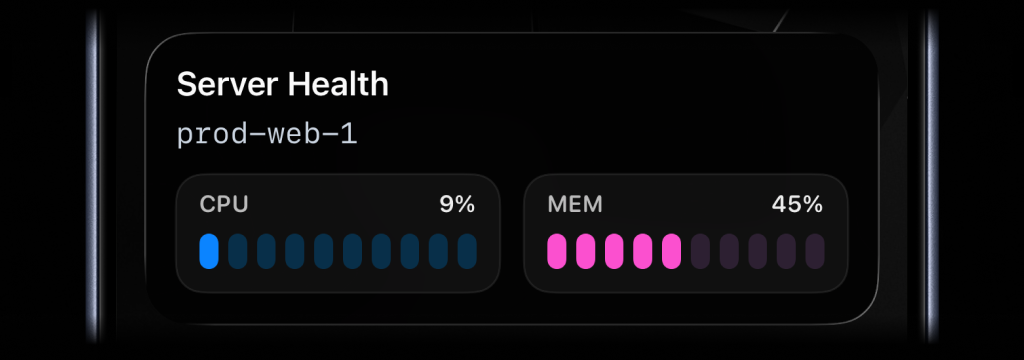
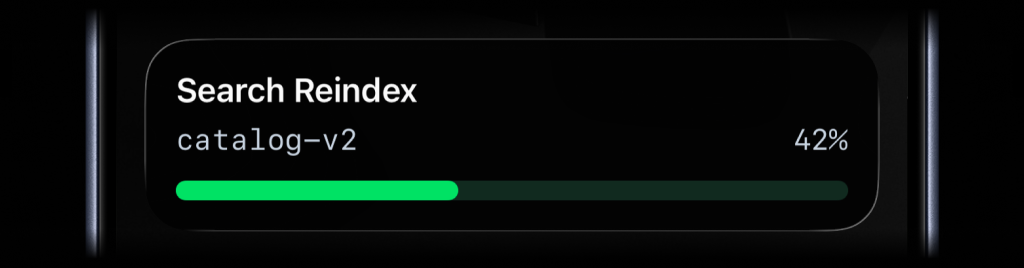
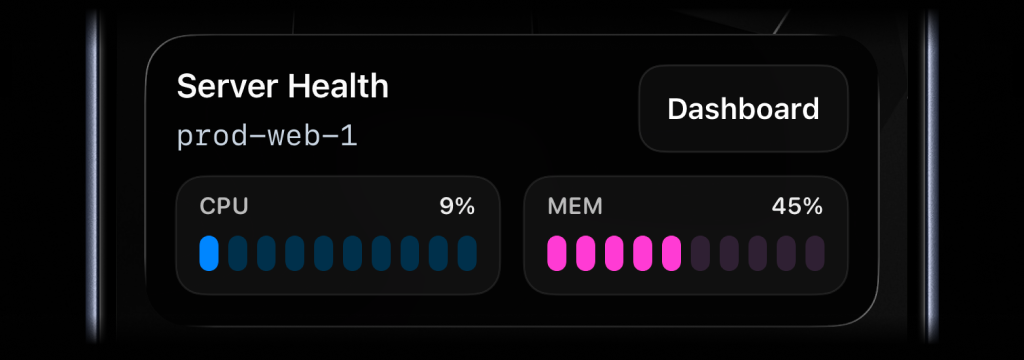
Best for live percentage values that change often, like server CPU, memory usage, disk usage, or error rate.
Best for anything that moves through clear stages, like deployments, onboarding flows, backups, ETL pipelines, migrations, and AI agent runs.
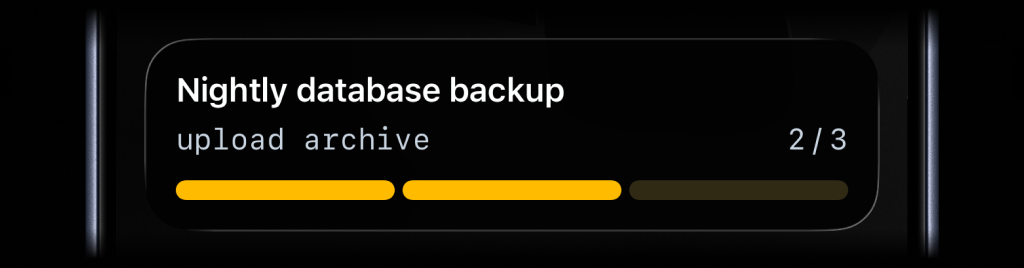
Best for tracking real-time progress with percentage, like tasks, backups, migrations, syncs, or uploads.
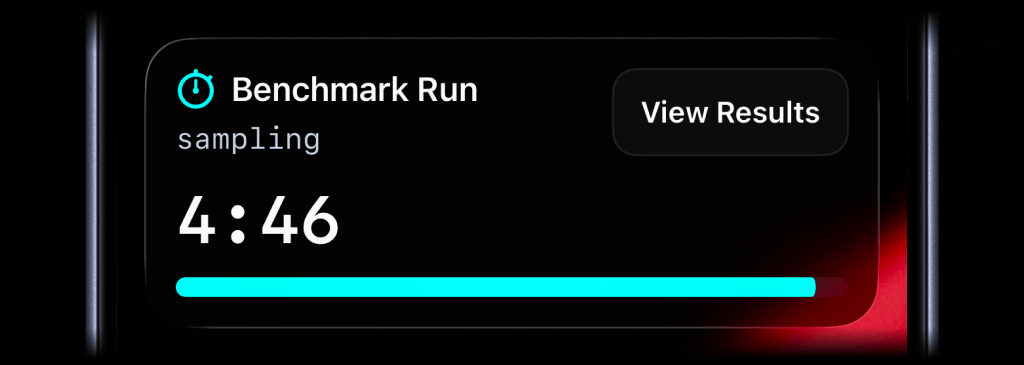
Use it when you need a countdown or timer to stay visible on the Lock Screen.
PUTUse PUT /api/live-activity/stream/:stream_key to start a Live Activity, then call it again with fresh data whenever something changes.
The stream_key is your name for the thing being tracked, like daily-revenue, prod-web-1, or nightly-backup. Use the same key each time so ActivitySmith knows which Live Activity to update.
The response tells you whether ActivitySmith started, updated, or skipped the update because nothing changed.
await activitysmith.liveActivities.stream("prod-web-1", { content_state: { title: "Server Health", subtitle: "prod-web-1", type: "metrics", metrics: [ { label: "CPU", value: 9, unit: "%" }, { label: "MEM", value: 45, unit: "%" }, ], },});DELETEWhen the tracked metric, job, deploy, or incident is done, call DELETE /api/live-activity/stream/:stream_key with the same key to dismiss the Live Activity.
You can include an optional content_state with the final values. By default, iOS removes the Live Activity after two minutes. Set auto_dismiss_minutes to choose a different dismissal time, including 0 for immediate dismissal.
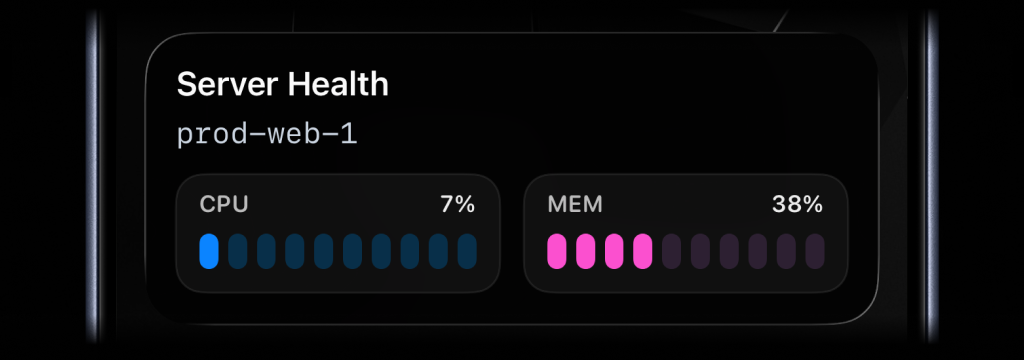
await activitysmith.liveActivities.endStream("prod-web-1", { content_state: { title: "Server Health", subtitle: "prod-web-1", type: "metrics", metrics: [ { label: "CPU", value: 7, unit: "%" }, { label: "MEM", value: 38, unit: "%" }, ], auto_dismiss_minutes: 2, },});Live Activities can include an action button. Alert, progress, and segmented progress Live Activities can also include a secondary action button beside the primary action.
Action types
open_url: open a dashboard, runbook, GitHub run, or Apple Shortcut with a shortcuts:// URL.webhook: trigger a backend GET/POST workflow, like retrying a job, pausing a deploy, or acknowledging an incident.Use Apple Shortcuts when the next step lives on your device. A Live Activity can open an app or start a local automation on your iPhone or iPad.
Open the GitHub run, deploy page, dashboard, or runbook behind the Live Activity.
await activitysmith.liveActivities.stream("deploy-payments-api", { content_state: { title: "Deploying payments-api", subtitle: "Running database migrations", type: "segmented_progress", number_of_steps: 5, current_step: 3, }, action: { title: "Open Workflow", type: "open_url", url: "https://github.com/acme/payments/actions/runs/123456789", },});Run a Shortcut when the next step should happen on your iPhone or iPad.
await activitysmith.liveActivities.stream("deploy-payments-api", { content_state: { title: "Deploying payments-api", subtitle: "Running database migrations", type: "segmented_progress", number_of_steps: 5, current_step: 3, }, action: { title: "Chat with Jarvis", type: "open_url", url: "shortcuts://run-shortcut?name=Jarvis", },});Call a backend endpoint from the Live Activity button.
await activitysmith.liveActivities.stream("deploy-payments-api", { content_state: { title: "Deploying payments-api", subtitle: "Running database migrations", type: "segmented_progress", number_of_steps: 5, current_step: 3, }, action: { title: "Pause Deploy", type: "webhook", url: "https://hooks.example.com/deployments/pause", method: "POST", body: { deployment: "payments-api", run_id: "123456789", }, },});Use secondary_action when you want a second button beside the primary action. The secondary action button is supported for alert, progress, and segmented_progress Live Activities. Both buttons use the same open_url, webhook, and Apple Shortcut payload shapes.
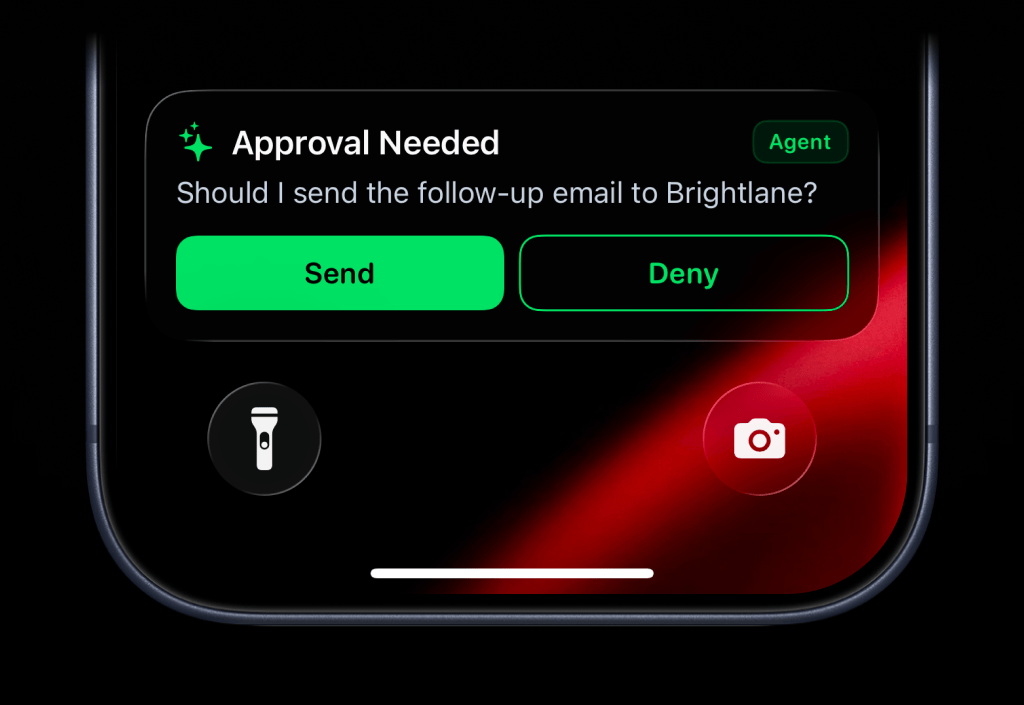
await activitysmith.liveActivities.stream("agent-approval", { content_state: { title: "Approval Needed", message: "Should I send the follow-up email to Brightlane?", type: "alert", color: "green", icon: { symbol: "sparkles", color: "green", }, badge: { title: "Agent", color: "green", }, }, action: { title: "Send", type: "webhook", url: "https://agent.example.com/live-activity/approve", method: "POST", body: { approval_id: "approval_01JY3J7Q9S0P8M1V5PZK7DR4M2", decision: "send", }, }, secondary_action: { title: "Deny", type: "webhook", url: "https://agent.example.com/live-activity/deny", method: "POST", body: { approval_id: "approval_01JY3J7Q9S0P8M1V5PZK7DR4M2", decision: "deny", }, },});Pick your stack and start triggering Live Activities from your backend in a few lines of code.
Yes. If you can send the value through an API, ActivitySmith can show it in a Live Activity. Common examples include revenue, sales, signups, uptime, server health, job progress, and AI agent runs.
You choose a stable stream_key for the metric, process, or system you are tracking, such as daily-revenue, prod-web-1, or nightly-backup. Send the same stream_key again whenever the value changes.
If there is no active Live Activity for that stream_key, ActivitySmith starts one. If one already exists, ActivitySmith updates it with the new content_state.
Yes. Live Activities also work well for deployments, build pipelines, cron jobs, ETL runs, and AI agent workflows where teams want persistent lock-screen visibility while work is in progress.
Yes. Use action for a primary button. alert, progress, and segmented_progress Live Activities can also include secondary_action for a second button. Buttons can open HTTP or HTTPS URLs, run Apple Shortcuts with shortcuts:// URLs, or trigger backend webhooks.
No. ActivitySmith provides the iOS app and delivery plumbing. Your backend sends the event data, and ActivitySmith delivers the Live Activity to your team's paired iPhone and iPad devices.
Give your team one persistent view of revenue, sales, uptime, jobs, and operational progress. When the work is done, the Live Activity is automatically dismissed. Pair it with Push Notifications for final outcomes and one-off alerts.
