Track CI and deployment workflows with ActivitySmith

Use the official ActivitySmith GitHub Action to show deploy progress with Live Activities, send Push Notifications with rich media or action buttons, add one action button to the running Live Activity, and route the right updates to the right team channels.

Deployment progress from one workflow file

Start a Live Activity when the run begins, keep the same activity updated as build, test, and rollout phases move forward, then end it when the deployment finishes. This is the cleanest way to keep deploy state visible without polling GitHub Actions.

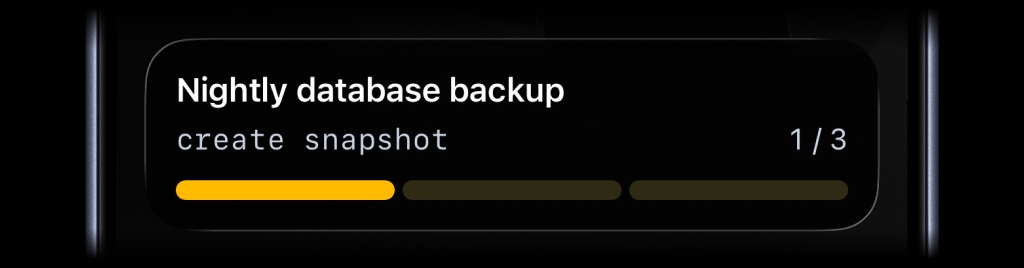
Segmented progress Live Activity start example

Start

Kick off a deployment Live Activity as soon as the workflow starts.

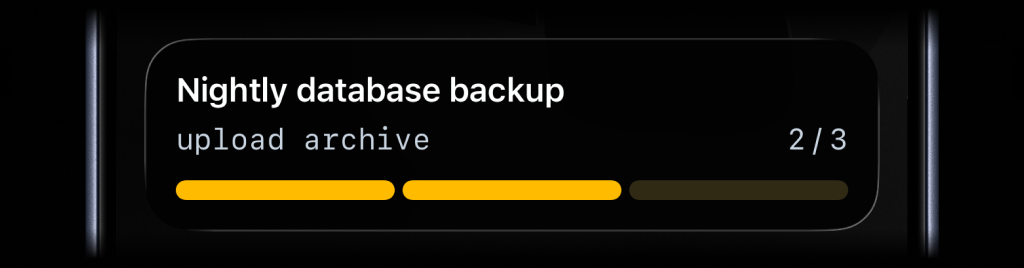
Segmented progress Live Activity update example

Update

Advance the same Live Activity as build, test, and rollout stages complete.

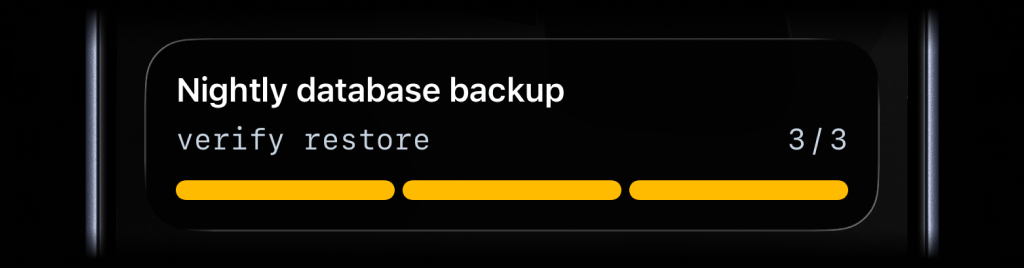
Segmented progress Live Activity end example

End

Close the activity once the deploy is done so nobody sees stale state.

- name: Start deployment Live Activity
id: start_activity
uses: ActivitySmithHQ/activitysmith-github-action@v1
with:
action: start_live_activity
api-key: ${{ secrets.ACTIVITYSMITH_API_KEY }}
channels: deploys,engineering
payload: |
content_state:
title: "Production deploy"
subtitle: "build"
number_of_steps: 3
current_step: 1
type: "segmented_progress"
color: "yellow"
- name: Update deployment progress
uses: ActivitySmithHQ/activitysmith-github-action@v1
with:
action: update_live_activity
api-key: ${{ secrets.ACTIVITYSMITH_API_KEY }}
live-activity-id: ${{ steps.start_activity.outputs.live_activity_id }}
payload: |
content_state:
title: "Production deploy"
subtitle: "rollout"
current_step: 2
type: "segmented_progress"
- name: End deployment Live Activity
if: ${{ always() && steps.start_activity.outputs.live_activity_id != '' }}
uses: ActivitySmithHQ/activitysmith-github-action@v1
with:
action: end_live_activity
api-key: ${{ secrets.ACTIVITYSMITH_API_KEY }}
live-activity-id: ${{ steps.start_activity.outputs.live_activity_id }}
payload: |
content_state:
title: "Production deploy"
subtitle: "completed"
current_step: 3
type: "segmented_progress"
auto_dismiss_minutes: 2

Want the full production pattern? See how I use ActivitySmith while deploying ActivitySmith.

Percentage-based progress when steps are not the right fit

Some workflows are easier to track as a continuous percentage or numeric range than as fixed stages. Use the progress type for uploads, syncs, long test jobs, or any process where percent complete is clearer than step numbers.

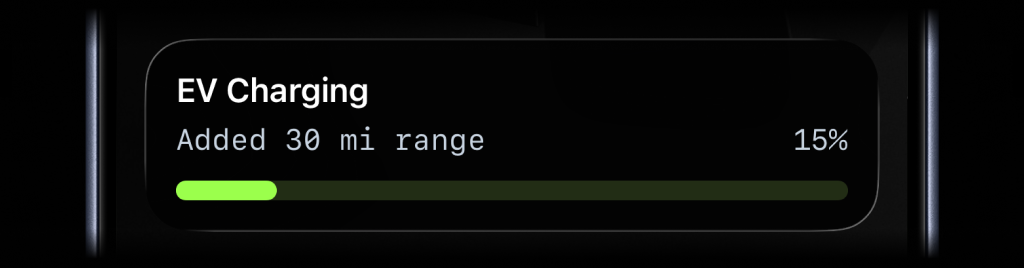
Progress Live Activity start example

Start

Use percentage-based progress when the workflow is better measured continuously than in steps.

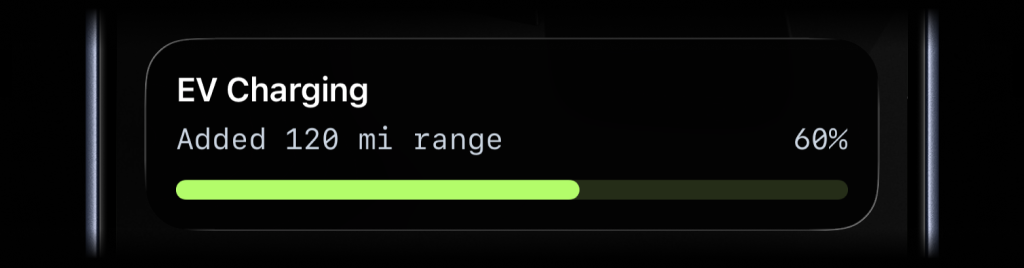
Progress Live Activity update example

Update

Report percentage or value plus upper limit as the job advances.

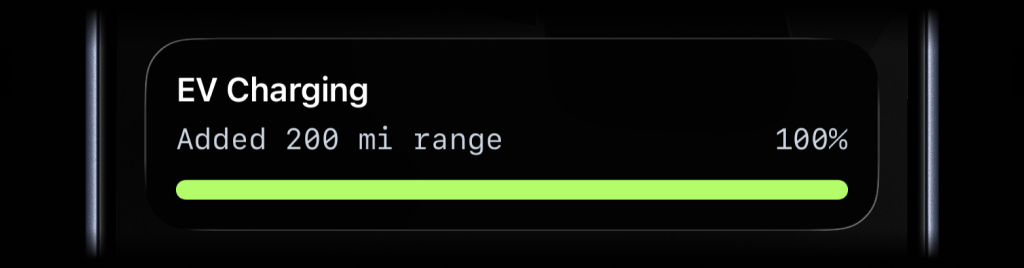
Progress Live Activity end example

End

Finish the same activity when the workflow reaches 100 percent.

- name: Start progress Live Activity
id: start_activity
uses: ActivitySmithHQ/activitysmith-github-action@v1
with:
action: start_live_activity
api-key: ${{ secrets.ACTIVITYSMITH_API_KEY }}
channels: uploads
payload: |
content_state:
title: "Artifact upload"
subtitle: "14 GB shipped"
type: "progress"
percentage: 22
color: "lime"
- name: Update progress Live Activity
uses: ActivitySmithHQ/activitysmith-github-action@v1
with:
action: update_live_activity
api-key: ${{ secrets.ACTIVITYSMITH_API_KEY }}
live-activity-id: ${{ steps.start_activity.outputs.live_activity_id }}
payload: |
content_state:
title: "Artifact upload"
subtitle: "48 of 64 GB shipped"
type: "progress"
value: 48
upper_limit: 64

Keep the running Live Activity actionable

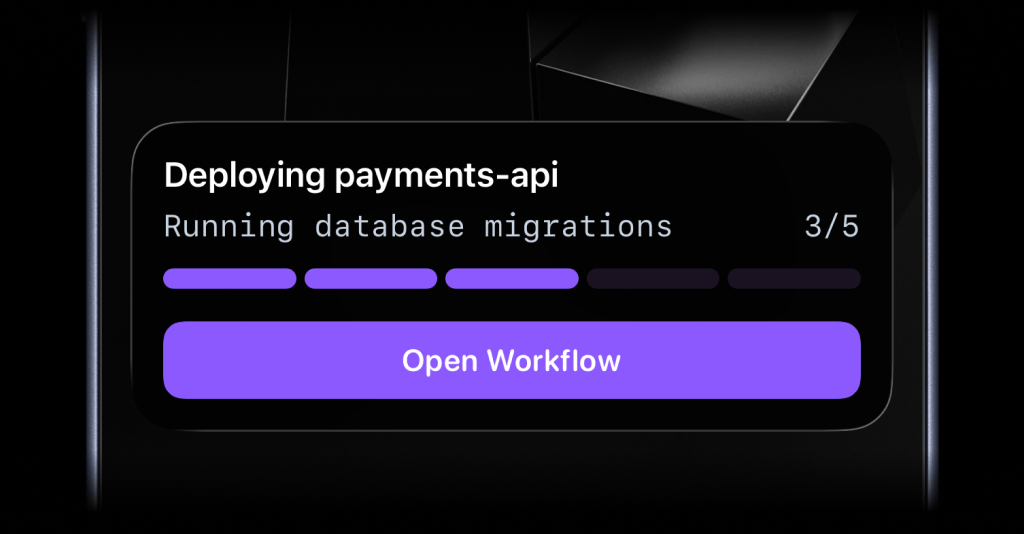
Live Activities can now include one optional action button. Use it when someone should open the GitHub Actions run for the deployment, jump to the right rollout page, or trigger a backend webhook like pause rollout without leaving the current workflow context first.

Live Activity with action button for deployment workflow

Live Activity Action button

Keep the deployment visible and actionable with one button that opens the workflow or triggers a webhook while the Live Activity is still running.

Open URL action

- name: Start deployment Live Activity with action button
id: start_activity
uses: ActivitySmithHQ/activitysmith-github-action@v1
with:
action: start_live_activity
api-key: ${{ secrets.ACTIVITYSMITH_API_KEY }}
channels: deploys,engineering
payload: |
content_state:
title: "Deploying payments-api"
subtitle: "running database migrations"
number_of_steps: 5
current_step: 3
type: "segmented_progress"
action:
title: "Open Workflow"
type: "open_url"
url: "https://github.com/acme/payments-api/actions/runs/${{ github.run_id }}"

Use open_url when the Live Activity button should open the deployment run, PR, or runbook directly in the browser.
Webhook action

- name: Update deployment Live Activity with webhook action
uses: ActivitySmithHQ/activitysmith-github-action@v1
with:
action: update_live_activity
api-key: ${{ secrets.ACTIVITYSMITH_API_KEY }}
live-activity-id: ${{ steps.start_activity.outputs.live_activity_id }}
payload: |
content_state:
title: "Deploying payments-api"
subtitle: "rolling out canary"
current_step: 4
type: "segmented_progress"
action:
title: "Pause Rollout"
type: "webhook"
url: "https://ops.example.com/hooks/deployments/pause"
method: "POST"
body:
service: "payments-api"
environment: "production"
requested_by: "github-actions"

Use webhook when the button should trigger backend behavior such as pausing a rollout or kicking off remediation.

Push Notifications

Use the same GitHub Actions workflow to send Push Notifications. You can attach media, route taps to the right URL, or add action buttons for failure handling.

- name: Send basic push notification
if: ${{ success() }}
uses: ActivitySmithHQ/activitysmith-github-action@v1
with:
action: send_push_notification
api-key: ${{ secrets.ACTIVITYSMITH_API_KEY }}
channels: deploys
payload: |
title: "Production deploy finished"
message: "payments-api is live on production."
Rich push notification with image

Push Notification with image

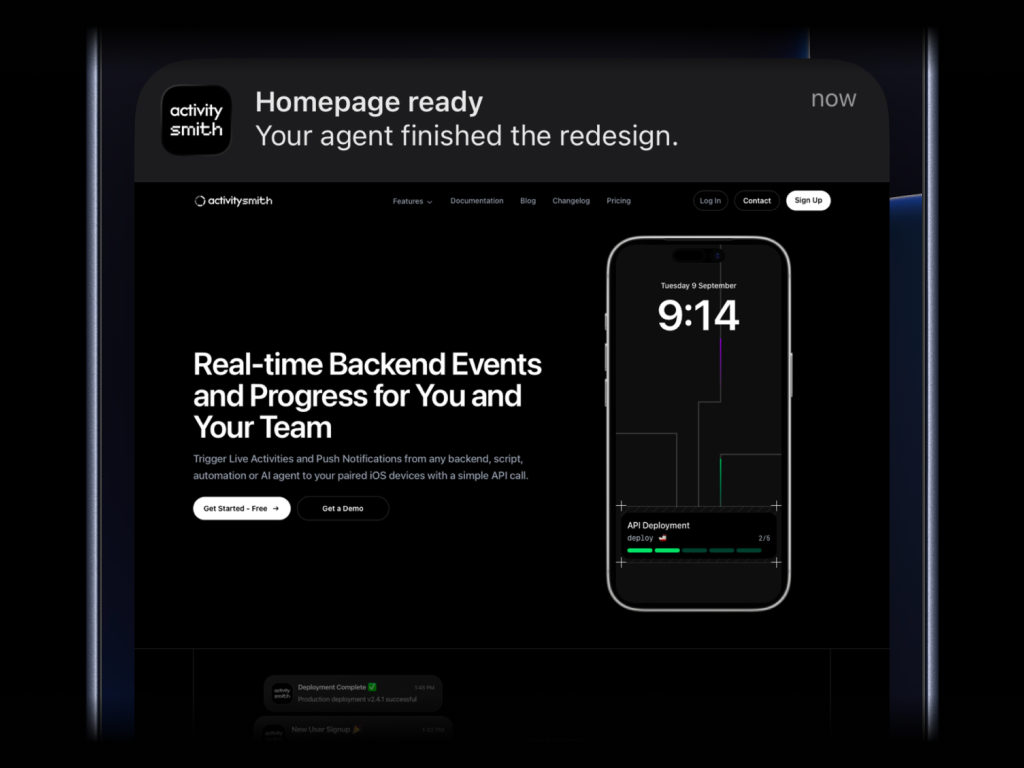
Send a screenshot, diff, or build artifact preview at the end of the run.

Rich push notification with audio

Push Notification with audio

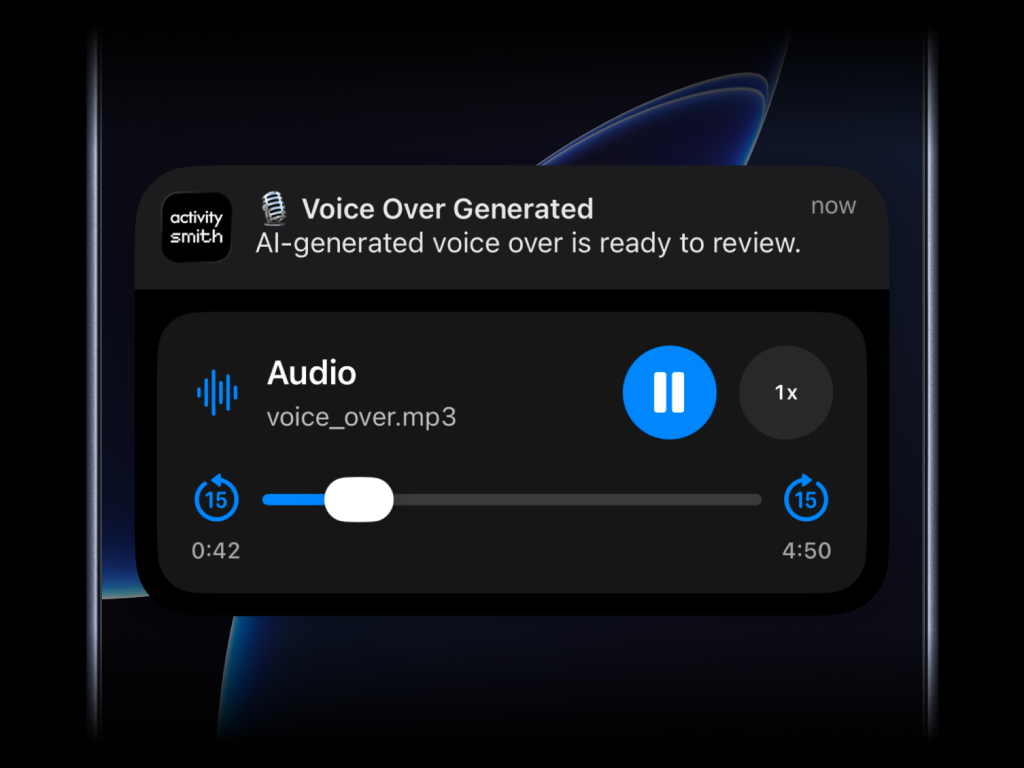
Send generated voice-over, audio review, or voice summary files from the same workflow.

Push Notification with action buttons

Push Notification with actions

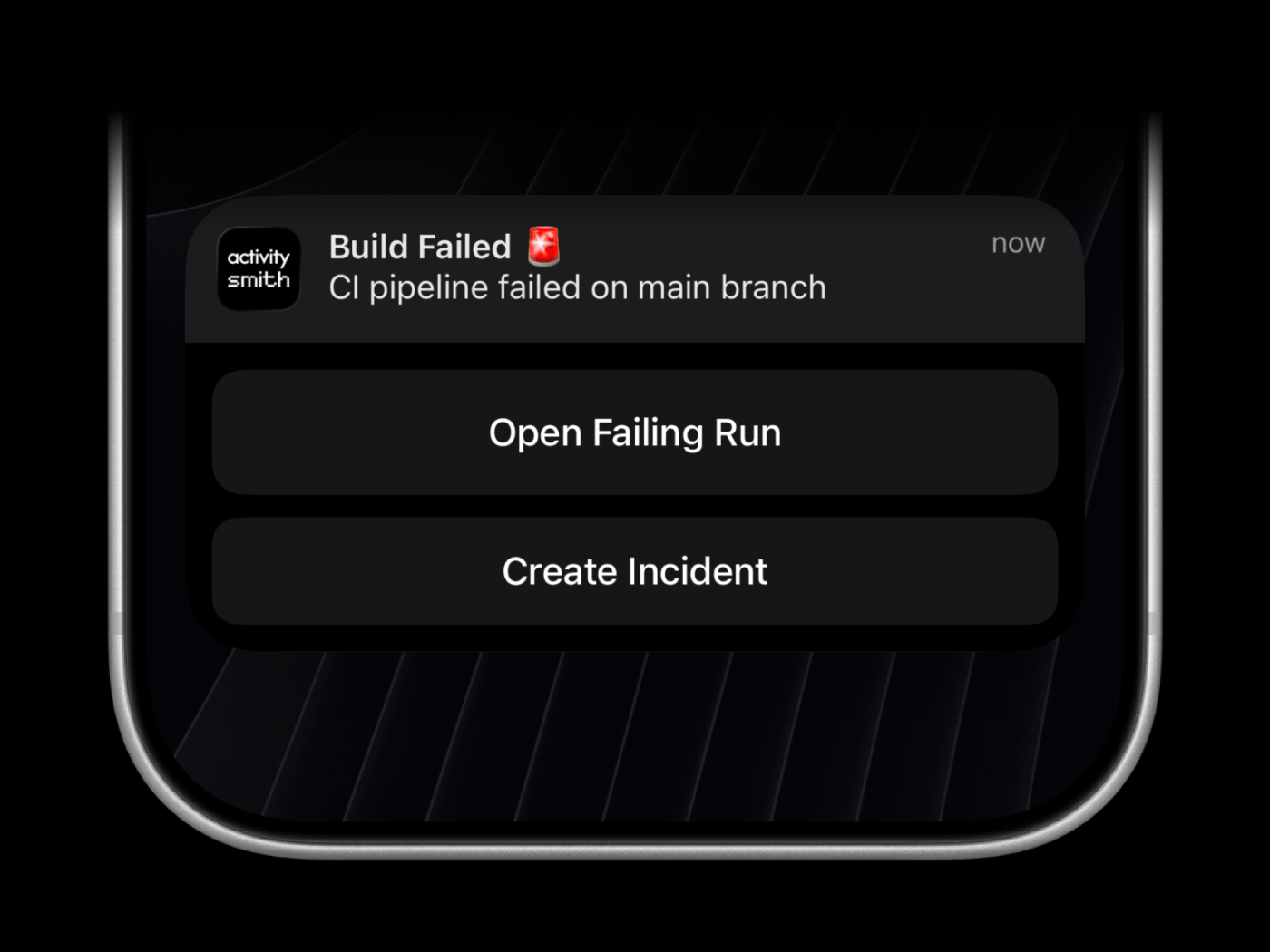
Add open-url and webhook actions for failing runs, incident creation, or remediation workflows.

Rich push notifications with media

- name: Send rich push notification
if: ${{ success() }}
uses: ActivitySmithHQ/activitysmith-github-action@v1
with:
action: send_push_notification
api-key: ${{ secrets.ACTIVITYSMITH_API_KEY }}
channels: deploys
payload: |
title: "Homepage ready"
message: "Your agent finished the redesign."
media: "https://cdn.example.com/output/homepage-v2.png"
redirection: "https://github.com/acme/web/pull/482"

Use the single media field for direct image, video, or audio URLs. Combine it with redirection when you want the notification tap to open a different page.

Actionable failure notifications

- name: Send actionable failure notification
if: ${{ failure() }}
uses: ActivitySmithHQ/activitysmith-github-action@v1
with:
action: send_push_notification
api-key: ${{ secrets.ACTIVITYSMITH_API_KEY }}
channels: on-call
payload: |
title: "Build failed 🚨"
message: "CI pipeline failed on main branch"
redirection: "https://github.com/org/repo/actions/runs/${{ github.run_id }}"
actions:
- title: "Open failing run"
type: "open_url"
url: "https://github.com/org/repo/actions/runs/${{ github.run_id }}"
- title: "Create incident"
type: "webhook"
url: "https://hooks.example.com/incidents/create"
method: "POST"
body:
service: "payments-api"
severity: "high"

Use action buttons when you want people to open the failing run, jump to a runbook, or trigger a webhook directly from the expanded notification. media and actions are separate paths, so use media for preview and actions for follow-up.

One workflow, full deploy timeline

Start a Live Activity when the run begins, update it as each stage completes, and end it when rollout finishes.

Richer completion signal

Send image, video, or audio previews in a push notification when the job finishes and link directly to the right review page or run.

Failure notifications people can act on

Add action buttons to Push Notifications or Live Activities so people can open the right page or trigger the next workflow immediately.

Route updates to the right team

Use channels from the same GitHub Actions workflow when only deploys, on-call, or release owners should get the signal.

Ready to make your backend visible in real time?

Start your free trial. No credit card required. Cancel anytime.