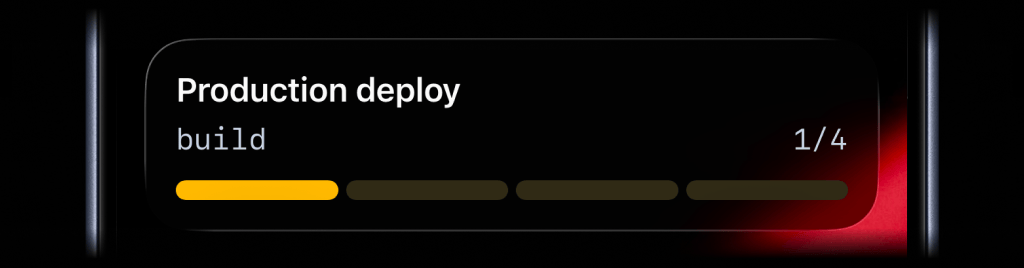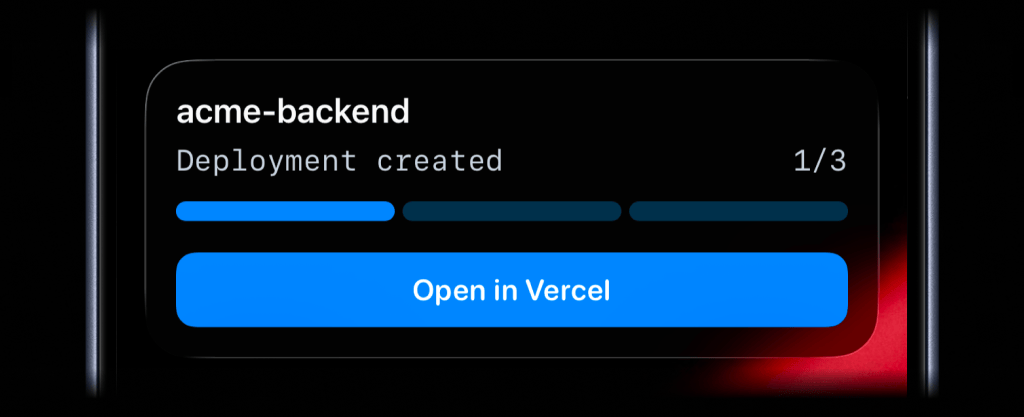
Vercel deployments can move through queued, building, ready, canceled, and error states before the change is actually usable.
Checking that state usually means opening the Vercel dashboard or waiting for a separate deploy message to show up somewhere else.
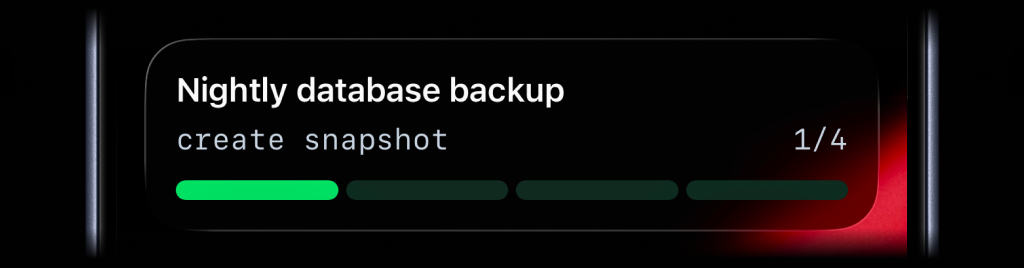
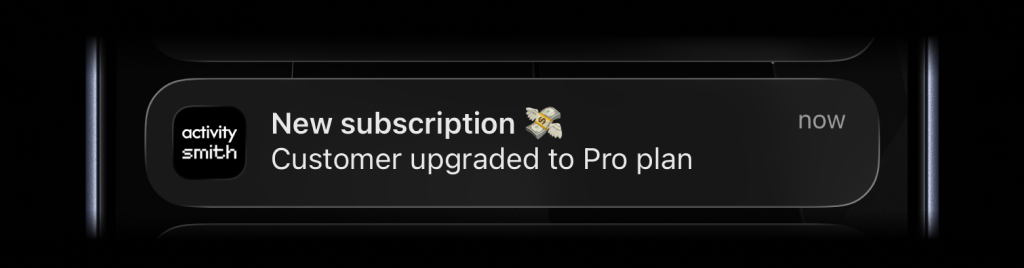
ActivitySmith turns Vercel deployment webhooks into a Live Activity while the deploy is moving and a Push Notification when the result needs attention.
Before you start
ActivitySmith account
Create an account so you can create the webhook or integration endpoint for this workflow.
Access to Vercel webhooks
Use a Vercel project where you can add a webhook endpoint and choose the deployment events ActivitySmith should receive.
At least one paired iOS device
Pair an iPhone or iPad with ActivitySmith so the update has somewhere to appear.
Add Vercel deploy progress
Live Activity progress
Use a Live Activity when a production deployment has states worth following while Vercel is still working.
Start
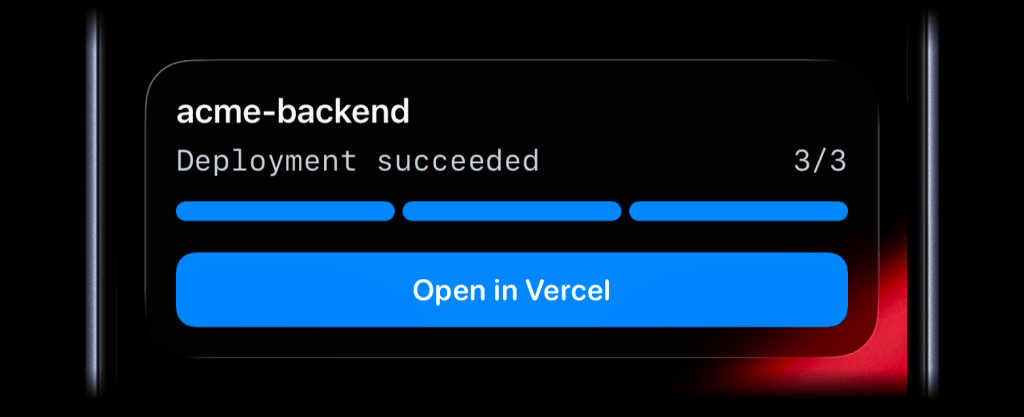
End
Step 1
Create an ActivitySmith webhook URL
Start from the Vercel integration preset in ActivitySmith. It gives you a webhook URL for deployment events.
Step 2
Add it to your Vercel project
Paste the ActivitySmith webhook URL into your Vercel project and subscribe to the deployment events you care about.
Step 3
Receive deploy events
Vercel sends deployment event payloads to ActivitySmith, so you can show progress and results without giving ActivitySmith access to your Vercel account.
Result Push Notification
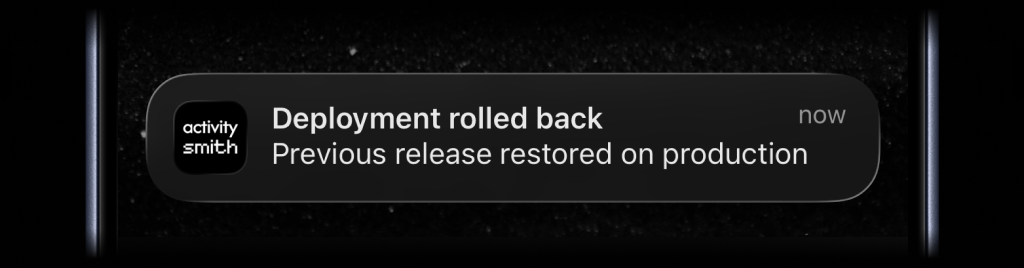
Get the final deploy result as a Push Notification, especially for production failures or canceled releases.
Link back to the deployment
Include the Vercel deployment URL so tapping the notification opens the exact deployment.
Team visibility
Invite teammates so release owners, engineering, and QA can pair their own iPhone or iPad and see the same Vercel deployment signal.
Use channels to target specific people or devices, such as engineering, devops, or qa.
Vercel deploys without watching the dashboard
- Production deploy state stays visible while Vercel builds and promotes the release.
- Ready, canceled, and error results can reach the people who need the deploy outcome.
- The notification can open the exact Vercel deployment when someone needs logs or details.
See Vercel deploys while they move
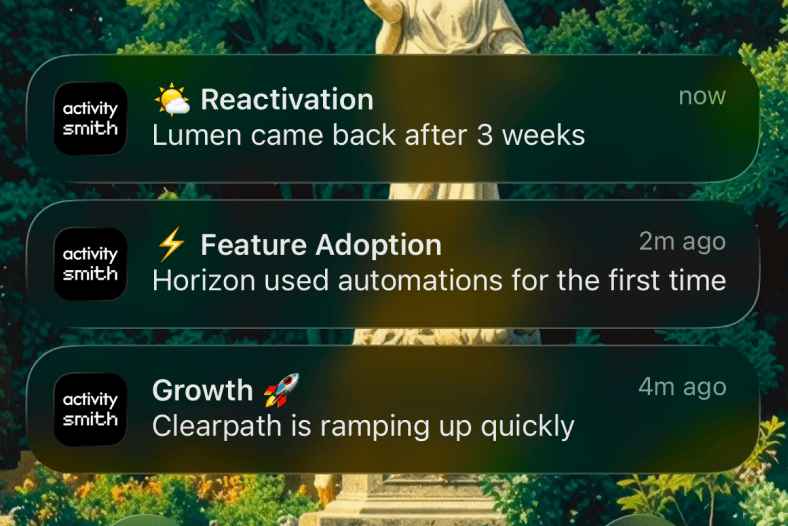
Put production deploy progress on your Lock Screen and save the dashboard for the moments when a release actually needs inspection.