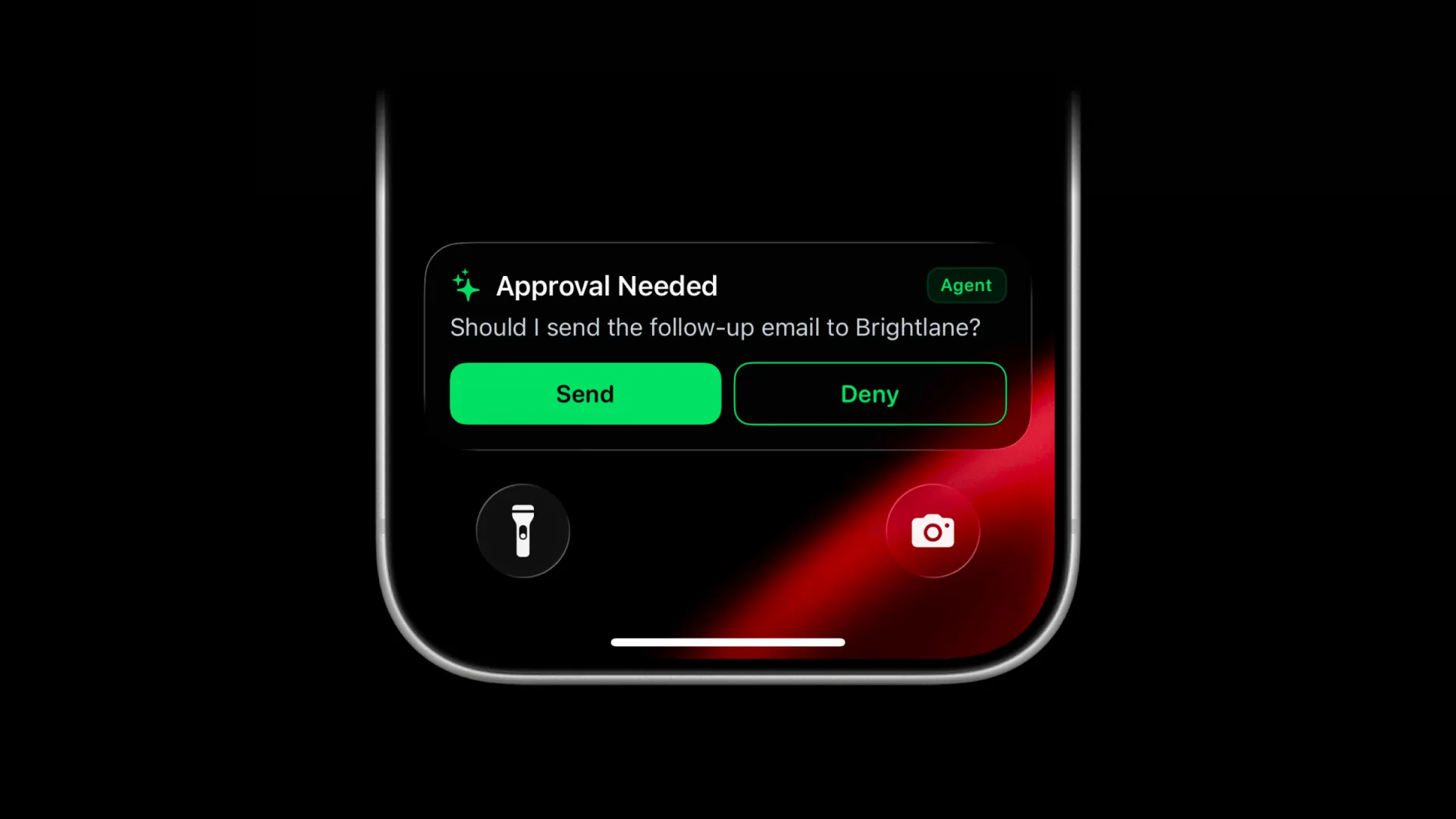
Set standing rules for actions that should always require a person, such as making a purchase, deploying to production, publishing publicly, sending an external email, or deleting data.
Those decisions often wait inside the terminal or agent thread where the work started. If you have stepped away, the agent stays blocked until you return and notice the prompt.
ActivitySmith gives AI agents a remote approval workflow through MCP, with each decision delivered to your iPhone as a Push Notification or Live Activity.
The agent sends a question and optional context, ActivitySmith stores the request, and your decision returns to the same waiting agent. You do not need to create a webhook endpoint or build approval state management.
Before you start
ActivitySmith account
Create an account and sign in when your MCP client opens the ActivitySmith authorization flow.
At least one paired iOS device
Pair an iPhone or iPad with ActivitySmith so approval requests have somewhere to appear.
ActivitySmith MCP server
Connect the hosted ActivitySmith MCP server to Codex, Claude Code, Cursor, Grok, or another compatible client, then authorize it through OAuth.
Add a remote approval checkpoint
Tell the agent when approval is required
Define the boundary in plain language. The agent can request approval only when it reaches that point, instead of interrupting you for every step.
Step 1
Choose a meaningful checkpoint
Start with one category of future actions where a wrong decision has a real cost, such as purchases, production deployments, public publishing, external emails, or data deletion.
Step 2
Define the approval rule
Give the agent a standing rule so it knows which future actions require your approval.
Example prompt
Ask me for approval before making any purchaseStep 3
Let the agent create the request
The agent calls request_approval with a clear question and enough short context for you to decide.
Choose how the approval appears
Every approval follows the same workflow and can appear as either a Live Activity or Push Notification. Only the presentation and interaction differ.
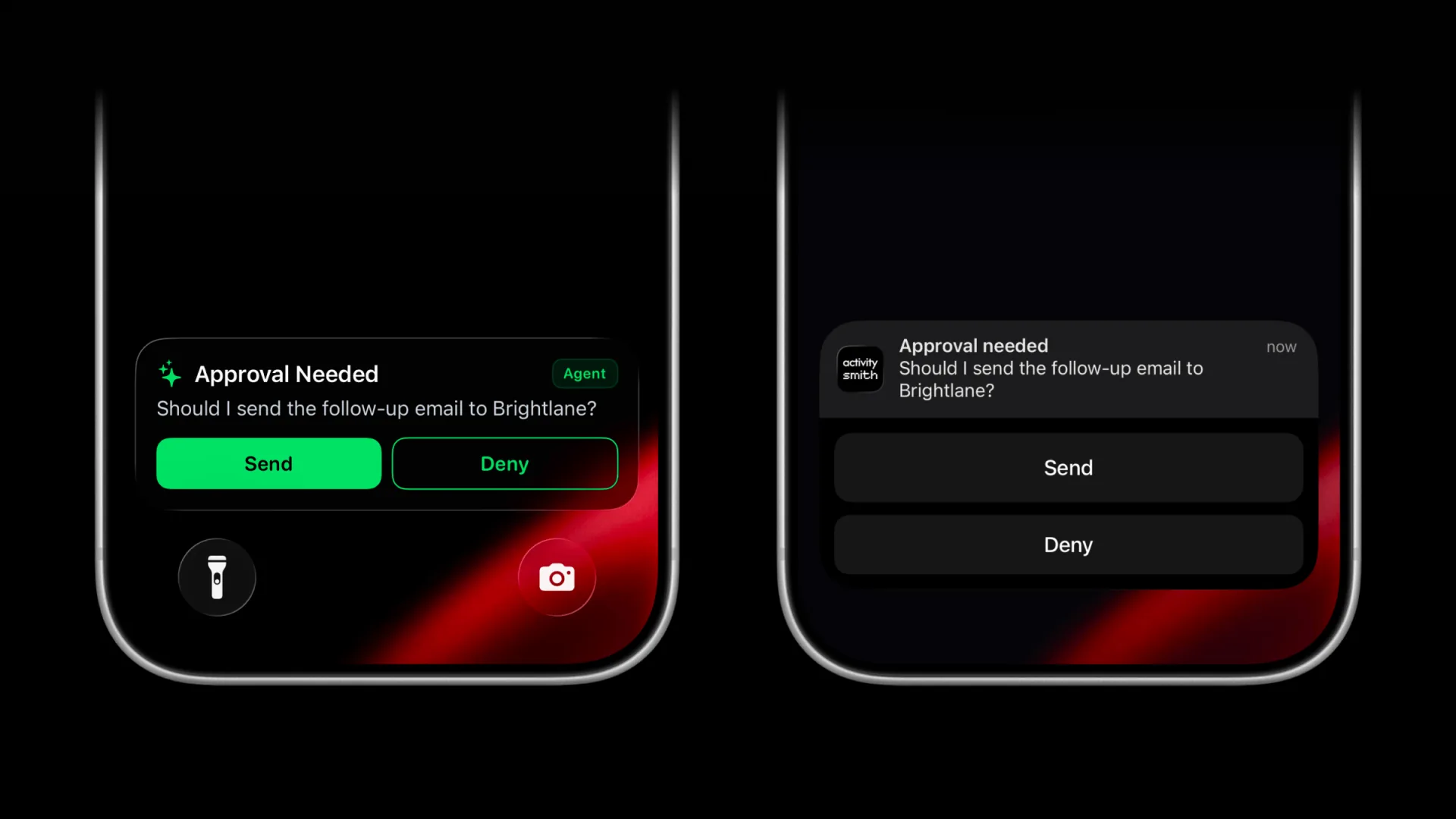
Live Activity
Shows the approval question, context, and action-specific buttons in a Live Activity.
Push Notification
Shows the same approval question, context, and action-specific buttons in a Push Notification.
Same decision and result
Whichever surface you use, choosing an action resolves the same stored approval and returns the result to the waiting agent.
Customize the pending Live Activity
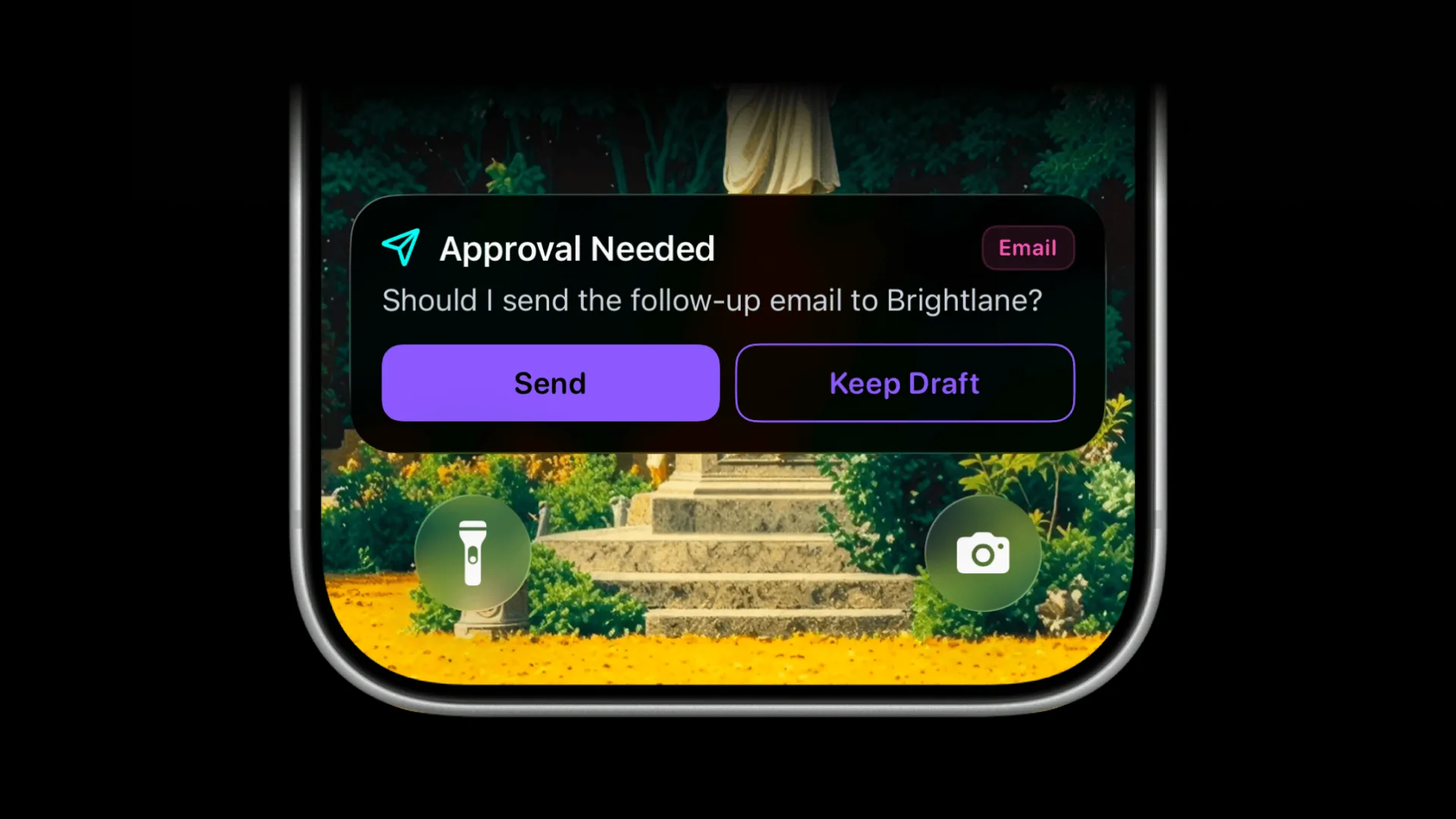
Give different approval types a recognizable look with a custom color, SF Symbol, and badge. An email approval can use a paper plane and Email badge, while a production approval can use its own icon and label.
Keep outcomes clear
The custom appearance is shown while the decision is pending. Approved, declined, timed-out, and cancelled requests use consistent outcome states.
Add context when needed
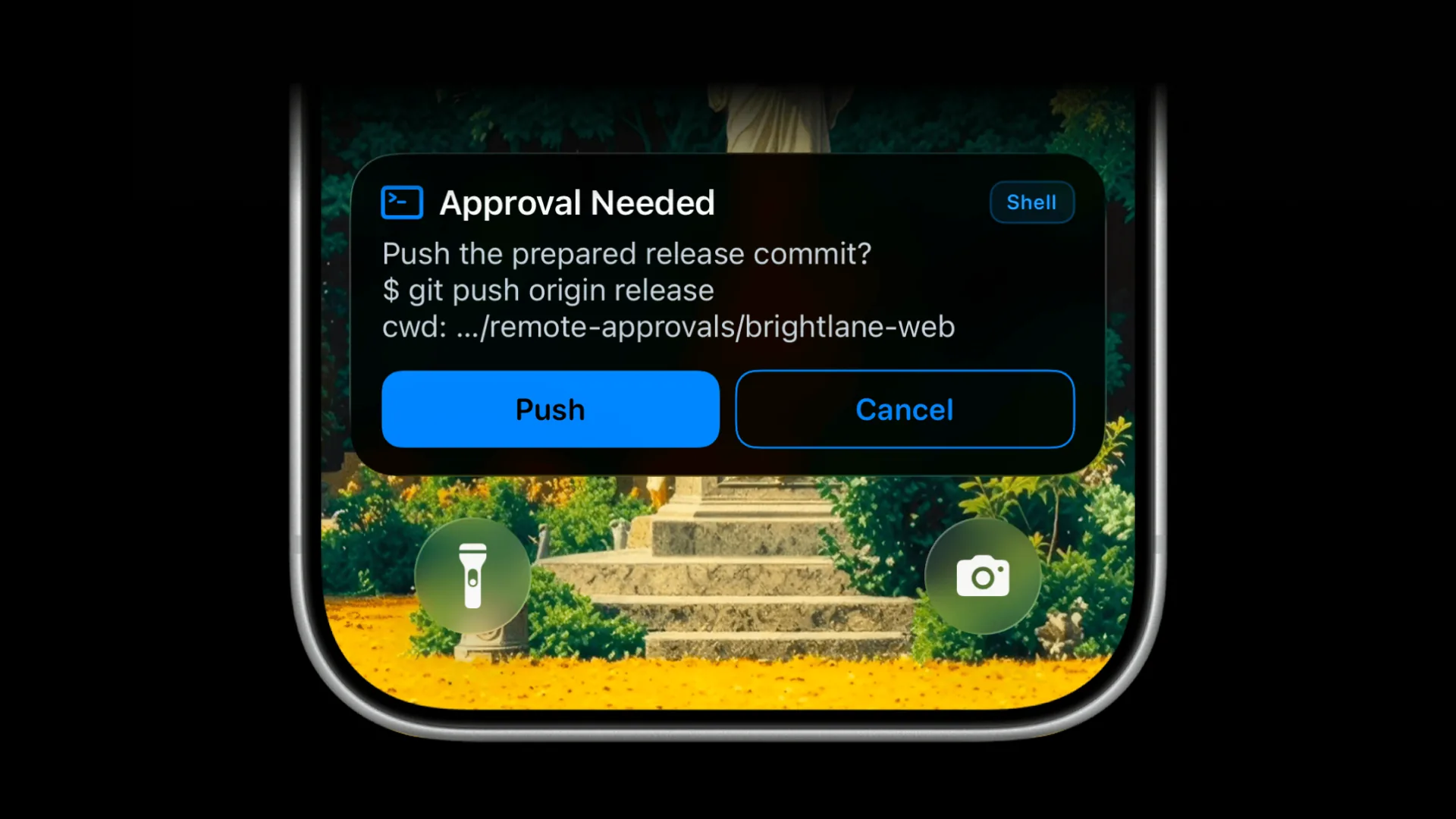
Most approvals only need a clear question and action buttons, like the examples above. When more context would help, the agent can also include the exact command or tool call, decision-relevant arguments, and an optional scope such as the working directory, repository, project, environment, customer, account, or resource.
Human approval without terminal watching
- Sensitive agent actions pause at an explicit human checkpoint.
- You can approve or reject from your iPhone without returning to the agent thread.
- The decision returns to the waiting agent without a custom webhook endpoint.
- Pending approvals expire after 30 minutes instead of remaining open indefinitely.
Frequently asked questions
- Which MCP clients support remote approvals?
- ActivitySmith works with MCP clients that support remote MCP servers and OAuth, including Codex, Claude Code, Cursor, and Grok.
- Can approval button labels be customized?
- Yes. The agent can use action-specific labels such as Send and Deny, Deploy and Cancel, or Publish and Keep Draft.
- What happens if I do not respond?
- The request remains available for up to 30 minutes. After it expires, the agent receives the expired result and can follow the rule you gave it.
- Can approvals appear as either a Push Notification or Live Activity?
- Yes. Both use the same approval workflow, return the same decision to the agent, and differ only in how the request and actions appear on your iPhone.
- Do I need to build a webhook endpoint?
- No. ActivitySmith stores the approval request and returns your decision to the waiting agent through MCP.
Approve AI agent actions from anywhere
Connect the ActivitySmith MCP server so your agents can request approval on your iPhone whenever a decision needs your input.