GitHub Actions deployments often take a few minutes and move through several stages: build, test, upload, rollout, or whatever your workflow runs before production is ready.
Checking progress usually means opening GitHub Actions, finding the right run, and seeing whether it is still building, already deploying, failed, or live.
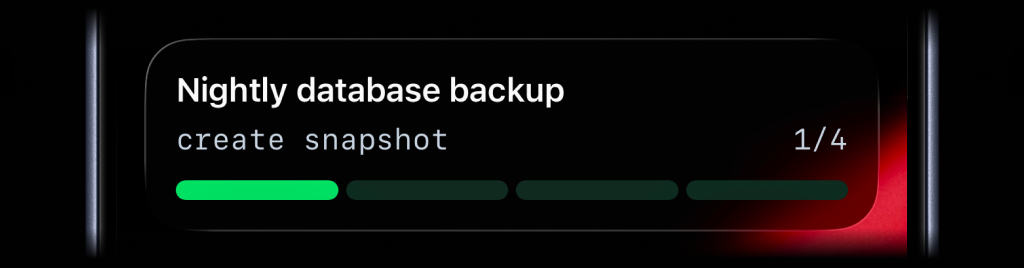
ActivitySmith turns that run into a Live Activity with real-time progress on the Lock Screen. The current step stays visible on paired iOS devices, and the final Push Notification makes it clear when the production change is ready to test.
Before you start
ActivitySmith account
Create an account so you can generate an API key for GitHub Actions.
API key in GitHub secrets
Save your ActivitySmith API key as ACTIVITYSMITH_API_KEY in the repository or environment secrets.
At least one paired iOS device
Pair an iPhone or iPad with ActivitySmith so the deploy progress and Push Notification have somewhere to appear.
Add deploy progress to your GitHub Actions workflow
Live Activity progress
Use a Live Activity when the deploy has stages worth following while the workflow is still running.
Step 1
Start progress when the deploy starts
Place the start step before the expensive work so progress appears as soon as the deployment begins.
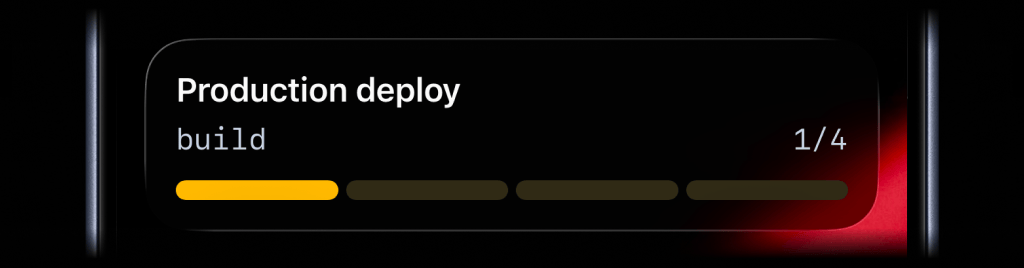
Step 2
Update progress at each stage
Update after real milestones such as build, test, upload, or rollout, not after every log line.
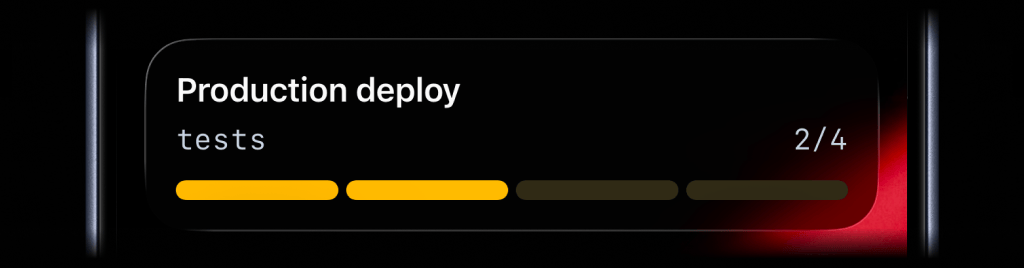
Step 3
End progress when the deploy finishes
End the Live Activity on success or failure so the Lock Screen does not keep showing an old deployment.
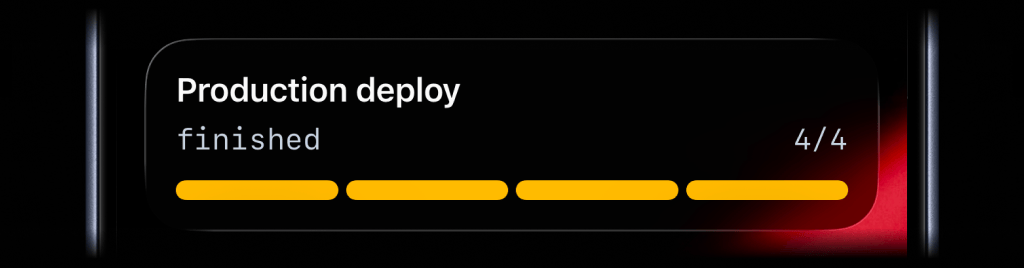
Result Push Notification
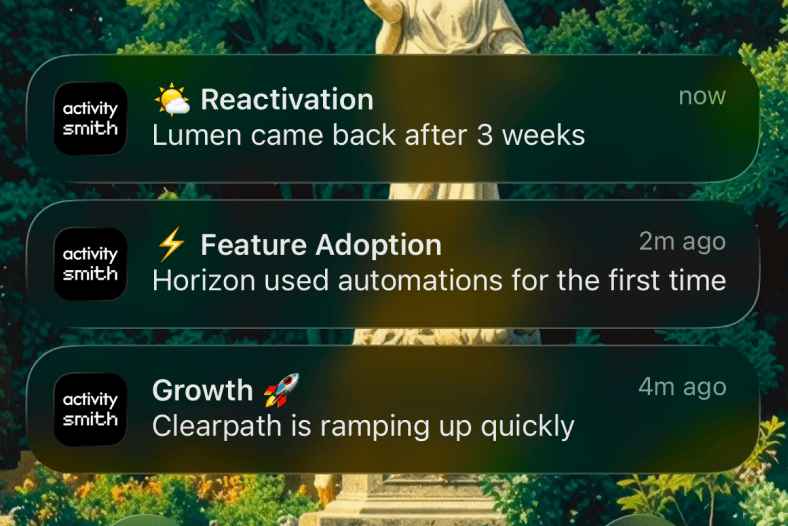
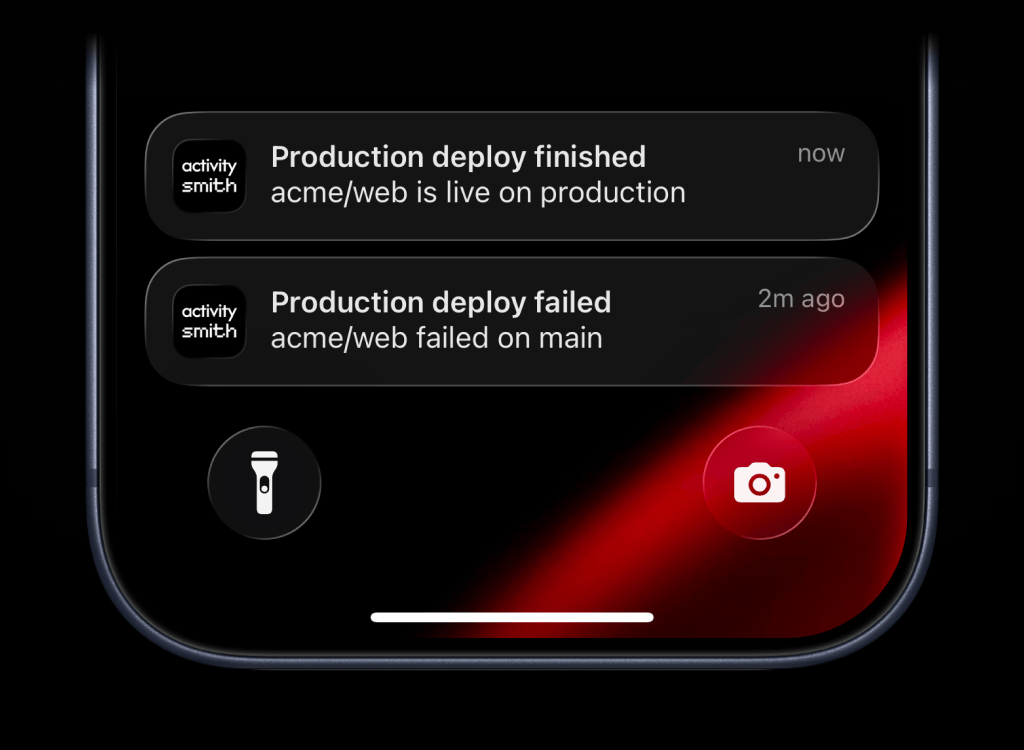
After the deploy step finishes, send a success or failure Push Notification to the people who need the result.
Team visibility
Invite teammates so release owners, QA, and engineering can pair their own iPhone or iPad and see the same deploy progress.
Use channels to target specific people or devices, such as engineering, devops, or qa.
Reference implementation
Live Activity progress
name: Deployon: push: branches: [main]concurrency: group: production-deploy cancel-in-progress: falsejobs: production: runs-on: ubuntu-latest steps: - uses: actions/checkout@v7 - name: Start deployment Live Activity uses: ActivitySmithHQ/activitysmith-github-action@v1 with: action: stream_live_activity api-key: ${{ secrets.ACTIVITYSMITH_API_KEY }} stream-key: workflow-${{ github.repository_id }}-${{ github.run_id }}-${{ github.run_attempt }} payload: | content_state: title: "Production deploy" subtitle: "build" number_of_steps: 4 current_step: 1 type: "segmented_progress" color: "yellow" - name: Build run: npm ci && npm run build - name: Mark tests stage uses: ActivitySmithHQ/activitysmith-github-action@v1 with: action: stream_live_activity api-key: ${{ secrets.ACTIVITYSMITH_API_KEY }} stream-key: workflow-${{ github.repository_id }}-${{ github.run_id }}-${{ github.run_attempt }} payload: | content_state: title: "Production deploy" subtitle: "tests" current_step: 2 type: "segmented_progress" number_of_steps: 4 - name: Test run: npm test - name: Mark rollout stage uses: ActivitySmithHQ/activitysmith-github-action@v1 with: action: stream_live_activity api-key: ${{ secrets.ACTIVITYSMITH_API_KEY }} stream-key: workflow-${{ github.repository_id }}-${{ github.run_id }}-${{ github.run_attempt }} payload: | content_state: title: "Production deploy" subtitle: "rollout" current_step: 3 type: "segmented_progress" number_of_steps: 4 - name: Deploy run: ./scripts/deploy-production.sh - name: End deployment Live Activity if: ${{ always() }} uses: ActivitySmithHQ/activitysmith-github-action@v1 with: action: end_live_activity_stream api-key: ${{ secrets.ACTIVITYSMITH_API_KEY }} stream-key: workflow-${{ github.repository_id }}-${{ github.run_id }}-${{ github.run_attempt }} payload: | content_state: title: "${{ job.status == 'success' && 'Production deploy' || 'Production deploy failed' }}" subtitle: "${{ job.status == 'success' && 'finished' || 'check the workflow run' }}" current_step: 4 auto_dismiss_seconds: 10 color: "${{ job.status == 'success' && 'green' || 'red' }}"Add an action button to the Live Activity
Add an action button when you want the Live Activity to open the workflow behind the deployment. For GitHub Actions, that usually means linking to the exact run.
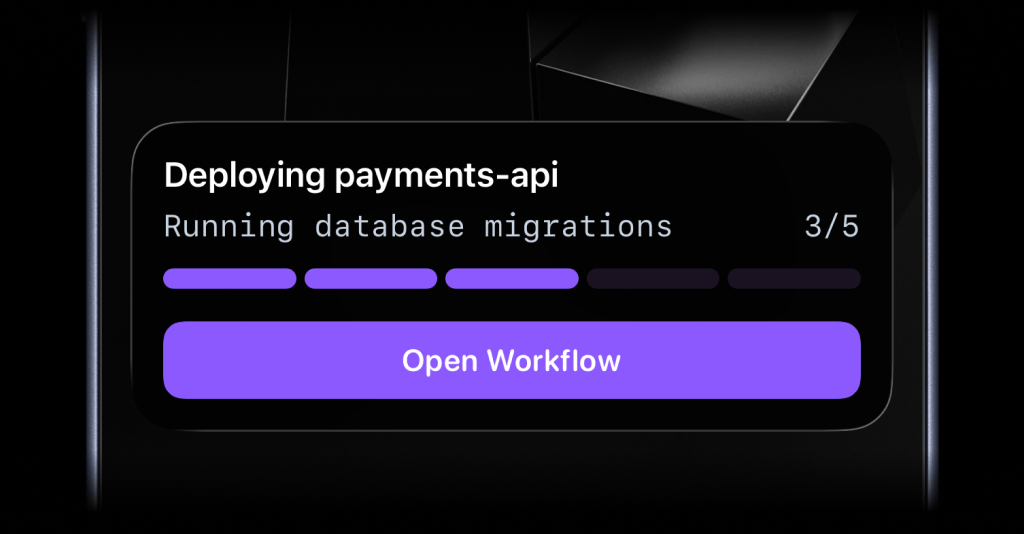
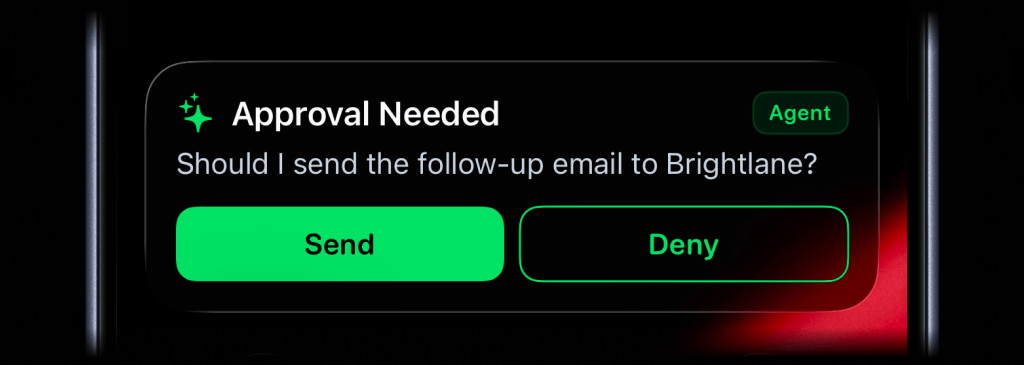
The Live Activity can include a single button for the next useful action.
- name: Start deployment Live Activity uses: ActivitySmithHQ/activitysmith-github-action@v1 with: action: stream_live_activity api-key: ${{ secrets.ACTIVITYSMITH_API_KEY }} stream-key: workflow-${{ github.repository_id }}-${{ github.run_id }}-${{ github.run_attempt }} payload: | content_state: title: "Deploying payments-api" subtitle: "Running database migrations" number_of_steps: 5 current_step: 3 type: "segmented_progress" color: "purple" action: title: "Open Workflow" type: "open_url" url: "https://github.com/${{ github.repository }}/actions/runs/${{ github.run_id }}"Result Push Notification
Send a Push Notification when the deploy finishes. Keep the basic version simple when the alert only needs to say whether production succeeded or failed.
name: Deployon: push: branches: [main]concurrency: group: production-deploy cancel-in-progress: falsejobs: production: runs-on: ubuntu-latest steps: - uses: actions/checkout@v7 - name: Build run: npm ci && npm run build - name: Test run: npm test - name: Deploy run: ./scripts/deploy-production.sh - name: Send failure Push Notification if: ${{ failure() }} uses: ActivitySmithHQ/activitysmith-github-action@v1 with: action: send_push_notification api-key: ${{ secrets.ACTIVITYSMITH_API_KEY }} payload: | title: "Production deploy failed" message: "${{ github.repository }} failed on main" - name: Send success Push Notification if: ${{ success() }} uses: ActivitySmithHQ/activitysmith-github-action@v1 with: action: send_push_notification api-key: ${{ secrets.ACTIVITYSMITH_API_KEY }} payload: | title: "Production deploy finished" message: "${{ github.repository }} is live on production"Add tap redirection and long-press actions
Use redirection for the default tap target. Add actions when a long press should show extra URL or webhook buttons, such as opening the failed run or creating an incident.
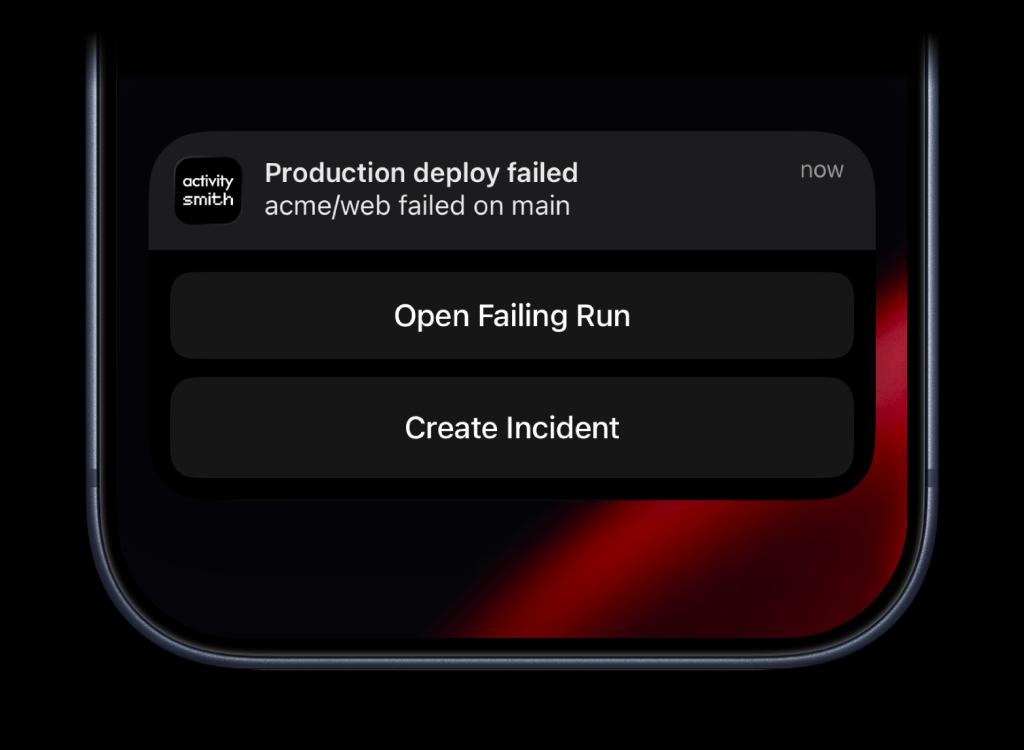
A long press can show URL and webhook actions for follow-up.
- name: Send failure Push Notification with actions if: ${{ failure() }} uses: ActivitySmithHQ/activitysmith-github-action@v1 with: action: send_push_notification api-key: ${{ secrets.ACTIVITYSMITH_API_KEY }} channels: deploys,devops payload: | title: "Production deploy failed" message: "${{ github.repository }} failed on main" redirection: "https://github.com/${{ github.repository }}/actions/runs/${{ github.run_id }}" actions: - title: "Open Failing Run" type: "open_url" url: "https://github.com/${{ github.repository }}/actions/runs/${{ github.run_id }}" - title: "Create Incident" type: "webhook" url: "https://hooks.example.com/incidents/create" method: "POST" body: repository: "${{ github.repository }}" run_id: "${{ github.run_id }}" severity: "high"- name: Send success Push Notification with redirection if: ${{ success() }} uses: ActivitySmithHQ/activitysmith-github-action@v1 with: action: send_push_notification api-key: ${{ secrets.ACTIVITYSMITH_API_KEY }} channels: deploys,engineering payload: | title: "Production deploy finished" message: "${{ github.repository }} is live on production" redirection: "https://github.com/${{ github.repository }}/actions/runs/${{ github.run_id }}"Deployment status without refreshing
- Release owners can see the current deploy phase without opening GitHub Actions.
- Failures reach the deploy or DevOps channel with a link back to the exact workflow run.
- Successful rollouts get a clear closing signal instead of leaving people to refresh logs.
Track your next deployment in real time
See each deploy stage on the Lock Screen, then get the final success or failure result when the run finishes.