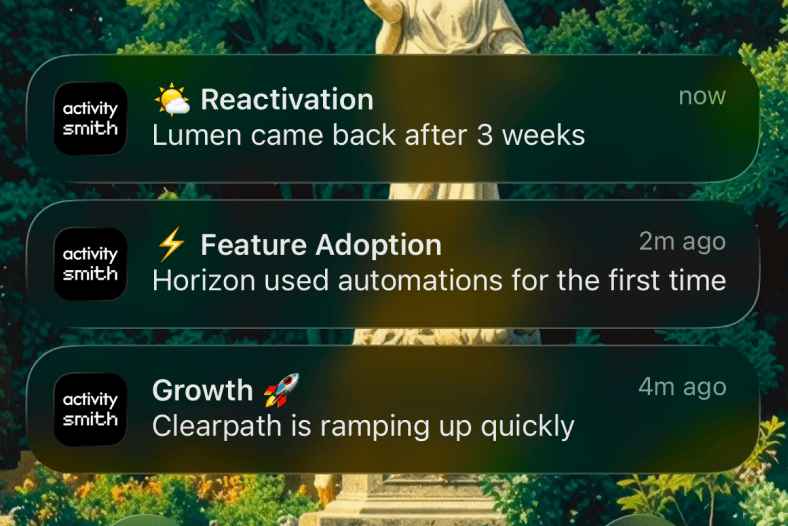
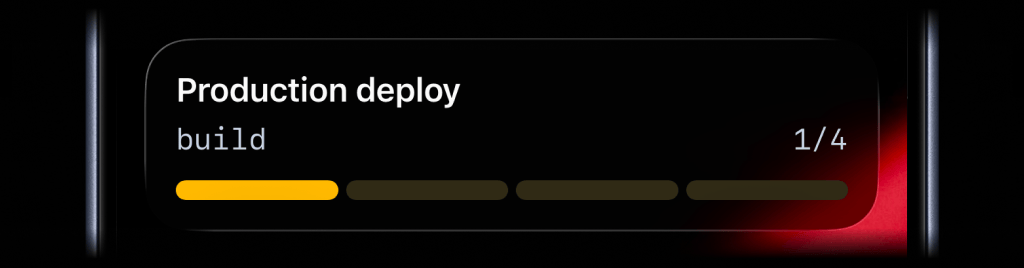
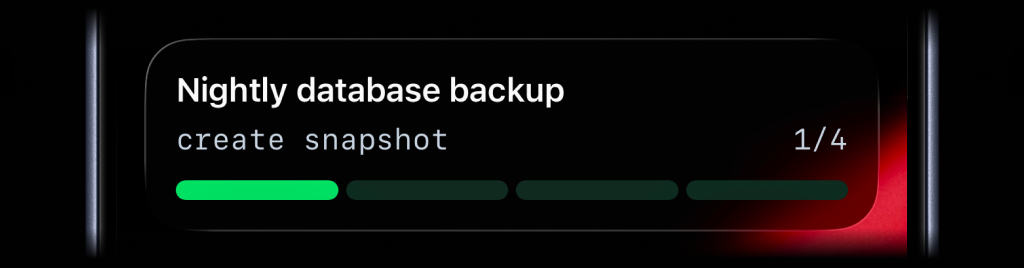
Choose the business numbers that are useful to see at a glance, such as revenue, signups, or product-specific metrics.
ActivitySmith can keep a small metric set visible as a Live Activity and send Push Notifications when a specific business event happens.
Before you start
ActivitySmith account
Create an account so you can generate an API key for this workflow.
API key in your runtime
Store your ActivitySmith API key as ACTIVITYSMITH_API_KEY in the service, worker, webhook handler, or job that sends the update.
At least one paired iOS device
Pair an iPhone or iPad with ActivitySmith so the update has somewhere to appear.
Show live metrics and business events
Stats Live Activity
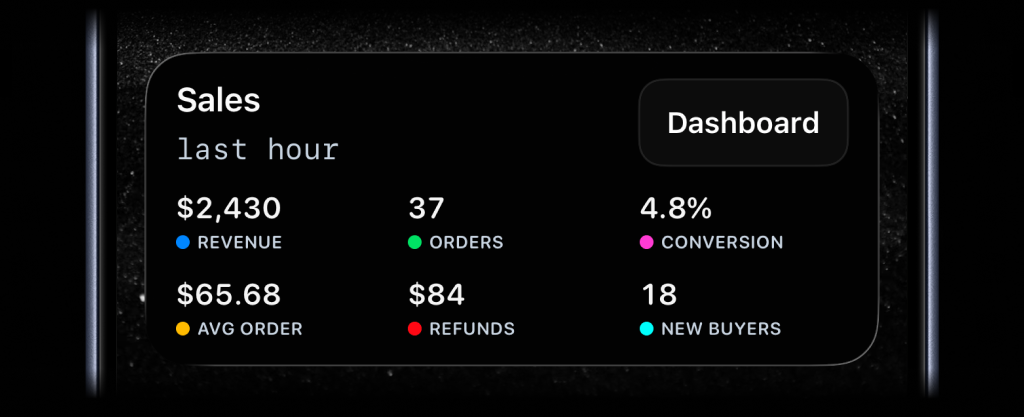
Use a stats Live Activity for a small set of values that should stay visible, such as MRR, signups, revenue today, or active users. ActivitySmith keeps the Live Activity on the Lock Screen and updates it with the latest data.
Step 1
Choose a stable stream key
Name the metric set with a key such as business-metrics. ActivitySmith uses that key to know which Live Activity to create or update.
Step 2
Make the first stream call
The first call sends the current values and starts the stats Live Activity on paired devices.
Step 3
Keep calling the same key
Run the stream call on a schedule or after your metrics refresh. Each later call with business-metrics updates the same Live Activity with the latest data.
Revenue event Push Notification
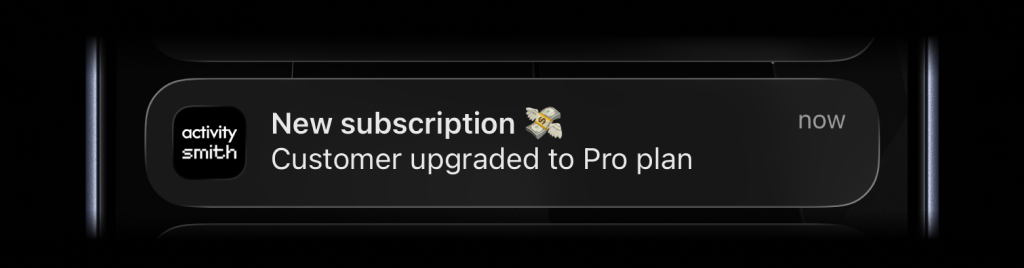
Send Push Notifications when a business event needs attention: new subscriber, upgrade, refund, failed payment, or churn-risk signal.
Team visibility
Invite teammates so finance, revenue, and support can pair their own devices around the business metrics they already watch.
Use channels to target specific people or devices, such as finance, revenue, or support.
Reference implementation
Stats Live Activity
await activitysmith.liveActivities.stream("business-metrics", { content_state: { title: "Daily revenue", subtitle: "$12,840 today", type: "stats", metrics: [ { label: "MRR", value: "$84.2k", color: "green" }, { label: "Signups", value: "38", color: "blue" }, { label: "Support tickets", value: "15", color: "cyan" } ], },});Add a dashboard action
Add an action button to the same stats stream when you want the Live Activity to open the dashboard behind the stats. For business metrics, this can point to your analytics dashboard, CRM, or admin page.
await activitysmith.liveActivities.stream("business-metrics", { content_state: { title: "Daily revenue", subtitle: "$12,840 today", type: "stats", metrics: [ { label: "MRR", value: "$84.2k", color: "green" }, { label: "Signups", value: "38", color: "blue" }, { label: "Support tickets", value: "15", color: "cyan" } ], }, action: { title: "Open Dashboard", type: "open_url", url: "https://app.example.com/dashboard/revenue", },});Revenue event Push Notification
Send a Push Notification from your backend when an important business event happens. Add a redirection URL so tapping the notification opens the CRM, admin page, or customer profile.
await activitysmith.notifications.send({ title: "Payment failed", message: "Acme Co. renewal needs attention", channels: ["revenue", "support"], redirection: "https://app.example.com/customers/acme",});Business metrics without constant refresh
- Priority metrics stay visible without opening a dashboard just to check the same number.
- Revenue wins and risks become immediate signals instead of delayed analytics.
- The same lightweight view can be shared with business, product, or support teammates.
Make one metric visible today
Start with the number you already refresh most often. Put it on the Lock Screen, then add Push Notifications for the events that change what you do next.