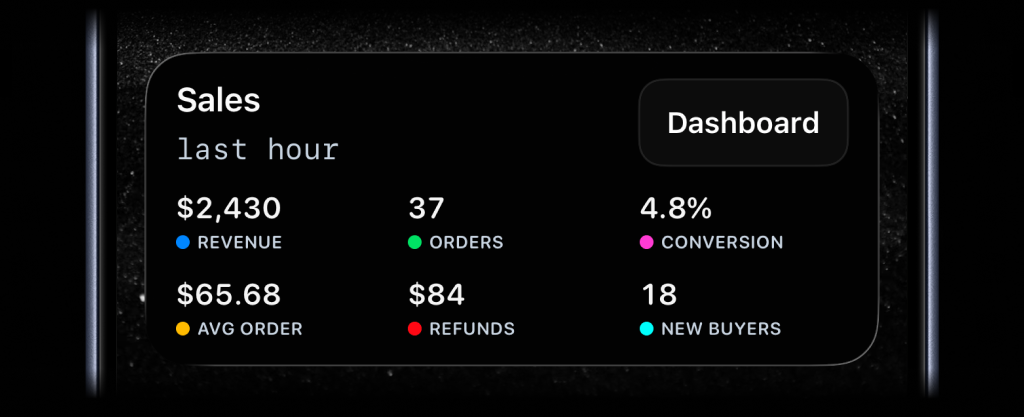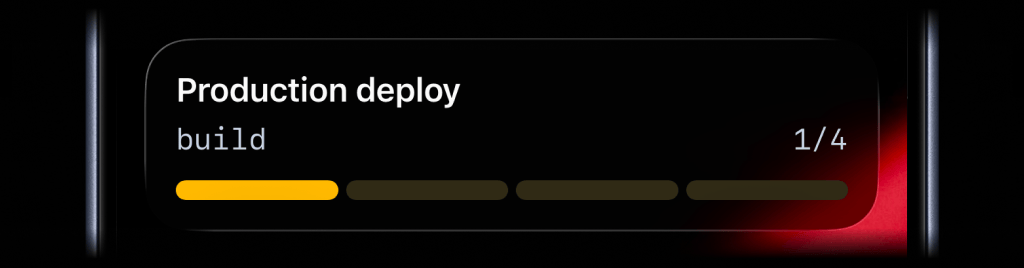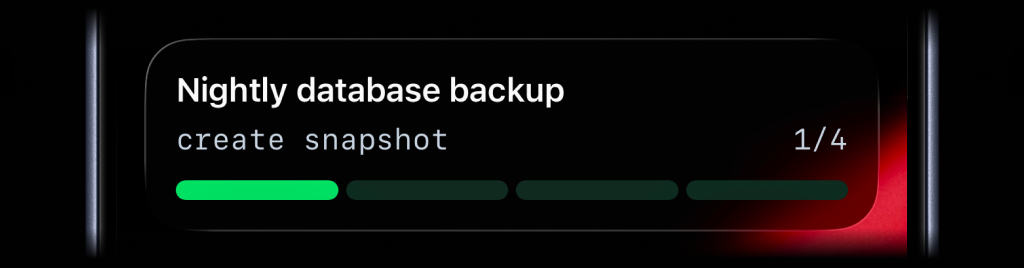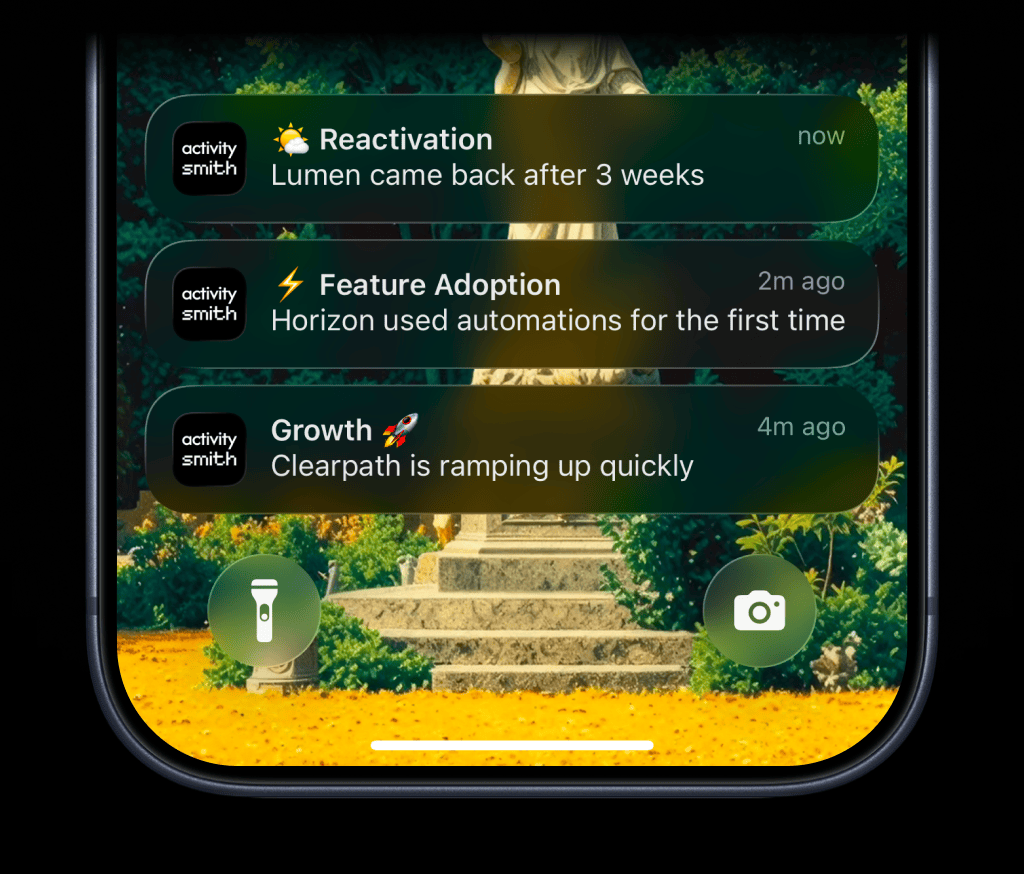
Customer lifecycle signals usually show up inside tools someone checks later: product analytics, CRM views, billing systems, support queues, or internal admin screens.
The useful signals are often simple: a customer is growing fast, came back after a quiet period, used a key feature for the first time, got stuck in onboarding, or requested a downgrade.
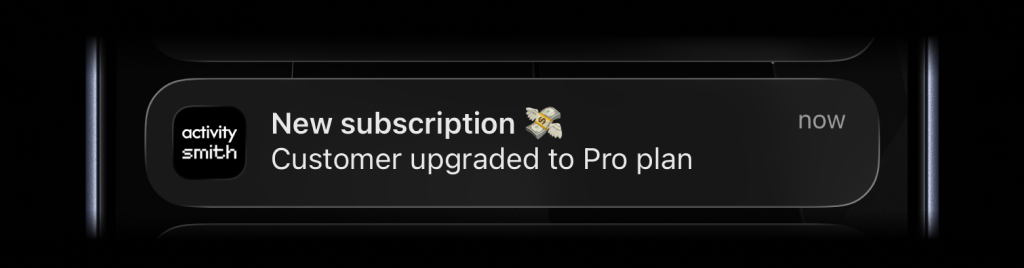
ActivitySmith sends those moments as Push Notifications on paired iOS devices so the right person sees the signal while it is still fresh. Add a tap link when the next step lives in your CRM, admin page, or support queue.
Before you start
ActivitySmith account
Create an account so you can generate an API key for this workflow.
API key in your runtime
Store your ActivitySmith API key as ACTIVITYSMITH_API_KEY in the service, worker, webhook handler, or job that sends the update.
At least one paired iOS device
Pair an iPhone or iPad with ActivitySmith so the update has somewhere to appear.
Send lifecycle signals from customer events
Lifecycle Push Notifications
Use Push Notifications for customer signals that are easier to act on while they are current: expansion, reactivation, adoption, onboarding friction, and churn risk.
Step 1
Choose signals that deserve attention
Start with customer moments that point to a clear next step: follow up, celebrate usage, unblock onboarding, or review a churn-risk account.
Step 2
Send enough context
Include the customer name and the reason the alert matters, such as team expansion, first feature use, reactivation, onboarding friction, or downgrade intent.
Step 3
Link back to the right place
Add a redirection URL when tapping the notification should open your CRM, product analytics, admin page, support ticket, or account view.
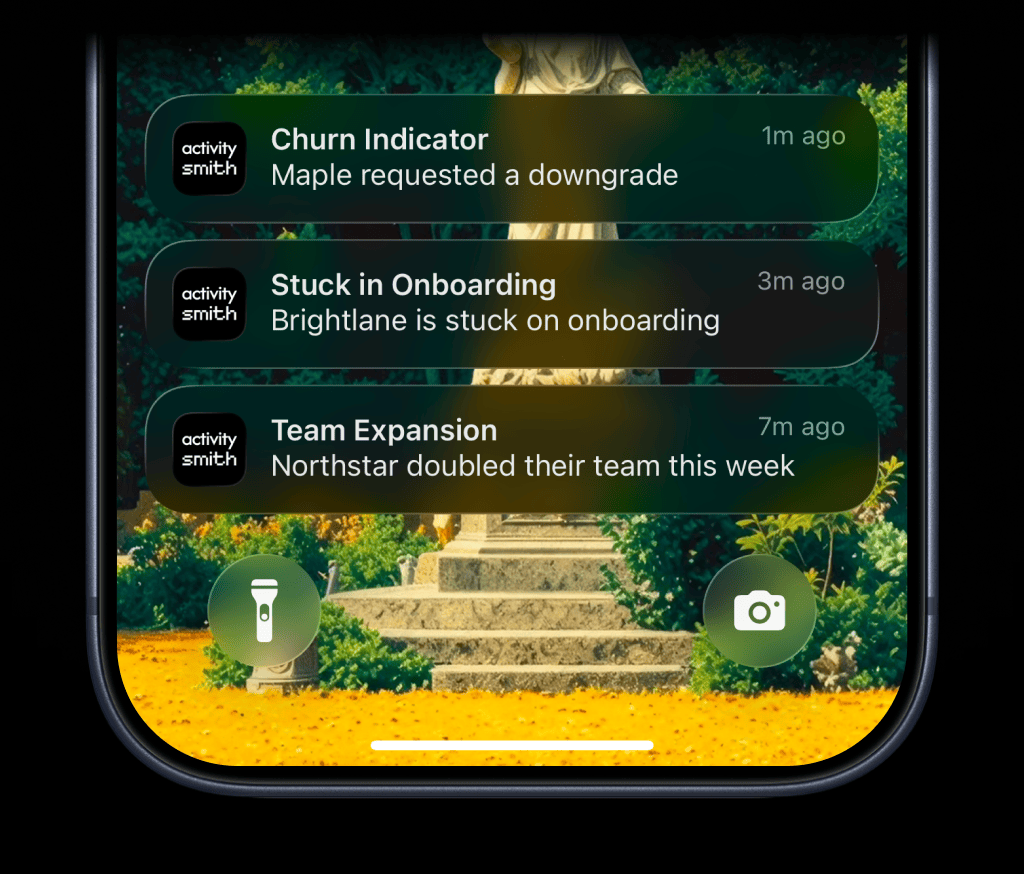
Team visibility
Invite teammates so customer-facing teams can pair their own iPhone or iPad and receive the lifecycle moments they are responsible for.
Use channels to target specific people or devices, such as success, product, or revenue.
Reference implementation
Lifecycle event handler
import ActivitySmith from "activitysmith";const activitysmith = new ActivitySmith({ apiKey: process.env.ACTIVITYSMITH_API_KEY!,});const lifecycleSignals = { teamExpansion: ({ customerName, teamChange }) => ({ title: "Team Expansion", message: `${customerName} ${teamChange}`, channels: ["success", "revenue"], }), reactivation: ({ customerName, inactiveFor }) => ({ title: "Reactivation", message: `${customerName} came back after ${inactiveFor}`, channels: ["success"], }), growth: ({ customerName }) => ({ title: "Growth", message: `${customerName} is ramping up quickly`, channels: ["success", "product"], }), stuckInOnboarding: ({ customerName }) => ({ title: "Stuck in Onboarding", message: `${customerName} is stuck on onboarding`, channels: ["success"], }), featureAdoption: ({ customerName, featureName }) => ({ title: "Feature Adoption", message: `${customerName} used ${featureName} for the first time`, channels: ["success", "product"], }), churnIndicator: ({ customerName, churnSignal }) => ({ title: "Churn Indicator", message: `${customerName} ${churnSignal}`, channels: ["success", "revenue"], }),};async function sendLifecycleSignal(signal, details) { await activitysmith.notifications.send({ ...lifecycleSignals[signal](details), redirection: details.accountUrl, });}await sendLifecycleSignal("featureAdoption", { customerName: "Northstar", featureName: "automations", accountUrl: "https://app.example.com/customers/northstar",});Customer moments without delayed follow-up
- Expansion, adoption, reactivation, onboarding, and churn-risk signals are visible without opening dashboards just to check what happened.
- The right person can see why the event matters before the customer moment goes cold.
- Lifecycle signals can turn into faster follow-up instead of staying hidden in analytics or CRM views.
Skip the dashboard. Bring customer signals to your Lock Screen.
Send churn risks, growth spikes, reactivations, and feature adoption moments from your backend to paired iOS devices, with enough context to follow up right away.