Push Notifications
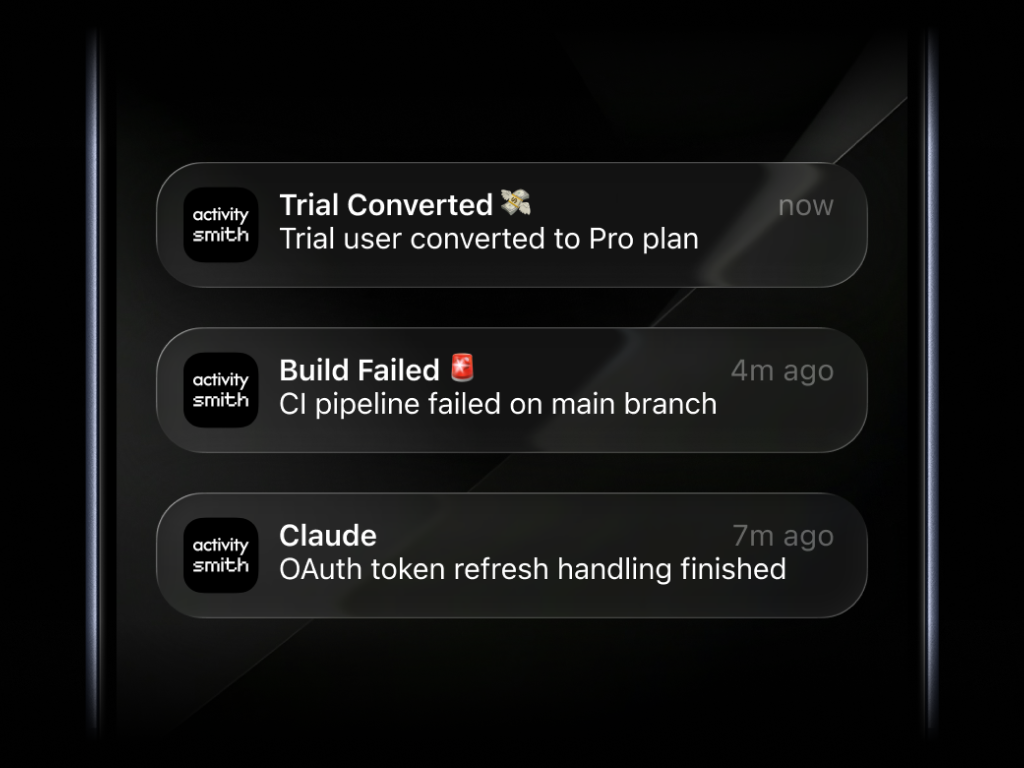
Send Push Notifications from your backend or AI agents for any event you choose, such as a new sale, a customer upgrade, or a completed AI task. Include images, video, audio, and action buttons.
Send Push Notifications and Live Activities from any backend, script, automation or AI agent to your devices with a simple API call. Add Widgets for the metrics you want visible at a glance.
Send Push Notifications from your backend or AI agents for any event you choose, such as a new sale, a customer upgrade, or a completed AI task. Include images, video, audio, and action buttons.
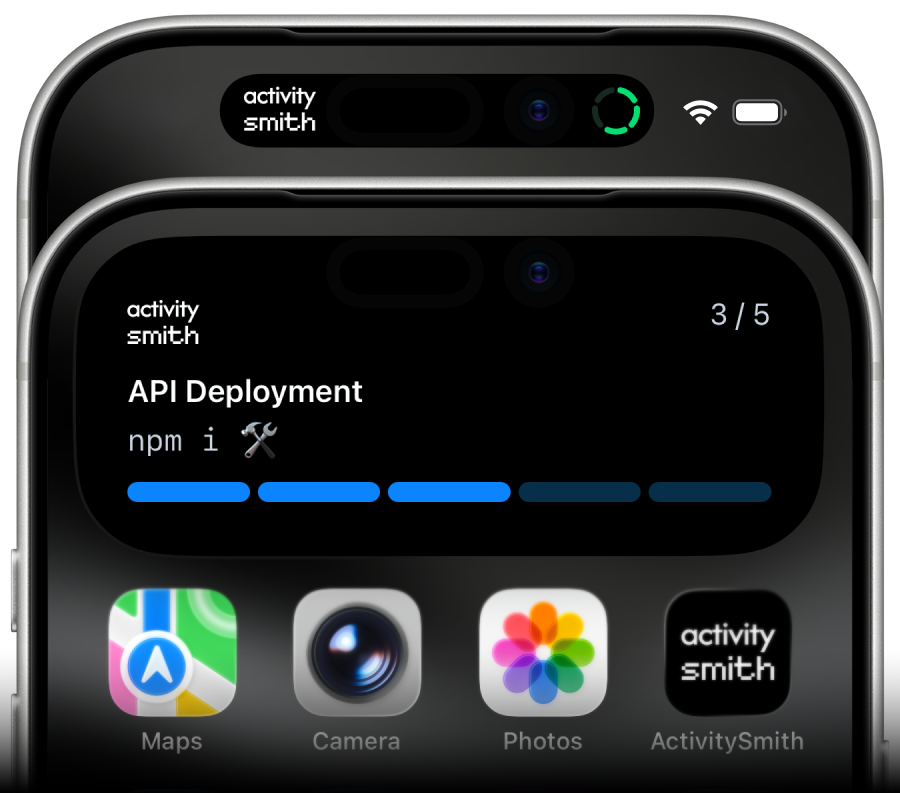
Follow deployments, AI agent progress, and changing business metrics on your Lock Screen. Display steps, progress bars, or values such as revenue and server health.
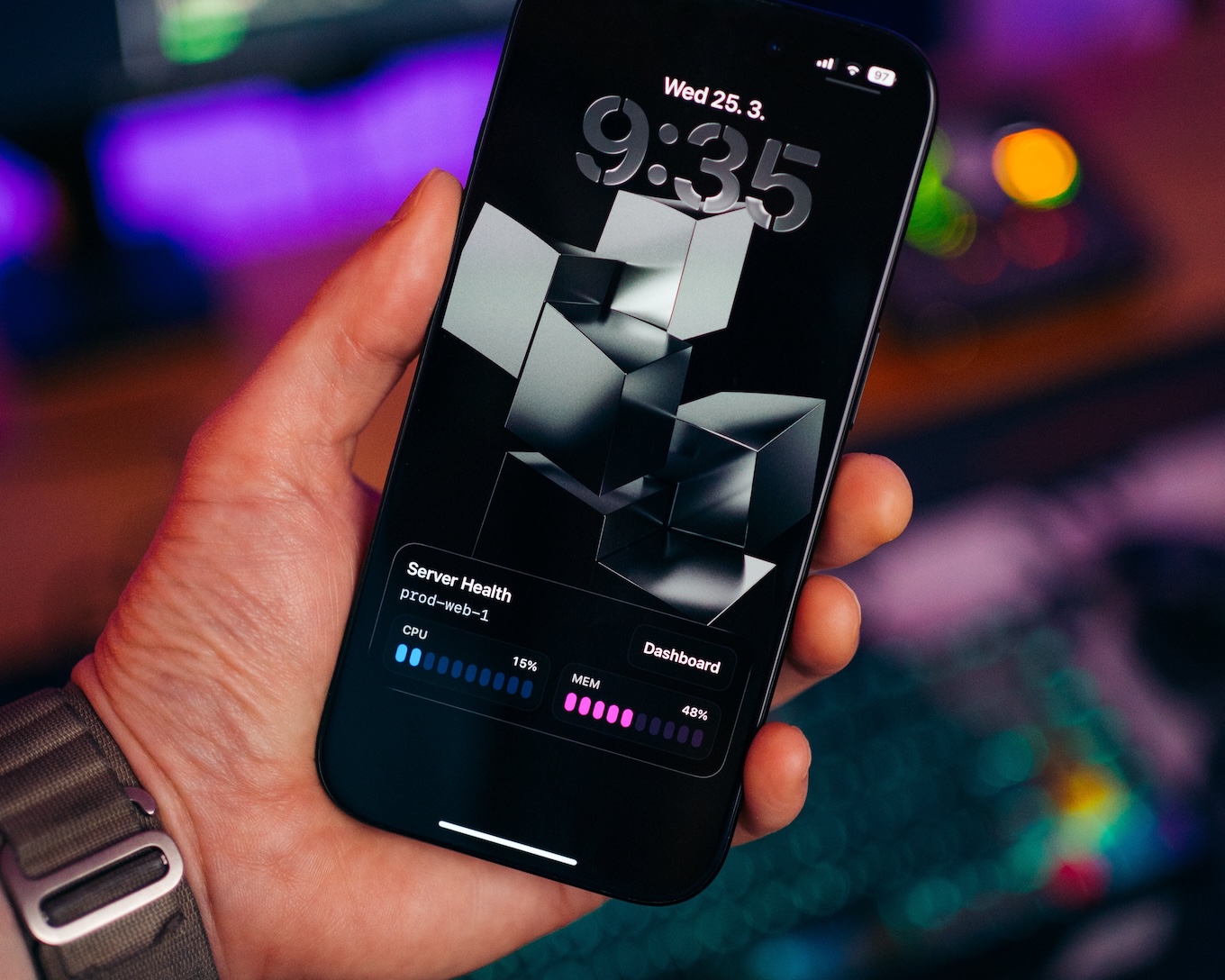
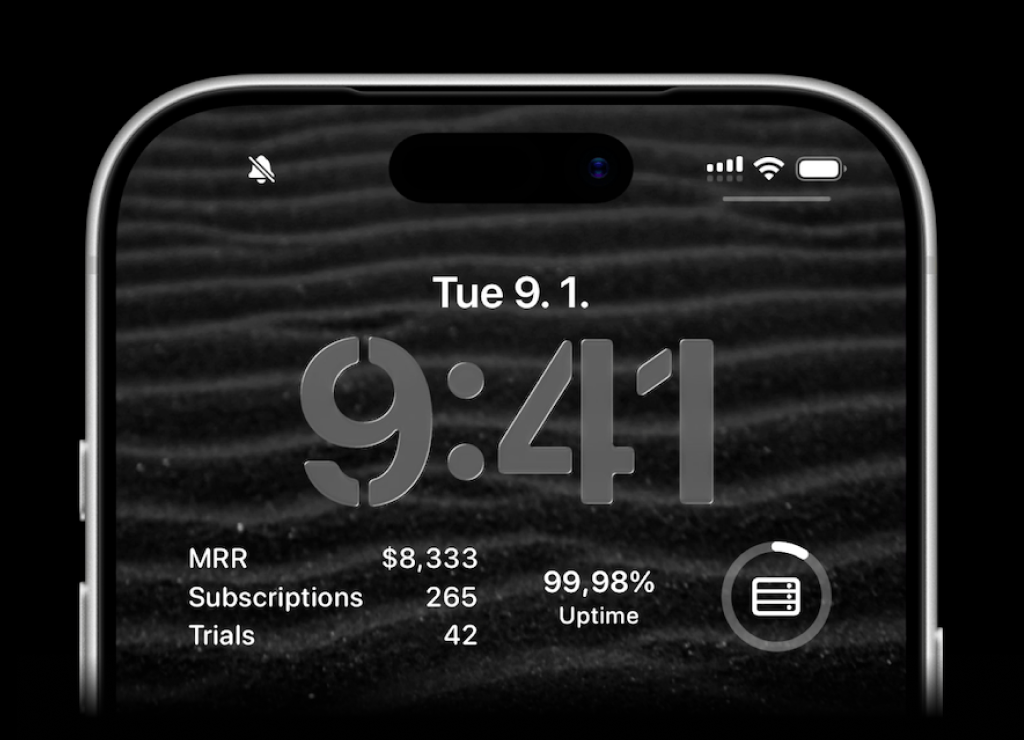
Display your own metrics on your Lock Screen, such as revenue, signups, or uptime. Show individual values, multiple metrics, or progress using layouts that fit your data.
Send Push Notifications from your backend or AI agents for any event you choose, such as a new sale, a customer upgrade, or a completed AI task. Include images, video, audio, and action buttons.
Follow deployments, AI agent progress, and changing business metrics on your Lock Screen. Display steps, progress bars, or values such as revenue and server health.
Display your own metrics on your Lock Screen, such as revenue, signups, or uptime. Show individual values, multiple metrics, or progress using layouts that fit your data.
No. ActivitySmith is delivered through the ActivitySmith iOS app on the App Store. Your backend sends updates via the API, and teammates pair their own iPhone or iPad to receive Push Notifications, Live Activities, and Lock Screen Widgets.
Yes. Invite team members in ActivitySmith, and each person pairs their own iPhone or iPad. Use channels so the right people receive the right updates.
Yes. ActivitySmith is runtime-agnostic. Send from APIs, workers, cron jobs, CI pipelines, scripts, and automations without rebuilding your workflow around a single vendor.
No. ActivitySmith is for internal team visibility in the ActivitySmith iOS app. It is not a service for end-user notifications inside your own customer-facing app.
ActivitySmith is currently available for iOS and iPadOS. Android is in progress. Join the Android waitlist for launch updates and early access.
Join the Android waitlistStart free, pair your device, and give your team a better way to see progress and immediate events on iPhone and iPad.
