Lock Screen Widgets
Display revenue, signups, uptime, or any value you want to track on your iPhone Lock Screen. Update it through the API, SDKs, or an AI agent using MCP.
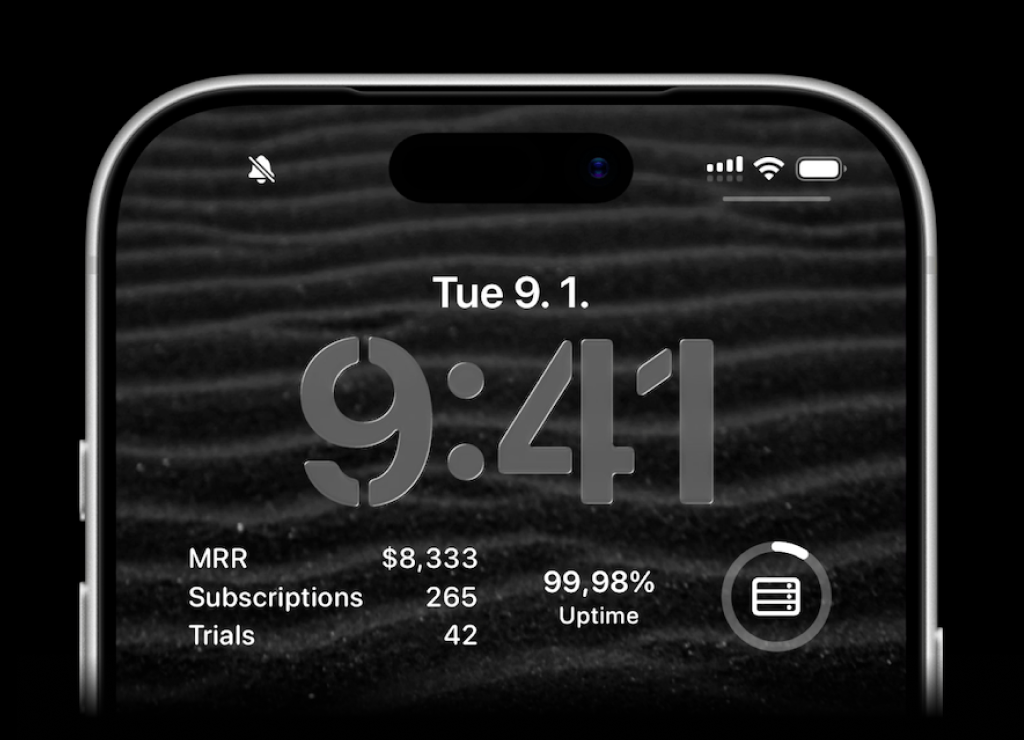
How it works
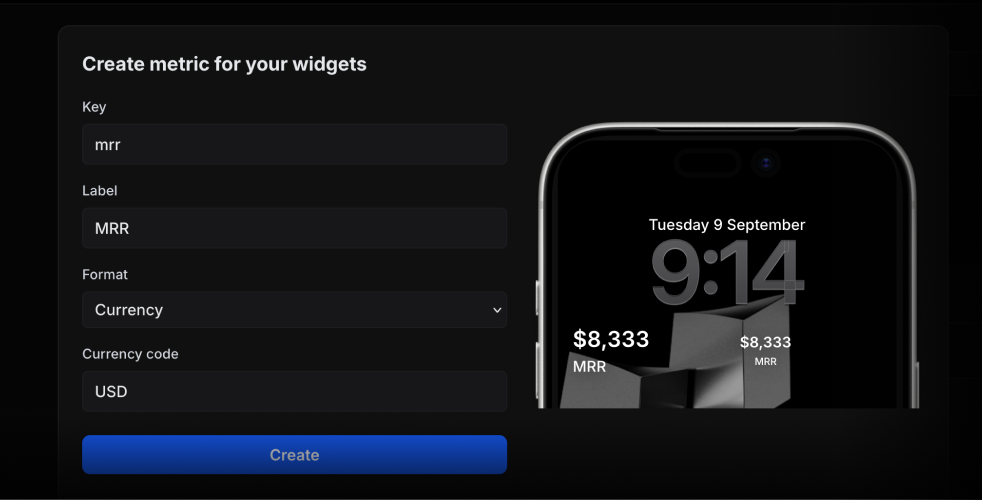
Create a metric
Give it a key in the web app. Choose a number, currency, percent, unit, or string format.
Update the value
Use the metric key to update its value from your backend, scripts, automations, or with AI agents.
Add the widget
Add an ActivitySmith widget to your iPhone Lock Screen and select the metric to display.
Choose what to display
Track monthly revenue as currency, signups as a number, or uptime as a percentage. Metric values can also be text, such as the name of your latest release.
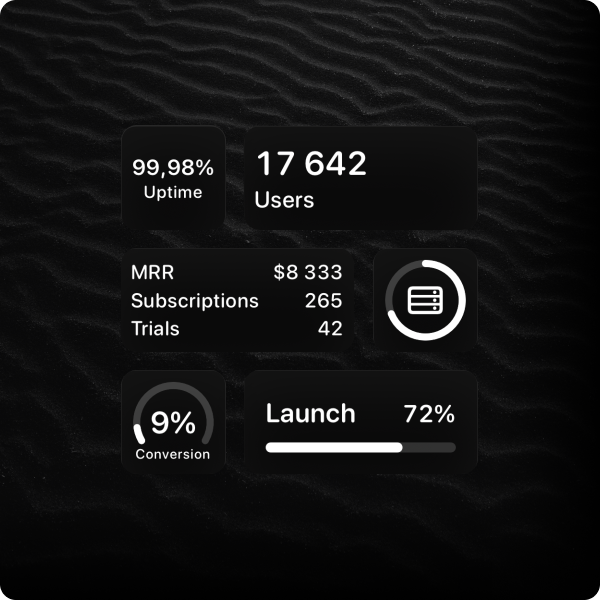
Choose a widget style
Select the widget layout that fits the metric and the space on your Lock Screen.
Update a metric value
This example sets the deployment success rate to 99.9. Send a new value whenever it changes.
await activitysmith.metrics.update("deploy.success_rate", 99.9);AI agents can also update metric values through the MCP server.
Read the widgets documentation →When values refresh
The widget fetches the latest value about every 15 minutes. iOS controls the schedule, so an API update may not appear immediately.
For real-time progress and ongoing work, use Live Activities.
Put your metrics on your Lock Screen
Create a metric, send its first value, and add a widget to your iPhone.
Start a free trial