ActivitySmith, the best Discord webhook alternative
Looking for a Discord webhook alternative for iPhone? Here's how ActivitySmith compares.
Choose ActivitySmith if you post app events, deploys, or AI agent updates to a Discord channel mainly to see them on your phone. You get Push Notifications on your iPhone, Live Activities for work that is still running, and Lock Screen Widgets for the numbers you check.
Stay with Discord if the alerts are meant for a community or a group that discusses them in chat.
Why choose ActivitySmith over Discord
When you need real-time visibility into your backend or business, generic Push Notifications stop being enough. ActivitySmith keeps important work visible for your team while it's still happening.
Push Notifications you can act on
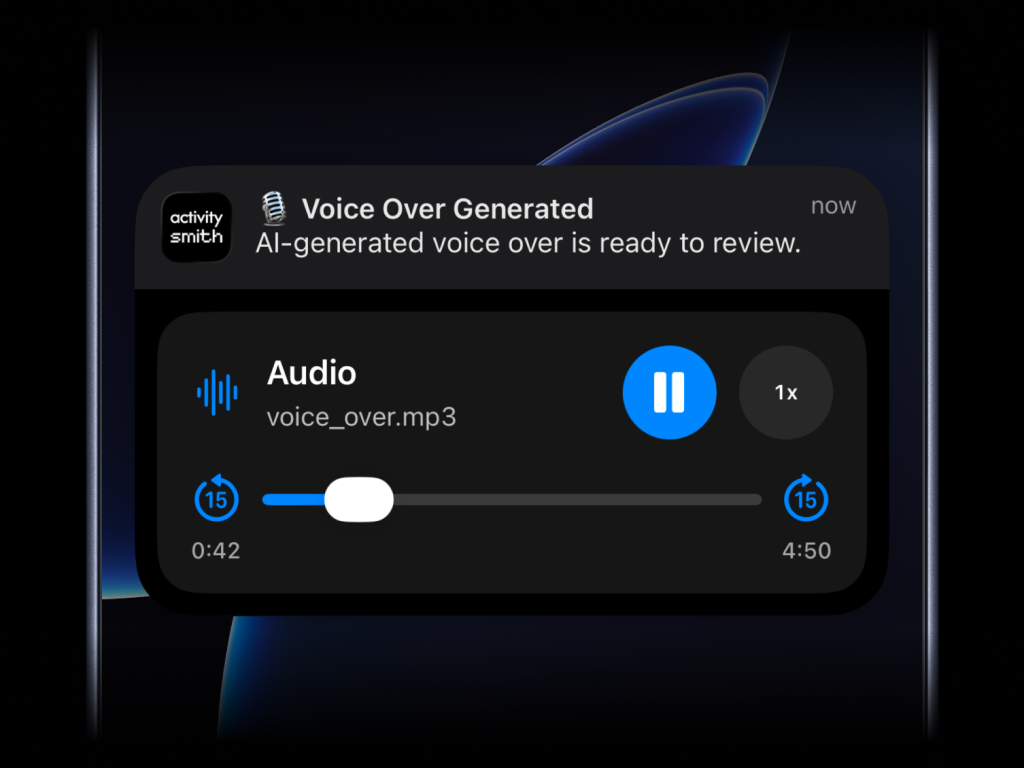
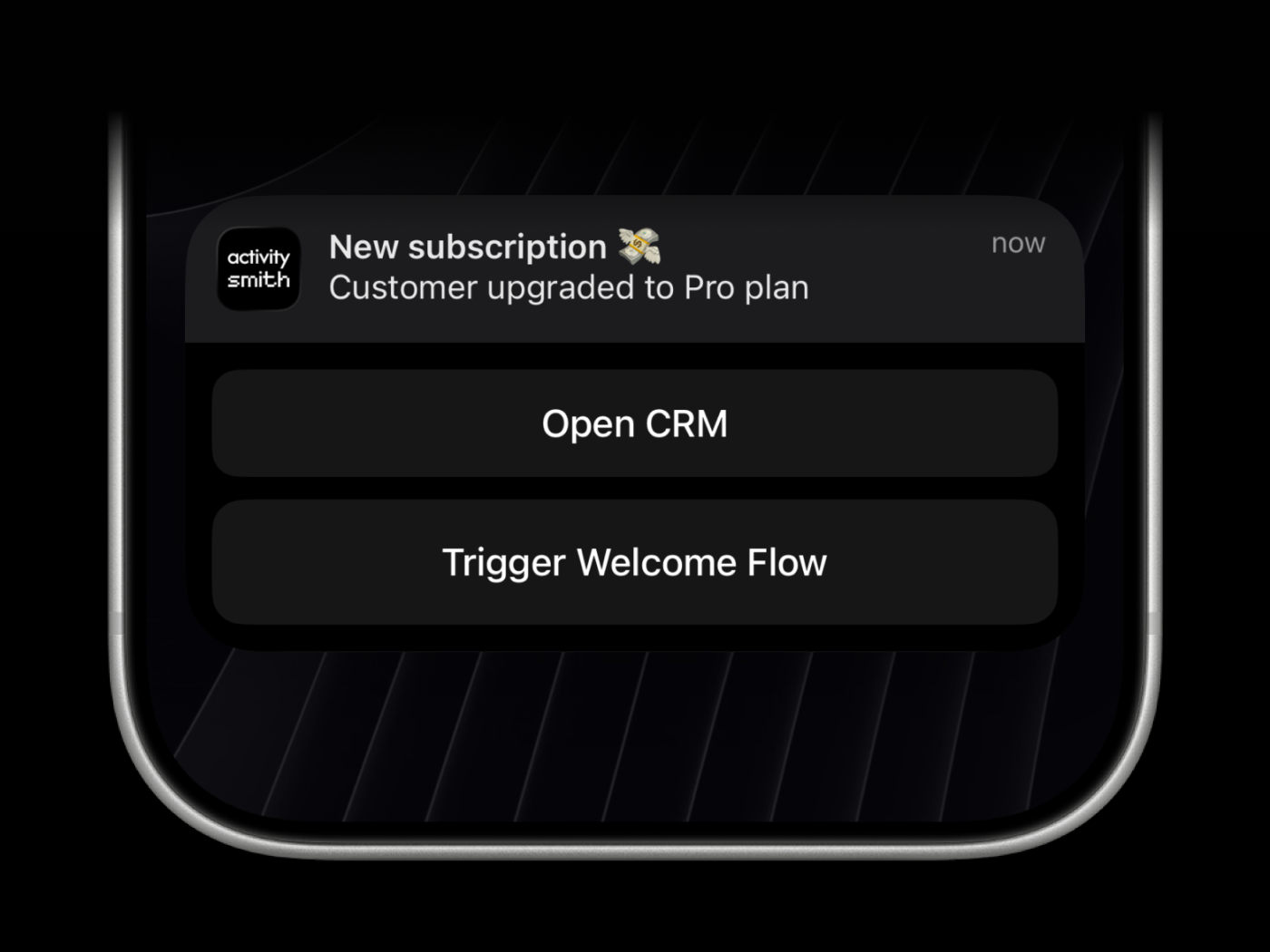
Send a Push Notification from any backend, script, or AI agent with one API call. Add an image, audio, or video, open a URL on tap, or long-press for actions that open a URL or call a webhook.
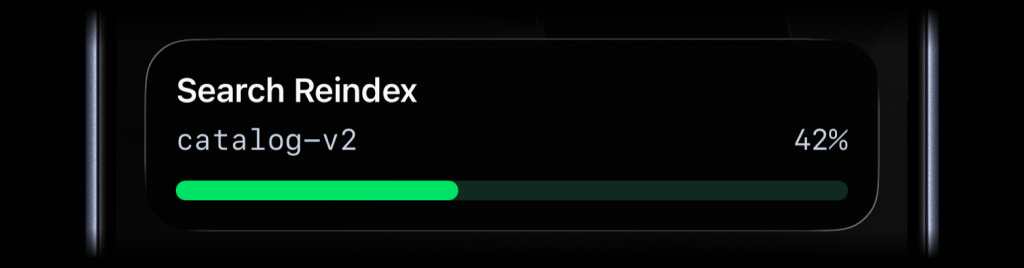
Live Activities
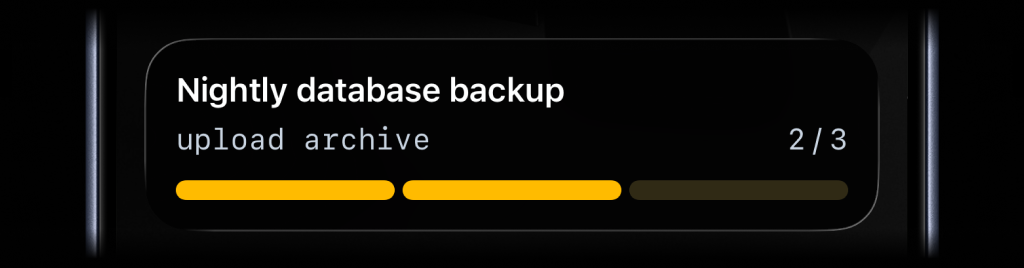
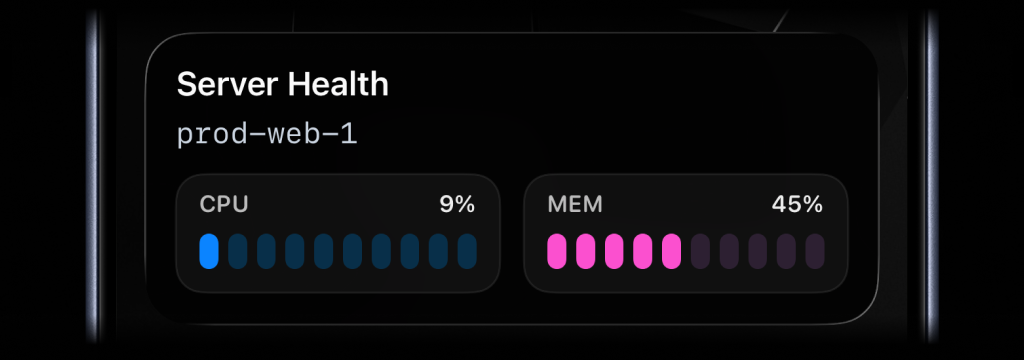
In Discord, a deploy becomes a stack of messages: started, building, done. A Live Activity is one item on your Lock Screen that updates until the work is done. Use it for deploys, jobs, imports, and agent runs.
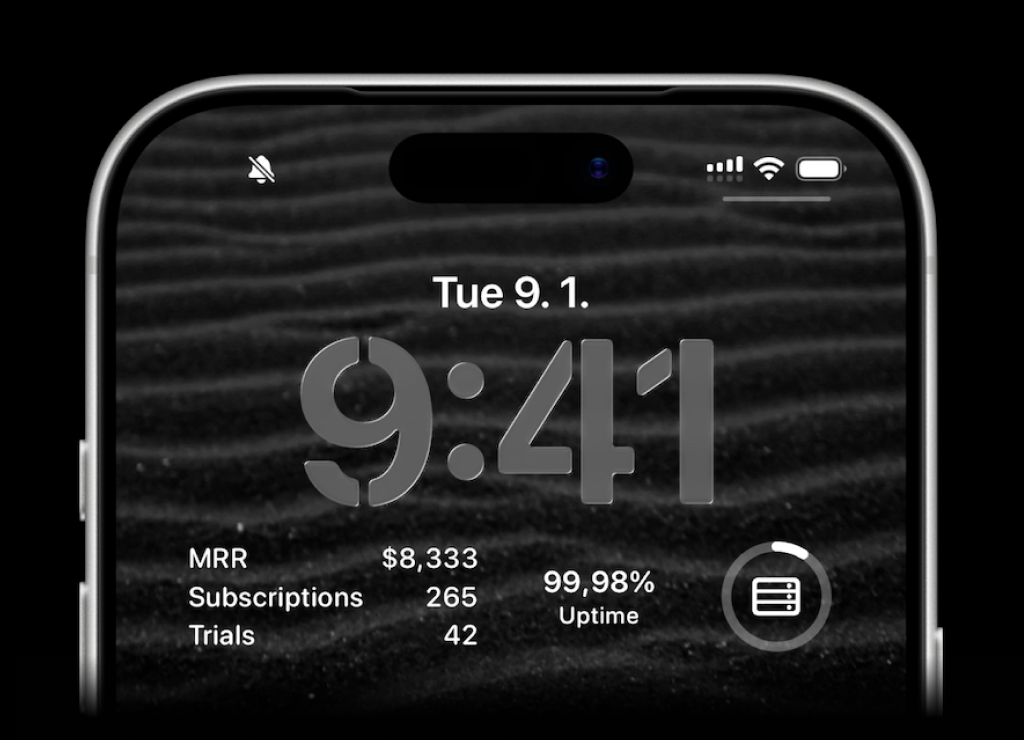
Lock Screen Widgets for your numbers
If you post daily numbers like revenue or signups to Discord, show them on your iPhone Lock Screen instead. Create a metric in the web app, update it through the API, and pick a widget layout.
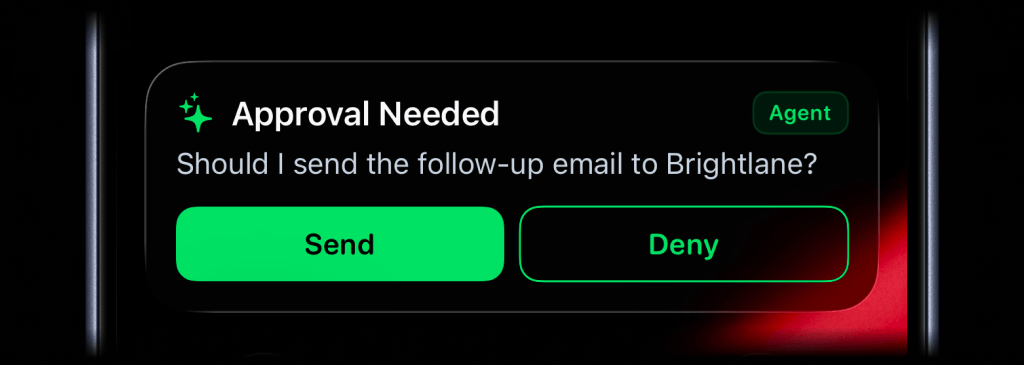
Remote approvals for AI agents
ActivitySmith lets AI agents pause before sensitive actions and ask for your decision on your iPhone. Approve or reject from a Push Notification or Live Activity, and the result returns to the waiting agent through MCP.
ActivitySmith and Discord Comparison
In this table we compare ActivitySmith and Discord feature by feature so you can decide which one is the right fit for your team.
| Feature |  ActivitySmith |  Discord |
|---|---|---|
| Push Notifications | Yes | Yes |
| Live Activities | Yes | No |
| Lock Screen Widgets | Yes | No |
| Rich media in notifications | Image, audio, and video | Embeds with images, fields, and file attachments |
| Platform coverage | iPhone and iPad | iOS, Android, desktop, and web |
| Team members | Yes | Yes |
| Tags | Yes | No |
| Channels | Route to specific users and devices | Post to a channel only the right members can see. No device targeting. |
| Scoped API keys | Yes | One secret URL per webhook |
| Pricing model | Unlimited Push Notifications on paid plans | Free |
| Free option | 7-day free trial | Free |
| Official SDKs | Node.js, Python, Go, PHP, Ruby, CLI | No |
| MCP server | Yes | No |
| Remote AI agent approvals | Yes | No |
| Inbound webhooks (Railway, GitLab, GitHub, Linear...) | Yes | Many tools post to Discord webhook URLs |
What are Discord webhooks?
Discord webhooks let any app post messages to a Discord channel with an HTTP request. Many developers create a private server or channel for app events, deploys, and errors, then read them in the Discord app on their phone.
The key features of Discord webhooks
- 1. Free to use
Discord and its webhooks are free. Create a webhook in a channel's settings, then send JSON to its URL.
- 2. Rich embeds
Webhook messages can include embeds with a title, description, color, fields, images, and a footer.
- 3. Supported by many tools
Many developer tools can post to a Discord webhook URL directly, so you can get their events without writing code.
Why developers move alerts off Discord
Discord works for alerts when there are only a few. As the number of events grows, a chat app becomes a hard place to follow them.
- 1. Alerts mix with chat
Alerts sit in the same app as your communities and friends. To get a phone notification for each alert, you set the channel to notify on all messages, and each alert looks like any other chat message.
- 2. No Live Activities for running work
A deploy or agent run becomes several messages. Discord cannot keep one item on your Lock Screen that updates while the work runs.
- 3. No Lock Screen Widgets
Numbers you post, like daily revenue or signups, scroll away in the channel. You cannot keep them on your Lock Screen.
- 4. Approvals need a Discord app
A webhook message cannot collect a decision and send it back to your code. For approval buttons, you build and host a Discord app.
- 5. No MCP server for AI agents
Discord has no official MCP server, so coding agents need custom code to notify you, show progress, or ask for your approval.
If you use Discord only to see your own app's events on your phone, a tool built for iPhone alerts gives you clear notifications and keeps running work visible.
What is ActivitySmith?
ActivitySmith is a tool that can be seen as an alternative to Discord. It helps you and your team keep track of what's happening in your backend on your lock screen.
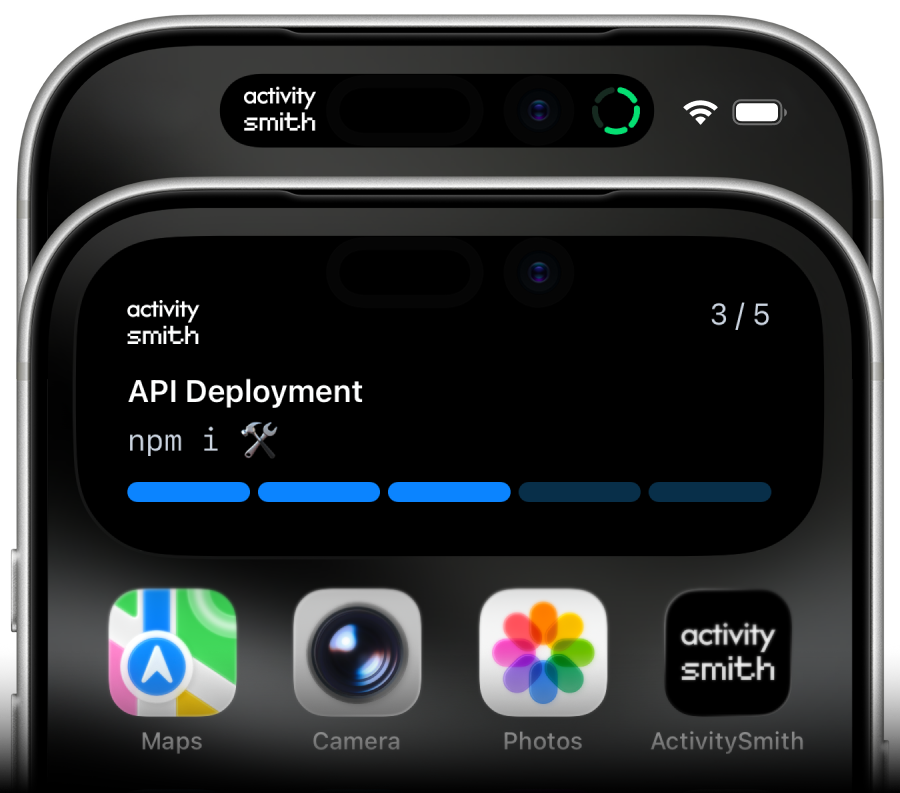
The key features of ActivitySmith
- 1. Push Notifications
ActivitySmith can also send Push Notifications to your devices with a simple API call. You can add image, audio, and video to the notification payload.
- 2. Live Activities for long-running work
Discord can notify you when work starts or ends. ActivitySmith can keep that work visible in real time while it is running on your lock screen with Live Activities. find out more about ActivitySmith Live Activities here.
- 3. Lock Screen Widgets
ActivitySmith can show SaaS metrics directly on your iPhone Lock Screen. Create a metric in the web app, update it through the API, and choose from multiple widget layouts. read about ActivitySmith Lock Screen Widgets here.
- 4. Actions
Both Push Notifications and Live Activities can have actions. Open a URL from the notification, or expose long-press actions and Live Activity buttons that open a URL or trigger a webhook.
- 5. MCP server for AI agents
Connect Claude Code, Cursor, Codex, Grok, and other MCP clients through OAuth. Agents can send Push Notifications, show real-time updates with Live Activities, send remote approvals, update the App Icon Badge, and update values shown in your Lock Screen widgets. Connect the ActivitySmith MCP server.
- 6. Remote approvals for AI agents
Let an AI agent pause before a sensitive action and send the decision to your iPhone as a Push Notification or Live Activity. Approve or reject it, and ActivitySmith returns the result to the waiting agent through MCP without a custom webhook endpoint. See how remote approvals for AI agents work.
- 7. Route updates to the right users and devices
Use channels to target Push Notifications and Live Activities to the people who should see them, then use tags to organize notification history by workflow, release, customer, or environment.
- 8. Official SDKs and integrations
Use official SDKs for Node.js, Python, Go, PHP, Ruby, and CLI, plus integrations like GitHub Action, Zapier, and the ActivitySmith skill. That makes it easier to wire notifications into the systems your team already runs.
- 9. Inbound webhooks for third-party services
Connect Railway, GitLab, GitHub, Linear, and more with a generated endpoint - no middleware or custom code. Map payload fields directly into Push Notifications or Live Activities, then route events to the right team channel. See all integrations.
- 10. Predictable paid usage
Every paid plan includes unlimited Push Notifications and Live Activity updates. When operational traffic grows, you do not have to keep doing quota math before sending more signal through the system.
Key takeaways
Both ActivitySmith and Discord deliver push notifications to your devices. The choice between the two will depend on your specific needs. Here are key takeaways from this comparison that may help you make a final choice.
Discord
Discord webhooks are free and easy to set up, but alerts share a chat app with everything else, and Discord doesn't support Live Activities or Lock Screen Widgets.
ActivitySmith
ActivitySmith is the stronger choice when you want alerts from your code, scripts, and AI agents on your iPhone, with Push Notifications, Live Activities, Lock Screen Widgets, and remote approvals for AI agents.
If you are searching for a Discord alternative, try ActivitySmith for free.
Frequently asked questions
Which is better for app alerts, ActivitySmith or Discord webhooks?
ActivitySmith is the better choice if you want alerts from your code on your iPhone as Push Notifications, Live Activities, and Lock Screen Widgets. Discord is a better fit if the alerts are for a community that discusses them in chat.
How do I move my alerts from Discord to ActivitySmith?
Replace each request to your Discord webhook URL with an ActivitySmith Push Notification call. Use an official SDK, the CLI, or an HTTP request. Map the embed title to the title and the description to the message. For work that posts several status messages, use one Live Activity. If a tool can only send Discord-style webhooks, point it at an ActivitySmith generic inbound webhook, which accepts Discord-style payloads.
Can Discord show Live Activities?
No. ActivitySmith supports Live Activities, so you can track the progress of any long-running processes on your lock screen.
Can I try ActivitySmith for free?
Yes. ActivitySmith has a 7-day free trial with no credit card required. You can send Push Notifications, run Live Activities, connect a workflow, and see if it fits before moving to a paid plan.
What does an ActivitySmith subscription include?
Every paid plan includes unlimited Push Notifications and Live Activity updates, paired iOS devices, team members, channels, tags, and all official SDKs and integrations. Plans scale by team size and start with a 7-day free trial with no credit card required.
Hear from your AI agents, scripts, and backend on your iPhone
Start with 7 days free, no credit card required. Send your first Push Notification in a few minutes, from your code or over MCP.
