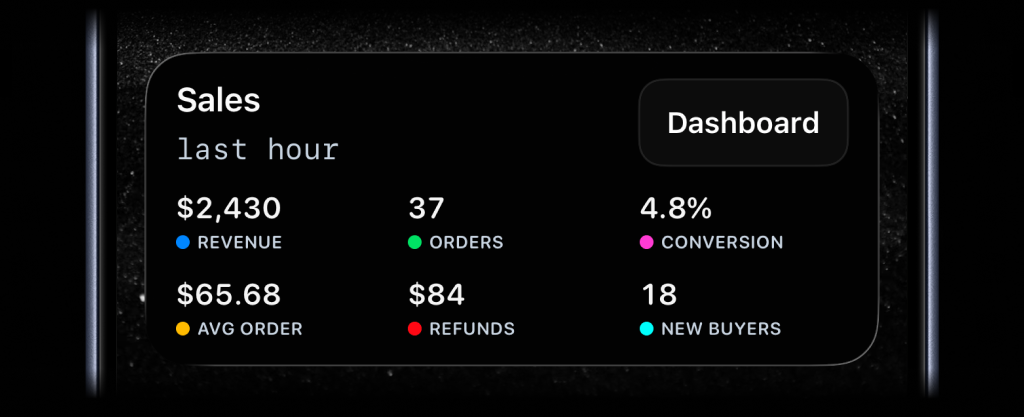
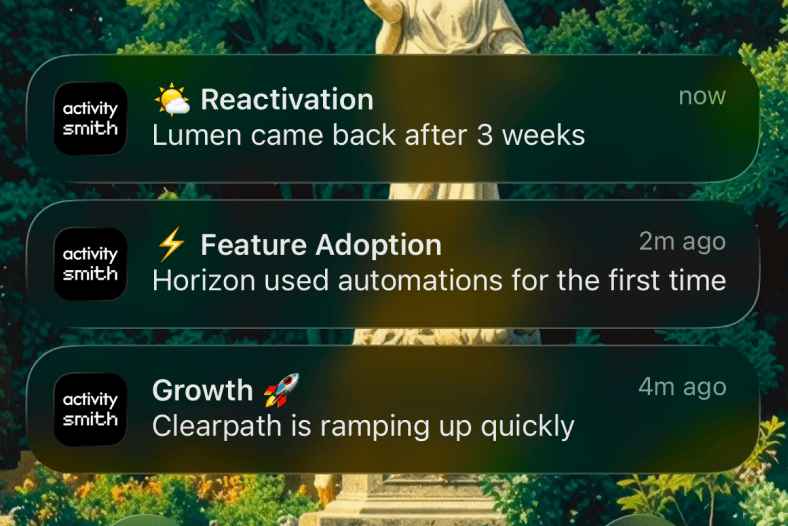
Choose the business events that are useful to see right away, such as a new subscriber, an upgrade, a failed payment, or a high-value signup.
These events often come from places you already control: billing webhooks, CRM updates, product analytics, backend queues, or internal admin actions.
ActivitySmith sends those moments as Push Notifications on paired iOS devices so the event is visible while it is still fresh. Add a tap link or long-press actions when there is a useful next step.
Before you start
ActivitySmith account
Create an account so you can generate an API key for this workflow.
API key in your runtime
Store your ActivitySmith API key as ACTIVITYSMITH_API_KEY in the service, worker, or environment that sends the event.
At least one paired iOS device
Pair an iPhone or iPad with ActivitySmith so the update has somewhere to appear.
Send business events from your backend
Event Push Notifications
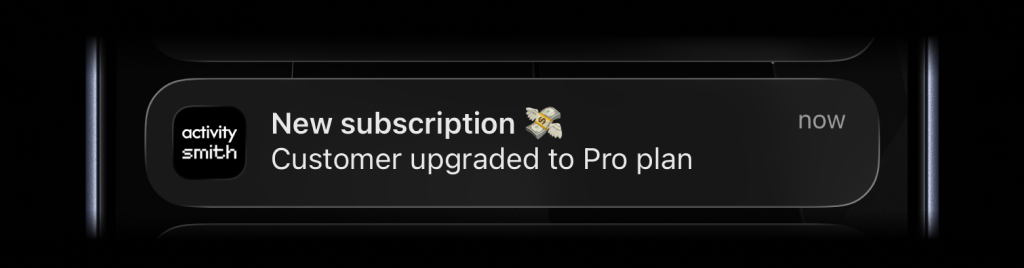
Use Push Notifications for one-off business events where the update itself is the signal: new subscriber, upgrade, failed payment, refund, renewal, or high-value signup. Add actions when the event has an obvious follow-up.
Step 1
Choose the events that matter
Start with a short list of events where seeing it now changes what you do next.
Step 2
Send enough context
Include the customer, event type, amount, plan, or reason so the notification makes sense without opening another tool.
Step 3
Link back to the source
Add a redirection URL when tapping the notification should open Stripe, your CRM, an admin page, or the customer profile.
Step 4
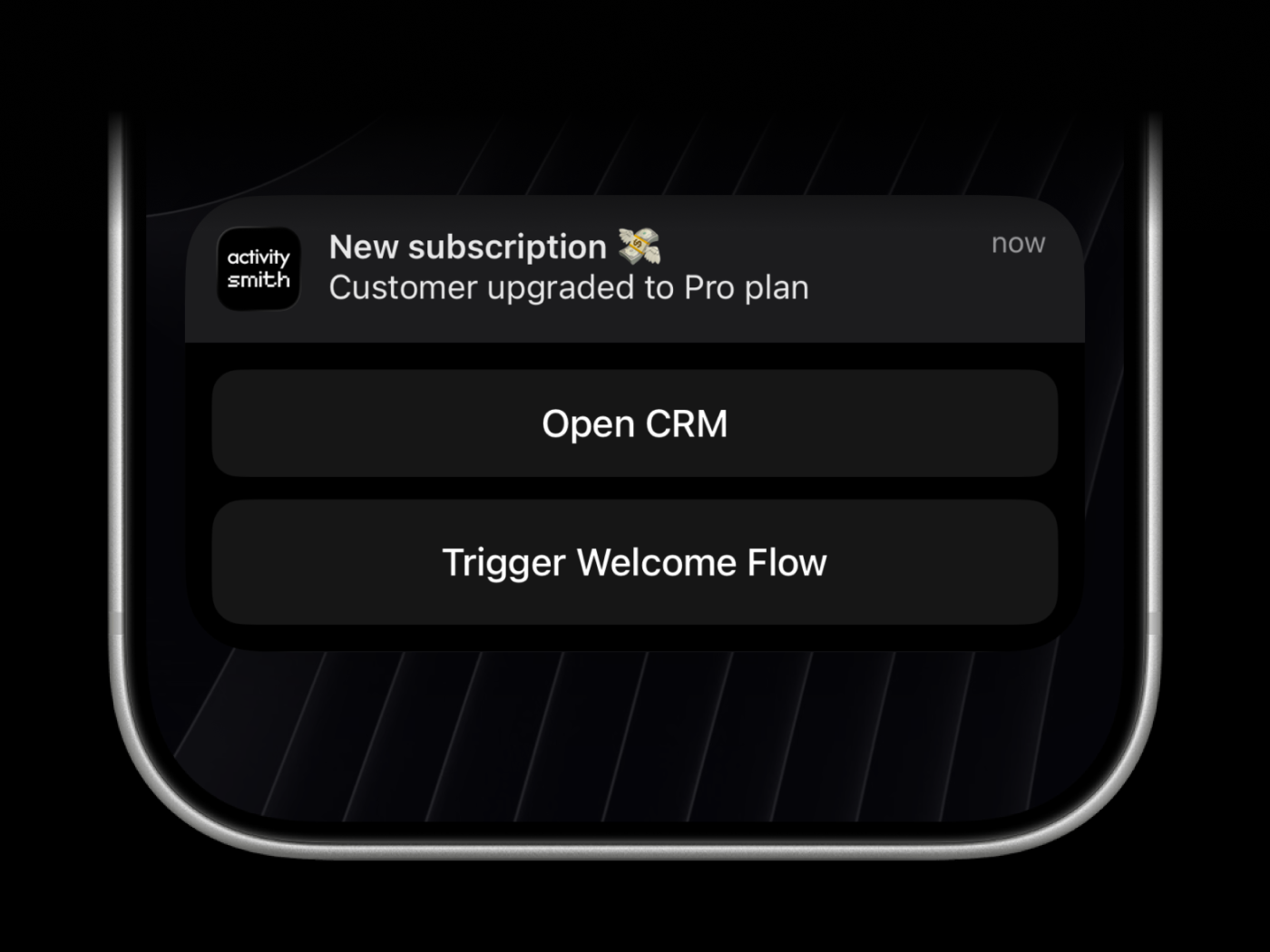
Add actions to make follow-up immediate
Use long-press actions for extra buttons such as opening the CRM profile or triggering an onboarding workflow.
Team visibility
Invite teammates so founders, revenue, and support can receive the business events they are responsible for.
Use channels to target specific people or devices, such as founders, revenue, or support.
Reference implementation
SDK webhook handler
import ActivitySmith from "activitysmith";const activitysmith = new ActivitySmith({ apiKey: process.env.ACTIVITYSMITH_API_KEY!,});export async function publishBusinessEvent(event: { type: string; customerId: string; customerEmail: string; planName?: string;}) { if (event.type === "subscription.created") { await activitysmith.notifications.send({ title: "New subscriber", message: event.customerEmail + " started " + (event.planName ?? "a plan"), channels: ["revenue", "founders"], redirection: "https://crm.example.com/customers/" + event.customerId, actions: [ { title: "Open CRM", type: "open_url", url: "https://crm.example.com/customers/" + event.customerId, }, { title: "Start Onboarding", type: "webhook", url: "https://hooks.example.com/customer/onboarding", method: "POST", body: { customer_id: event.customerId, plan: event.planName ?? "unknown", }, }, ], }); } if (event.type === "invoice.payment_failed") { await activitysmith.notifications.send({ title: "Payment failed", message: event.customerEmail + " needs follow-up", channels: ["revenue", "support"], redirection: "https://crm.example.com/customers/" + event.customerId, }); }}Business events without dashboard refresh
- Important customer and billing moments are visible without opening dashboards just to check what happened.
- Payment failures, upgrades, and lifecycle risks are easier to follow up while they are still current.
- Commercial wins and customer moments stop living only inside email receipts, webhook logs, or admin screens.
Send your next business event to iOS
Start with one event your backend already receives. Send it as a Push Notification with the customer context and a link back to the source.