ActivitySmith, the best ntfy alternative
Looking for a ntfy alternative for iPhone? Here's how ActivitySmith compares.
Choose ActivitySmith if your team needs more than generic pub-sub notifications. Rich Push Notifications, Live Activities, channels, and tags make it a better fit for deploys, jobs, incidents, and agent runs.
Why choose ActivitySmith over ntfy
When you need real-time visibility into your backend or business, generic Push Notifications stop being enough. ActivitySmith keeps important work visible for your team while it's still happening.
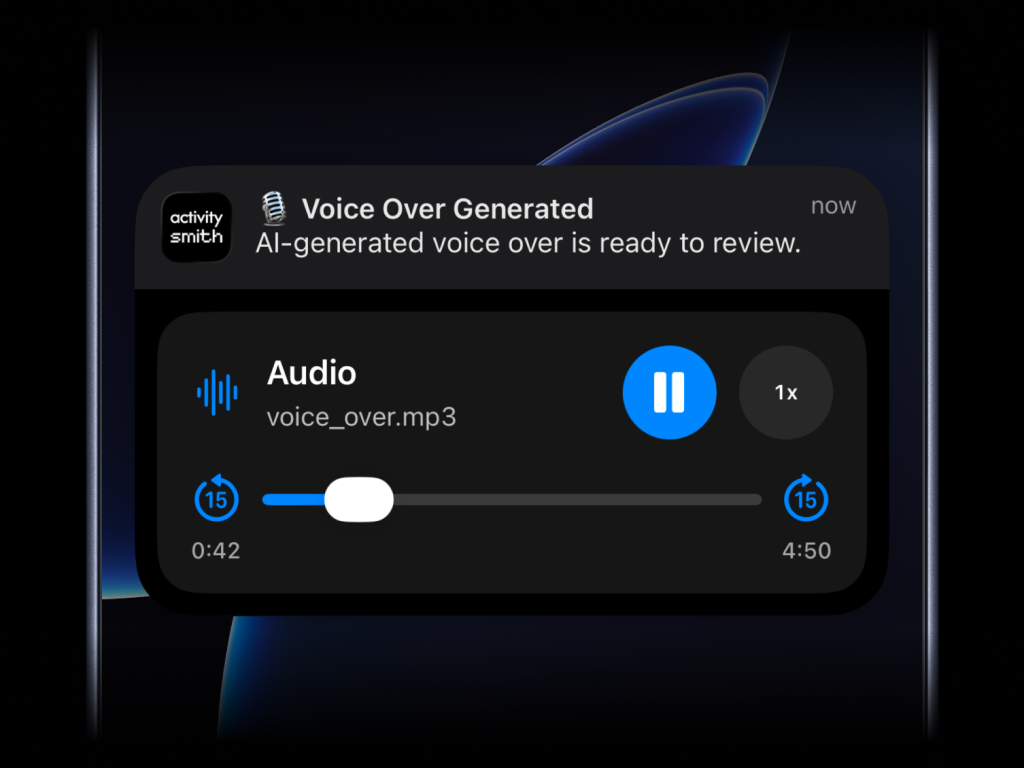
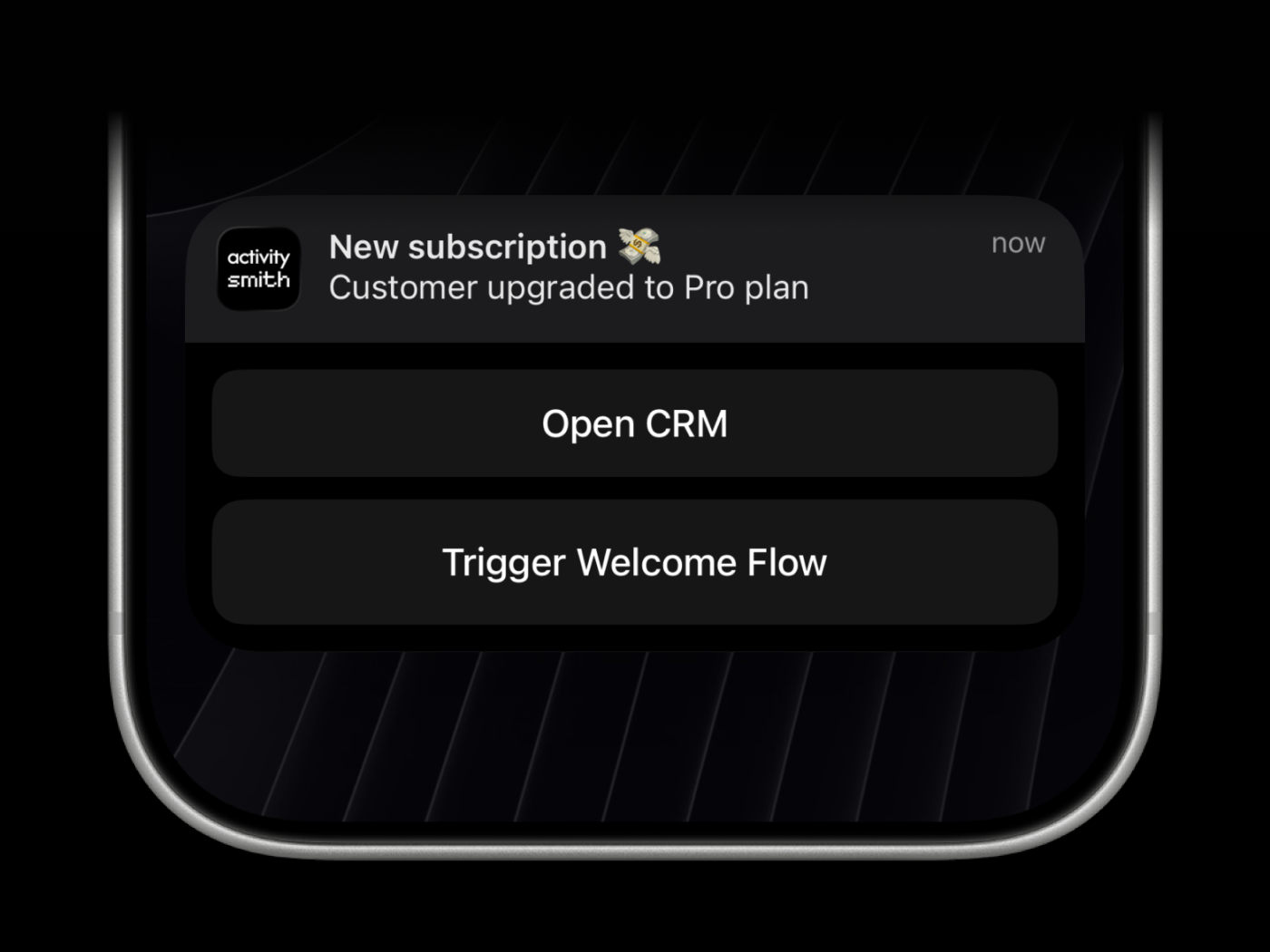
Actionable Push Notifications
ActivitySmith turns a Push Notification into a real action surface. Preview the result, tap the Push Notification to open the main URL, or long-press to reveal more actions, including URLs and webhook triggers.
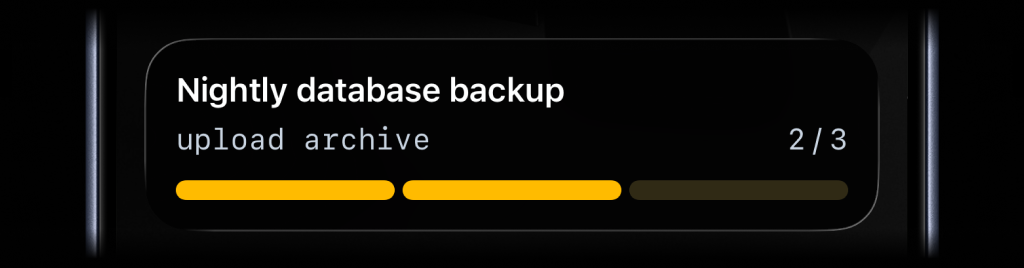
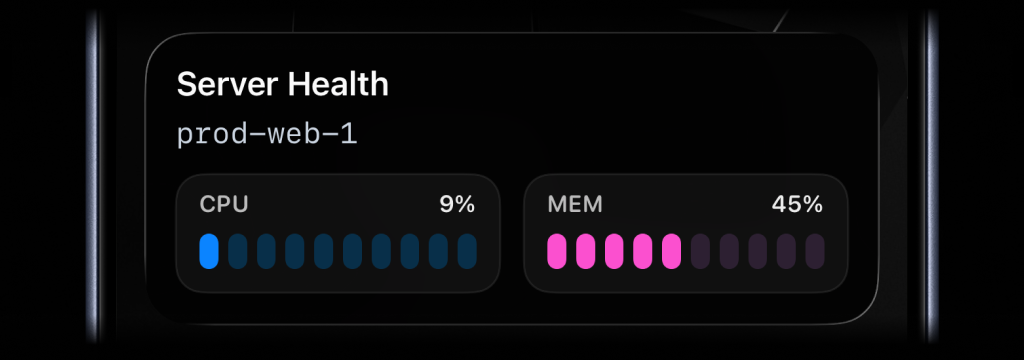
Live Activities
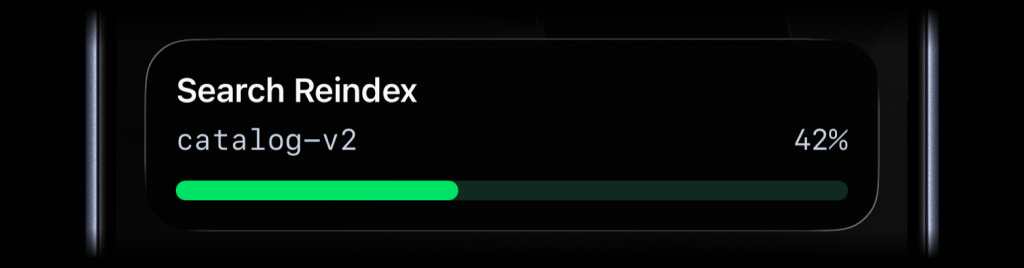
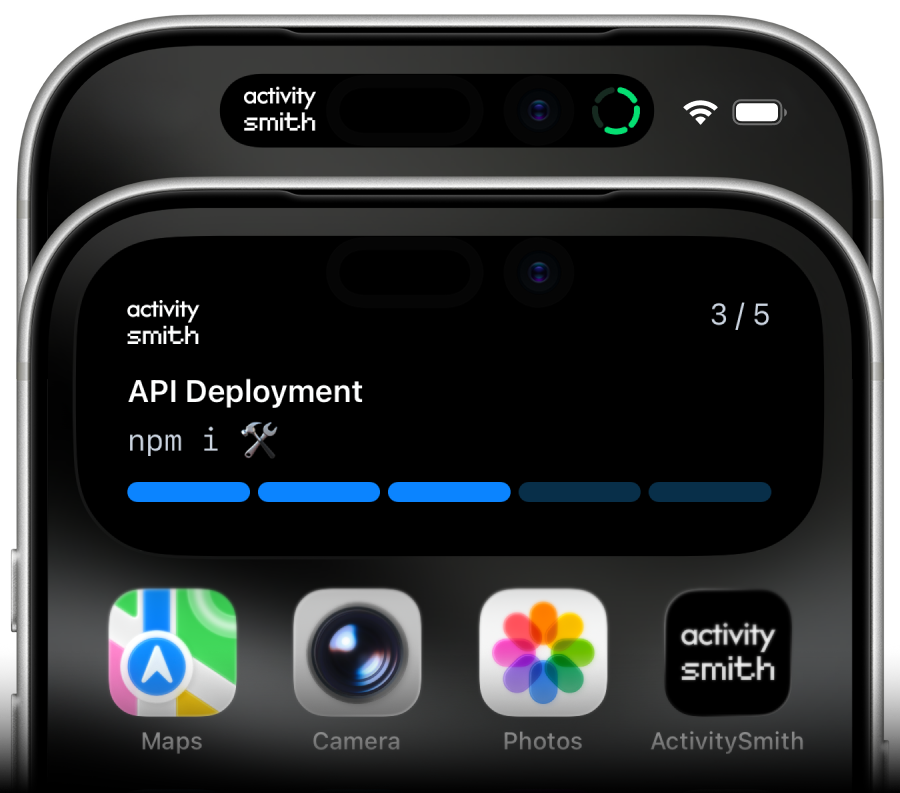
A Push Notification tells you something happened. A Live Activity shows you something is happening. ActivitySmith keeps progress visible in real time on the lock screen until the work is done.
Lock Screen Widgets
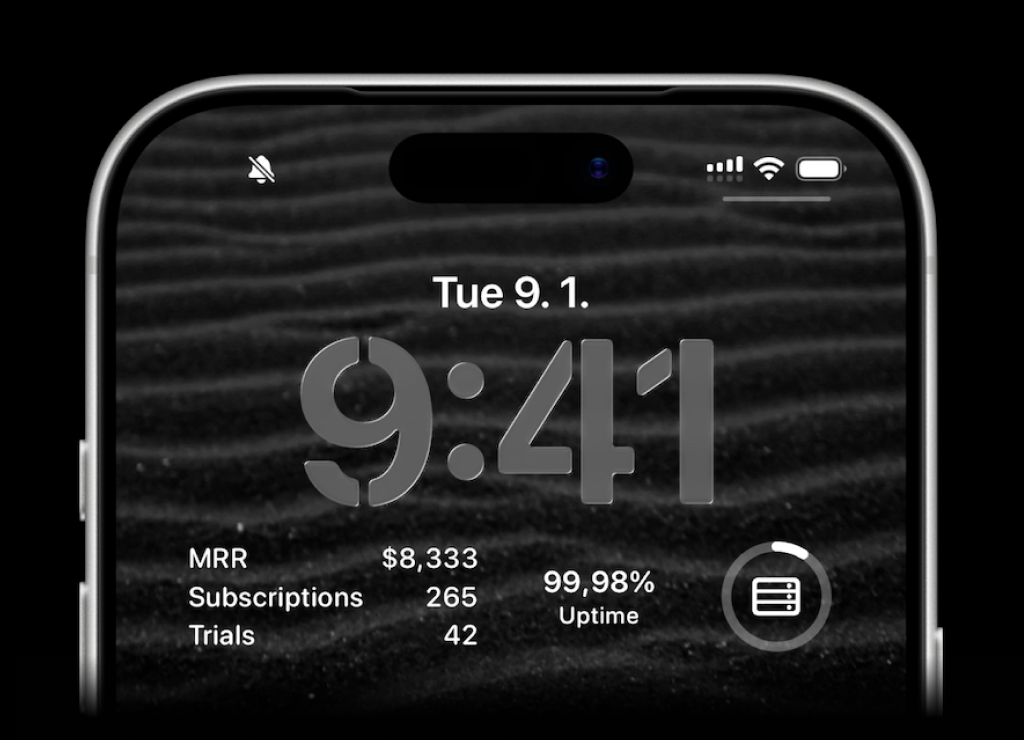
ActivitySmith can also show metrics directly on your iPhone Lock Screen. Create a metric in the web app, update it through the API, and choose the widget layout that fits the value.
Remote approvals for AI agents
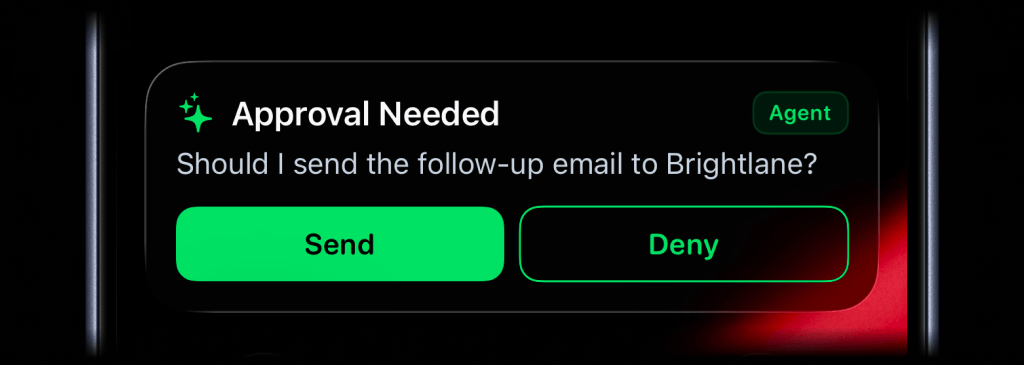
ActivitySmith lets AI agents pause before sensitive actions and ask for your decision on your iPhone. Approve or reject from a Push Notification or Live Activity, and the result returns to the waiting agent through MCP.
Managed pricing without self-hosting or daily caps
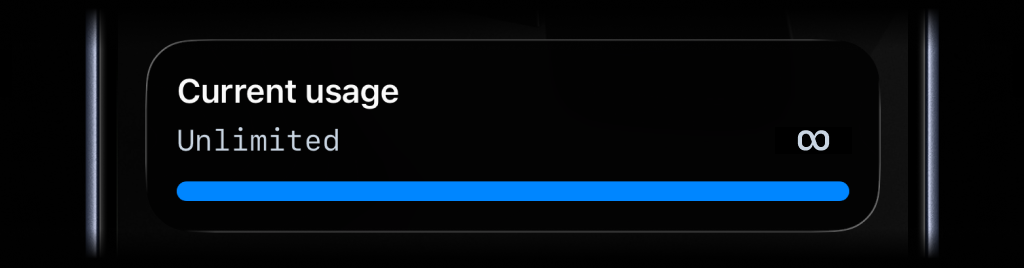
ActivitySmith paid plans include unlimited Push Notifications and Live Activity updates, so your team can send high-signal updates without watching daily message quotas or running its own notification server.
ActivitySmith and ntfy Comparison
In this table we compare ActivitySmith and ntfy feature by feature so you can decide which one is the right fit for your team.
| Feature |  ActivitySmith | ntfy |
|---|---|---|
| Push Notifications | Yes | Yes |
| Live Activities | Yes | No |
| Lock Screen Widgets | Yes | No |
| Rich media in notifications | Image, audio, and video | Images and file attachments |
| Actions | Tap to open URL + long-press actions for URL or webhook | Up to 3 actions: open URL, HTTP request, copy |
| Full history browsing | Yes | Topic stream + cached messages |
| Persistent history | Yes | No |
| Platform coverage | iPhone and iPad | iOS, Android, and desktop via web/PWA |
| Team members | Yes | Users + ACL on configured servers |
| Tags | Yes | No |
| Channels | Yes | Topics |
| Scoped API keys | Yes | Access tokens (not topic-scoped) |
| Delivery model | Route by internal audience | Publish to topics and notify subscribers |
| Free trial | 7 days, no card required | No |
| Official SDKs | Node.js, Python, Go, PHP, Ruby, CLI | No |
| MCP server | Yes | No |
| AI agent support | Yes | No |
| Remote AI agent approvals | Yes | No |
| Inbound webhooks (Railway, GitLab, GitHub, Linear...) | Yes | No |
| No daily message quotas on paid plans | Yes | No |
What is ntfy?
ntfy is a topic-based notification service that lets you publish messages over HTTP and receive them across mobile apps, the web, and desktop clients. It is flexible and can be used as a hosted service or self-hosted, but it is designed around generic notifications rather than iOS workflow visibility.
The key features of ntfy
- 1. Topic-based publishing and subscriptions
ntfy is centered on topics. Publish a message to a topic, and subscribers to that topic can receive it across the supported clients.
- 2. Hosted or self-hosted deployment options
You can use the hosted service or run ntfy yourself, which makes it attractive for teams that want more infrastructure control.
- 3. Priorities, attachments, and actions
Notifications can include priorities, tags, file attachments, and action buttons, so the system can carry more than just a short text alert.
Disadvantages of ntfy for engineering teams
ntfy can be a strong fit when you want a generic notification system or self-hosting flexibility, but there are clear reasons internal technical teams start looking for an alternative once iOS workflow visibility becomes important.
- 1. No Live Activities for long-running work
ntfy can deliver the next message in a workflow, but it does not keep a deploy, migration, or job visible on the lock screen while the work is still in progress.
- 2. No Lock Screen Widgets
ntfy does not provide iPhone Lock Screen widgets for SaaS metrics, so values you check often still need to live in a dashboard, topic stream, or another app.
- 3. Team routing stays topic-based
Topics are flexible, but they are still a broad publish-subscribe model. They are less opinionated than channels when internal teams need cleaner routing by audience.
- 4. No official SDKs and hosted plans still have limits
ntfy does not provide official SDKs for major programming languages or platforms. While there are community-written libraries, their maintenance and quality can vary, and some may not be actively maintained or up to date with ntfy's latest features. If you use the hosted service, each plan also comes with limits, so higher-volume operational delivery can still run into plan ceilings unless you self-host.
As you can see, considering ntfy alternatives becomes more important because it lacks support for Live Activities, does not offer official SDKs, and still uses hosted plan limits unless you choose to self-host.
What is ActivitySmith?
ActivitySmith is a tool that can be seen as an alternative to ntfy. It helps you and your team keep track of what's happening in your backend on your lock screen.
The key features of ActivitySmith
- 1. Push Notifications
ActivitySmith can also send Push Notifications to your devices with a simple API call. You can add image, audio, and video to the notification payload.
- 2. Live Activities for long-running work
ntfy can notify you when work starts or ends. ActivitySmith can keep that work visible in real time while it is running on your lock screen with Live Activities. find out more about ActivitySmith Live Activities here.
- 3. Lock Screen Widgets
ActivitySmith can show SaaS metrics directly on your iPhone Lock Screen. Create a metric in the web app, update it through the API, and choose from multiple widget layouts. read about ActivitySmith Lock Screen Widgets here.
- 4. Actions
Both Push Notifications and Live Activities can have actions. Open a URL from the notification, or expose long-press actions and Live Activity buttons that open a URL or trigger a webhook.
- 5. MCP server for AI agents
Connect Claude Code, Cursor, Codex, Grok, and other MCP clients through OAuth. Agents can send Push Notifications, show real-time updates with Live Activities, send remote approvals, update the App Icon Badge, and update values shown in your Lock Screen widgets. Connect the ActivitySmith MCP server.
- 6. Remote approvals for AI agents
Let an AI agent pause before a sensitive action and send the decision to your iPhone as a Push Notification or Live Activity. Approve or reject it, and ActivitySmith returns the result to the waiting agent through MCP without a custom webhook endpoint. See how remote approvals for AI agents work.
- 7. Route updates to the right users and devices
Use channels to target Push Notifications and Live Activities to the people who should see them, then use tags to organize notification history by workflow, release, customer, or environment.
- 8. Official SDKs and integrations
Use official SDKs for Node.js, Python, Go, PHP, Ruby, and CLI, plus integrations like GitHub Action, Zapier, and the ActivitySmith skill. That makes it easier to wire notifications into the systems your team already runs.
- 9. Inbound webhooks for third-party services
Connect Railway, GitLab, GitHub, Linear, and more with a generated endpoint - no middleware or custom code. Map payload fields directly into Push Notifications or Live Activities, then route events to the right team channel. See all integrations.
- 10. Predictable paid usage
Every paid plan includes unlimited Push Notifications and Live Activity updates. When operational traffic grows, you do not have to keep doing quota math before sending more signal through the system.
Key takeaways
Both ActivitySmith and ntfy deliver push notifications to your devices. The choice between the two will depend on your specific needs. Here are key takeaways from this comparison that may help you make a final choice.
ntfy
ntfy is a tool designed to deliver Push Notifications to your devices, but it doesn't support Live Activities, doesn't offer official SDKs, and hosted plans still come with usage limits.
ActivitySmith
ActivitySmith is the stronger choice for internal engineering and operations teams that want rich Push Notifications, Live Activities, official SDKs, and managed delivery without self-hosting.
If you are searching for a ntfy alternative, try ActivitySmith for free.
Frequently asked questions
Which is better, ActivitySmith or ntfy?
ActivitySmith is the better choice when notifications need to become real-time team visibility. Remote AI agent approvals, rich Push Notifications, Live Activities, channels, and tags keep important work visible and actionable while it happens.
Is ActivitySmith or ntfy easier to integrate?
ActivitySmith is straightforward to set up and gives teams a solid foundation from the start. Official SDKs, integrations, channels, and tags make it easy to begin simple and grow into richer workflows.
Can ntfy send Live Activities?
No. ActivitySmith supports Live Activities, so you can track the progress of any long-running processes on your lock screen.
Which is better for teams, ntfy or ActivitySmith?
ActivitySmith is built for internal technical teams with paired devices, team members, channels, and tags. That gives you cleaner routing, better visibility, and much less guesswork about who should see what.
Can I try ActivitySmith for free?
Yes. ActivitySmith has a 7-day free trial with no credit card required. You can send Push Notifications, run Live Activities, connect a workflow, and see if it fits before moving to a paid plan.
What does an ActivitySmith subscription include?
Every paid plan includes unlimited Push Notifications and Live Activity updates, paired iOS devices, team members, channels, tags, and all official SDKs and integrations. Plans scale by team size and start with a 7-day free trial with no credit card required.
Hear from your AI agents, scripts, and backend on your iPhone
Start with 7 days free, no credit card required. Send your first Push Notification in a few minutes, from your code or over MCP.
