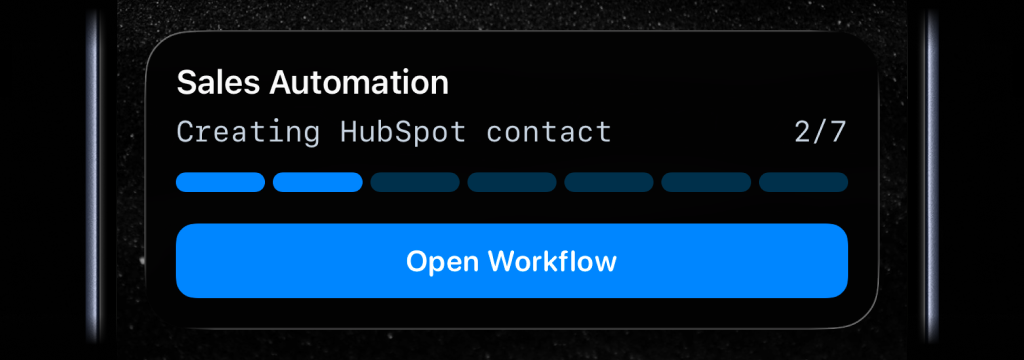
n8n workflows can run through several steps before the result is ready: fetch data, transform it, call another service, wait for approval, or generate an output.
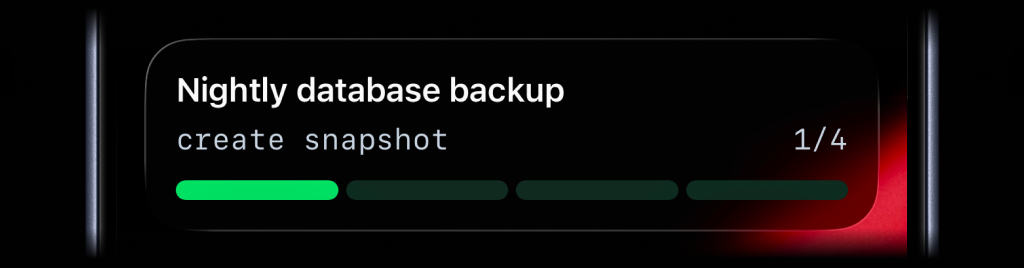
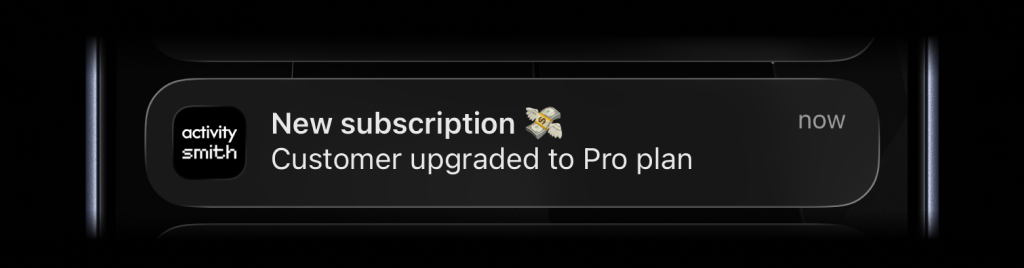
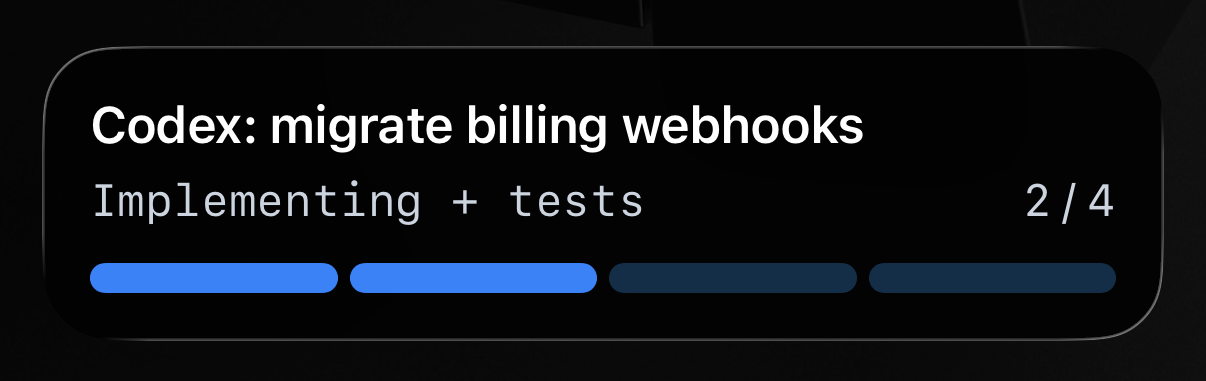
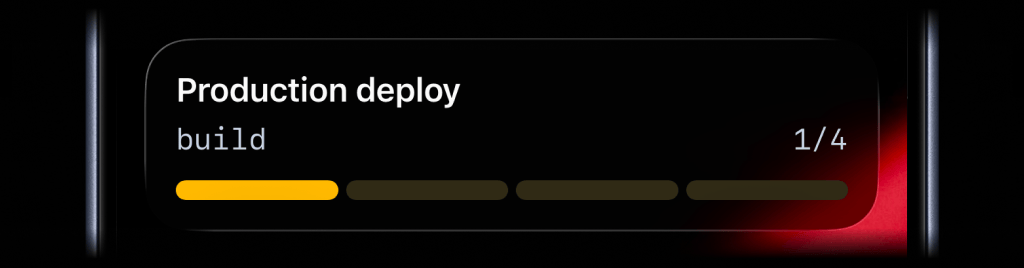
ActivitySmith shows real-time n8n workflow progress on your Lock Screen using Live Activities, then sends a Push Notification when the execution reaches a point you should know about.
Before you start
ActivitySmith account
Create an account so you can create the webhook or integration endpoint for this workflow.
At least one paired iOS device
Pair an iPhone or iPad with ActivitySmith so the update has somewhere to appear.
Official ActivitySmith node in n8n
Add the official ActivitySmith node to your workflow and connect it with your ActivitySmith API key.
Add progress to an n8n workflow
Live Activity progress
Use a Live Activity when the workflow has steps worth following while the execution is still running.
Step 1
Start progress near the beginning
Start the Live Activity after the workflow begins, before the slower automation steps run.
Step 2
Update after real workflow milestones
Update the current step after useful milestones, such as data collected, approval received, report generated, or export uploaded.
Step 3
End progress when the execution finishes
End the Live Activity after success or failure so the Lock Screen does not keep showing an old workflow.
Result Push Notification
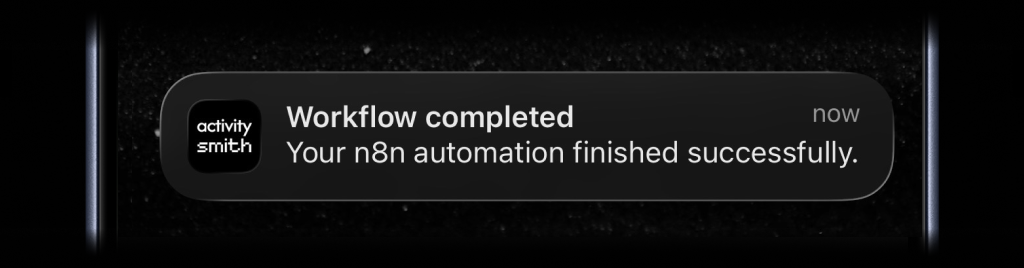
Send a Push Notification when the workflow reaches a final result or needs someone to take the next step.
Send the workflow result
Include the workflow name, status, and a link back to n8n or the generated output so the result is easy to inspect.
Team visibility
Invite teammates so people responsible for the workflow can pair their own iPhone or iPad and receive the same automation updates.
Use channels to target specific people or devices, such as automation, operations, or founders.
Workflow automation without tab watching
- Long-running n8n executions stay visible while they run, not only after someone checks the execution log.
- Completion, failure, and approval moments can reach the right device when they happen.
- The notification can link back to n8n or the generated output so follow-up starts from the exact workflow run.
Know when your n8n workflow is done
Put the workflow state on your Lock Screen while it runs, then get the result when it matters. No execution log refresh needed.