01
Start from a preset
Open ActivitySmith webhooks, choose Vercel, then pick a ready-to-use preset for a deployment Live Activity, production deploy push notifications, or failed-deploy alerts - the webhook is wired up in seconds.

Route Vercel deployment webhooks through ActivitySmith so builds, ready states, cancellations, and errors surface on your team's paired iOS devices. Send events as Push Notifications for fast alerts, or keep long-running work visible with Live Activities.
Use provider payload fields to keep each iOS update specific, routeable, and tied to the workflow event that caused it.
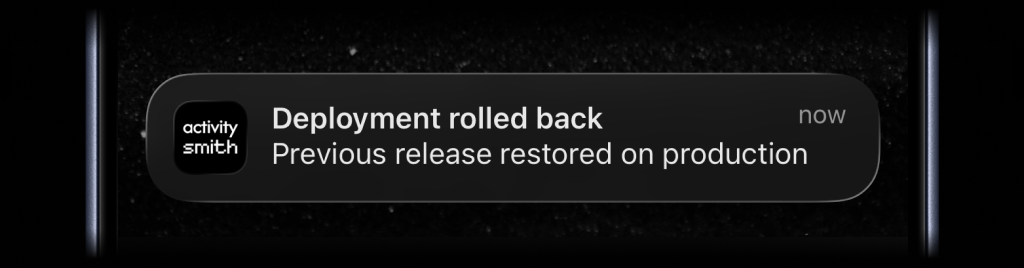
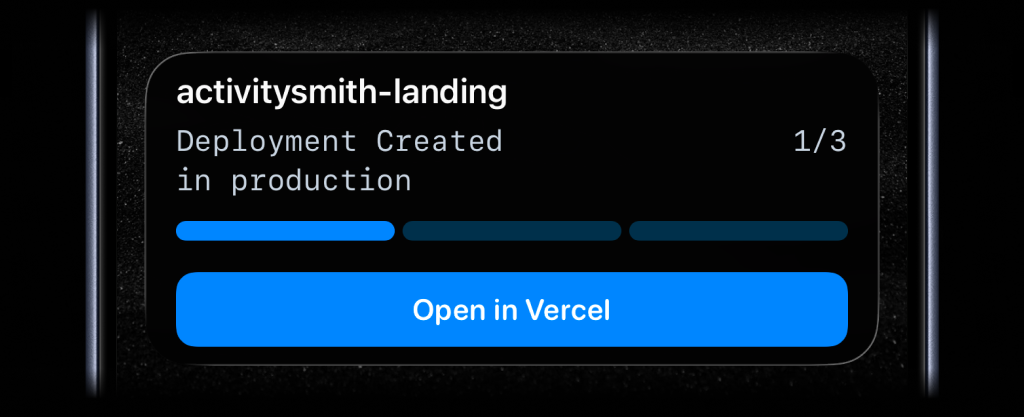
Create the ActivitySmith endpoint first, paste it into Vercel, then choose what appears on your device from the incoming payload fields.
01
Open ActivitySmith webhooks, choose Vercel, then pick a ready-to-use preset for a deployment Live Activity, production deploy push notifications, or failed-deploy alerts - the webhook is wired up in seconds.
02
In your Vercel project, add the ActivitySmith URL under Webhooks and subscribe to the deployment events you care about.
03
Use the preset as-is, or map Vercel payload fields into titles, messages, progress, channels, and action buttons so the right team sees each deploy.
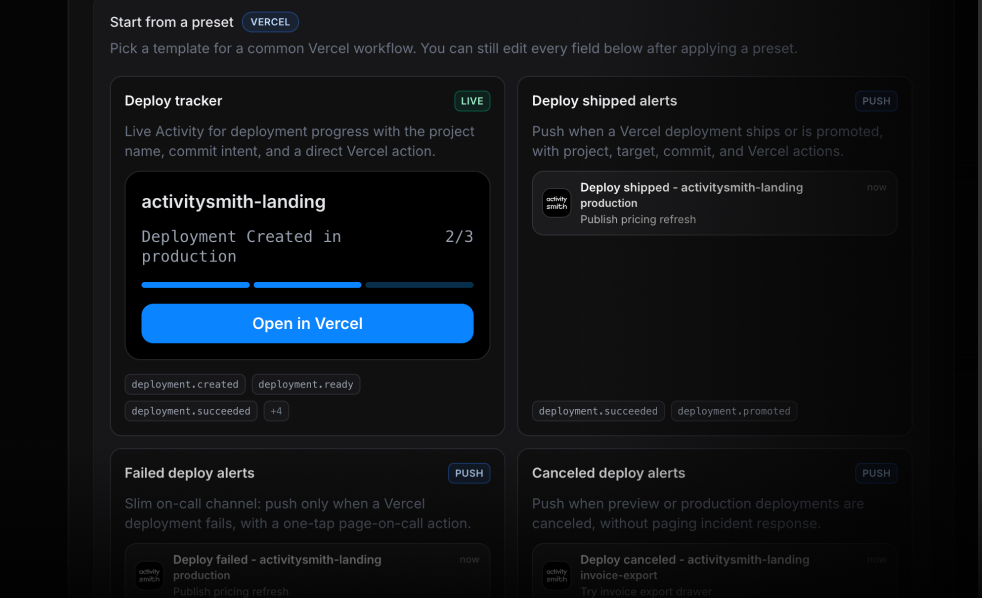
Dashboards stay at the desk. ActivitySmith puts Vercel deploy signal on your lock screen so releases stay visible when you step away.
Start a Live Activity when Vercel begins a production deployment, update it through build and promote, and close it when the deployment is ready or errors.
Send a push notification when a deployment fails or is canceled so on-call sees the miss without refreshing the dashboard.
Use preview vs production fields to route preview updates to a quieter channel while production stays high signal.
Add buttons that open the deployment in Vercel, the live URL, or an internal runbook when a rollout needs eyes.
Start your 7-day free trial. No credit card required.
