Stateless Live Activities: Stream Updates Without Managing activity_id
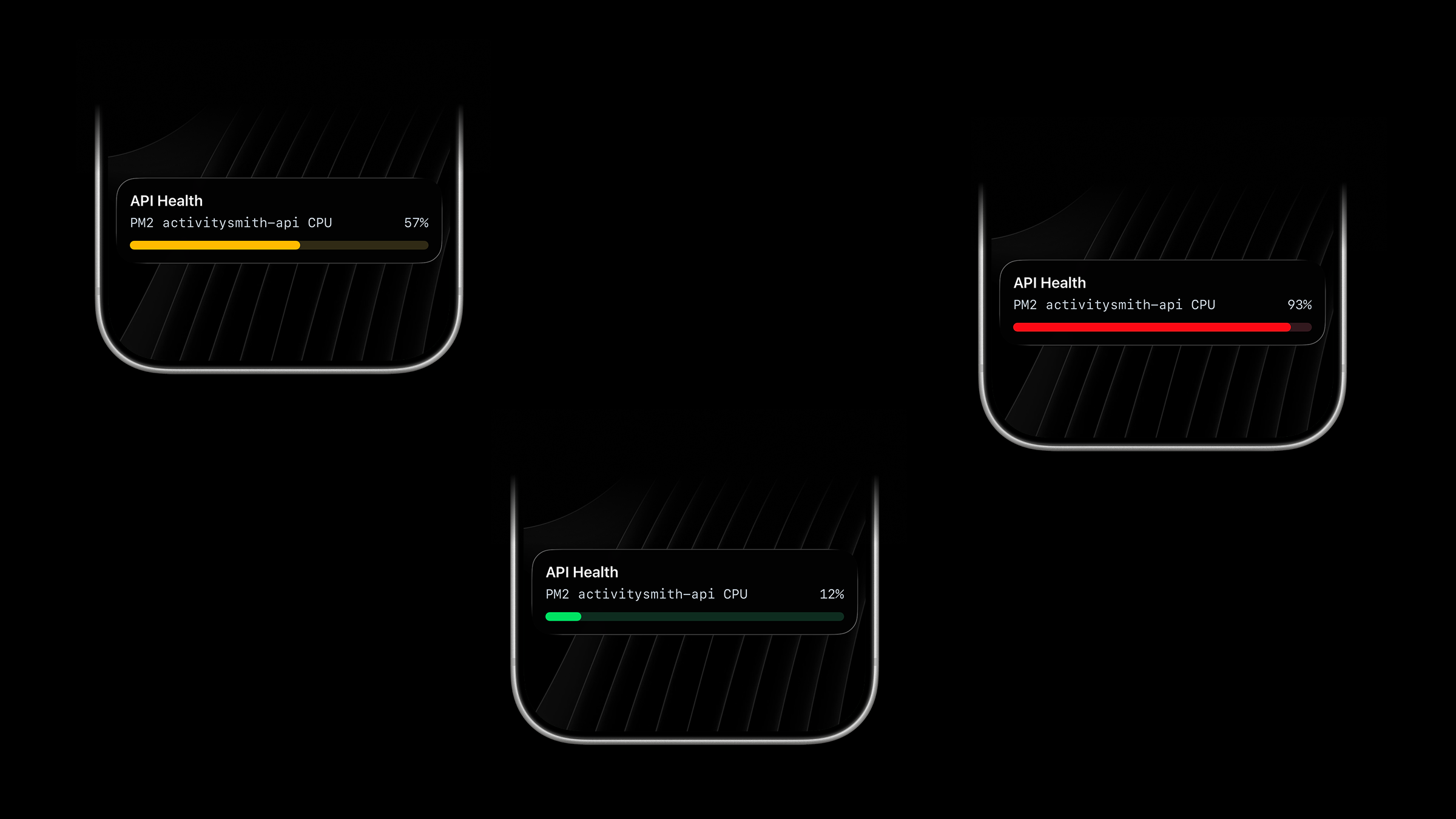
Live Activities now support a stateless stream mode.
I built this because while working on a new Live Activity type, I ran into a real limitation: lifecycle state management is fine in systems that already have state, but it becomes awkward in runtimes that wake up, do one thing, and exit.
GitHub Actions is a good example of where the original lifecycle still fits well. A workflow can start a Live Activity, keep the returned activity_id across steps, send updates, and end it when the run finishes.
A cron job is different. Each run can measure the current state of a process, but it does not naturally remember the activity_id from the previous run. You can bolt on a file, Redis key, or database row to persist it, but that means the integration is doing more state management than the job itself.
Stateless Live Activities remove that overhead.
What's new
- New
PUT /live-activity/stream/{stream_key}endpoint for stateless start-or-update behavior. - New
DELETE /live-activity/stream/{stream_key}endpoint to end the tracked Live Activity when the process is over. - ActivitySmith manages the lifecycle behind a stable
stream_key, so the caller does not need to persistactivity_id. - This is a good fit for cron jobs, scheduled scripts, background workers, and polling loops.
How it works
Pick one stable stream_key for one thing you are tracking.
Examples:
prod-web-1deployment-mainnightly-backupev-charging
Use one stream_key for one system, workflow, or process.
If no Live Activity exists yet for that key, ActivitySmith starts one. If one already exists, ActivitySmith updates it. If the current Live Activity needs to rotate, ActivitySmith handles that too.
The caller only sends the latest state.
Example: monitor PM2 process from cron
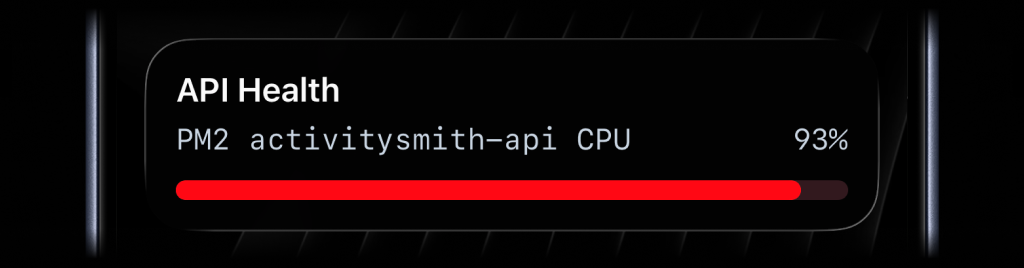
In this example, a cron job runs on a VPS, reads the CPU usage of one PM2 process by ID, maps that value to a progress Live Activity, and sends it with the same stream_key every time.
The important part is what the script does not do:
- it does not load an
activity_id - it does not save lifecycle state anywhere
- it just sends the latest data
#!/bin/bashset -euo pipefailAPI_BASE_URL="https://activitysmith.com/api"YOUR_API_KEY="YOUR_API_KEY"STREAM_KEY="pm2-activitysmith-api-cpu"PM2_PROCESS_ID="0"cpu_raw=$(pm2 jlist | jq -r --arg id "$PM2_PROCESS_ID" ' map(select((.pm2_env.pm_id | tostring) == $id)) | .[0].monit.cpu')if [ -z "$cpu_raw" ] || [ "$cpu_raw" = "null" ]; then exit 1ficpu=$(printf "%.0f" "$cpu_raw")if [ "$cpu" -gt 100 ]; then cpu=100fiif [ "$cpu" -ge 80 ]; then color="red"elif [ "$cpu" -ge 40 ]; then color="yellow"else color="green"fipayload=$(cat <<EOF{ "content_state": { "title": "API Health", "subtitle": "PM2 activitysmith-api CPU", "type": "progress", "percentage": $cpu, "color": "$color" }}EOF)curl --fail --silent --show-error \ -X PUT "$API_BASE_URL/live-activity/stream/$STREAM_KEY" \ -H "Authorization: Bearer $YOUR_API_KEY" \ -H "Content-Type: application/json" \ -d "$payload"Then let cron run it every minute:
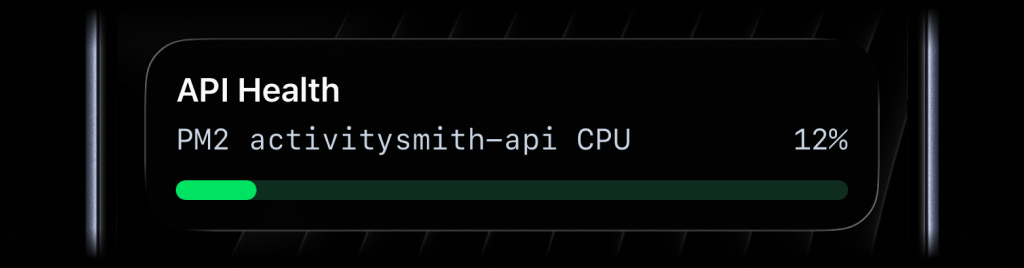
* * * * * /opt/monitoring/pm2-cpu-live-activity.shOne run might send a green update at normal CPU usage.
A later run can spike the same Live Activity to yellow.
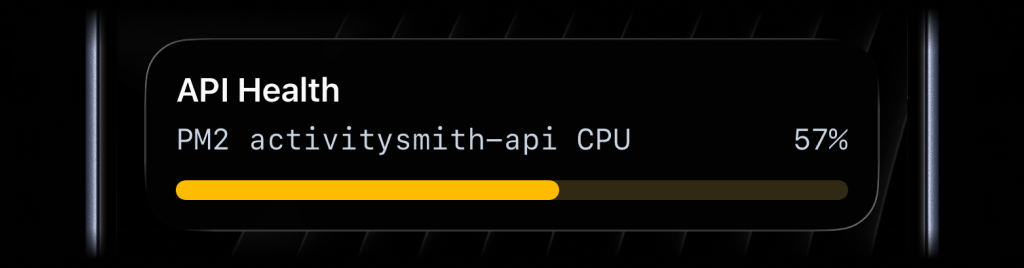
That is the whole point of stream mode: each execution is stateless, but the Live Activity stays continuous on the device.
When to use which model
Use stream mode when the caller should only send the latest state and move on.
Good fits:
- cron jobs
- scheduled health checks
- queue depth samplers
- background workers
- scripts that run independently and exit
Keep the original start/update/end lifecycle when the caller already has a natural place to keep state.
Good fits:
- GitHub Actions workflows
- deploy orchestration
- import pipelines
- long-running jobs that already pass IDs between stages
Ending the stream
When the tracked process is over and you no longer want the Live Activity on devices, end the stream explicitly:
curl --fail --silent --show-error \ -X DELETE "https://activitysmith.com/api/live-activity/stream/pm2-activitysmith-api-cpu" \ -H "Authorization: Bearer $YOUR_API_KEY"If you later send another PUT request with the same stream_key, ActivitySmith starts a new Live Activity for that stream again.
Availability
Available now across the API, SDKs, CLI, and GitHub Action.
This feature is available in the ActivitySmith iOS app version 1.5.0 and newer.
Ready to bring ActivitySmith into your workflow?
Start your 7-day free trial. No credit card required.
