01
Create the webhook
Open ActivitySmith webhooks, choose GitLab, then select Push Notifications or Live Activities.

Route GitLab project and group webhooks through ActivitySmith so pipeline, job, deployment, and merge request events appear on your iOS device. Send events as Push Notifications for fast alerts, or keep long-running work visible with Live Activities.
Use provider payload fields to keep each iOS update specific, routeable, and tied to the workflow event that caused it.
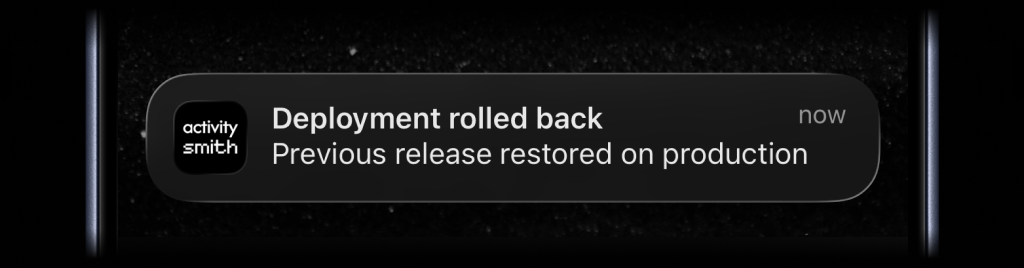
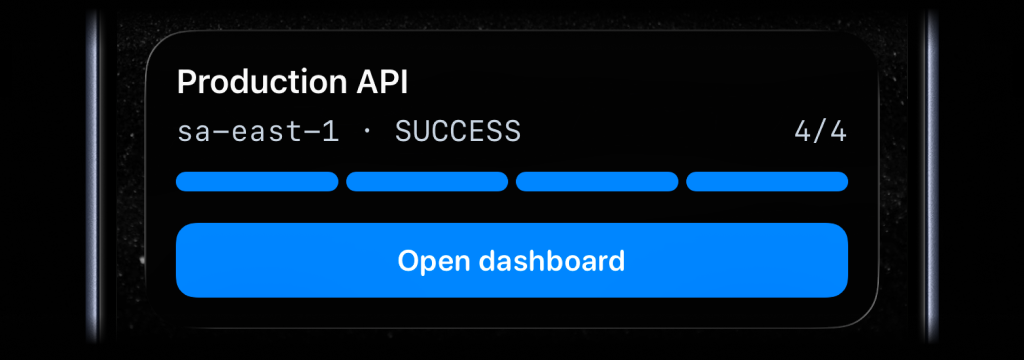
Create the ActivitySmith endpoint first, paste it into GitLab, then choose what appears on your device from the incoming payload fields.
01
Open ActivitySmith webhooks, choose GitLab, then select Push Notifications or Live Activities.
02
Copy the generated ActivitySmith URL into GitLab webhooks and subscribe to pipeline, job, deployment, or merge request events.
03
Map GitLab payload fields into titles, messages, progress, channels, and action buttons.
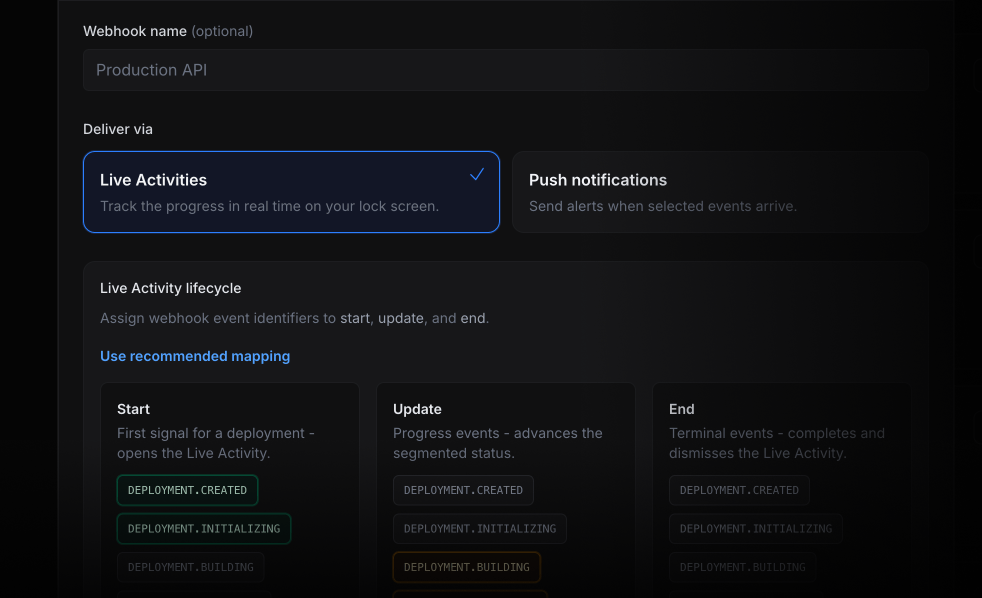
Start a Live Activity when a pipeline begins, update it as jobs move through stages, and finish it when GitLab reports the final status.
Send a Push Notification to the owning channel when a job fails, including the branch, commit, author, and a link back to GitLab.
Route production deployment events to the release team so shipped, failed, or rolled-back work is visible without opening GitLab.
Notify reviewers, open the merge request, or trigger an internal webhook when a review or release event needs attention.
Start your 7-day free trial. No credit card required.
