← Back to changelog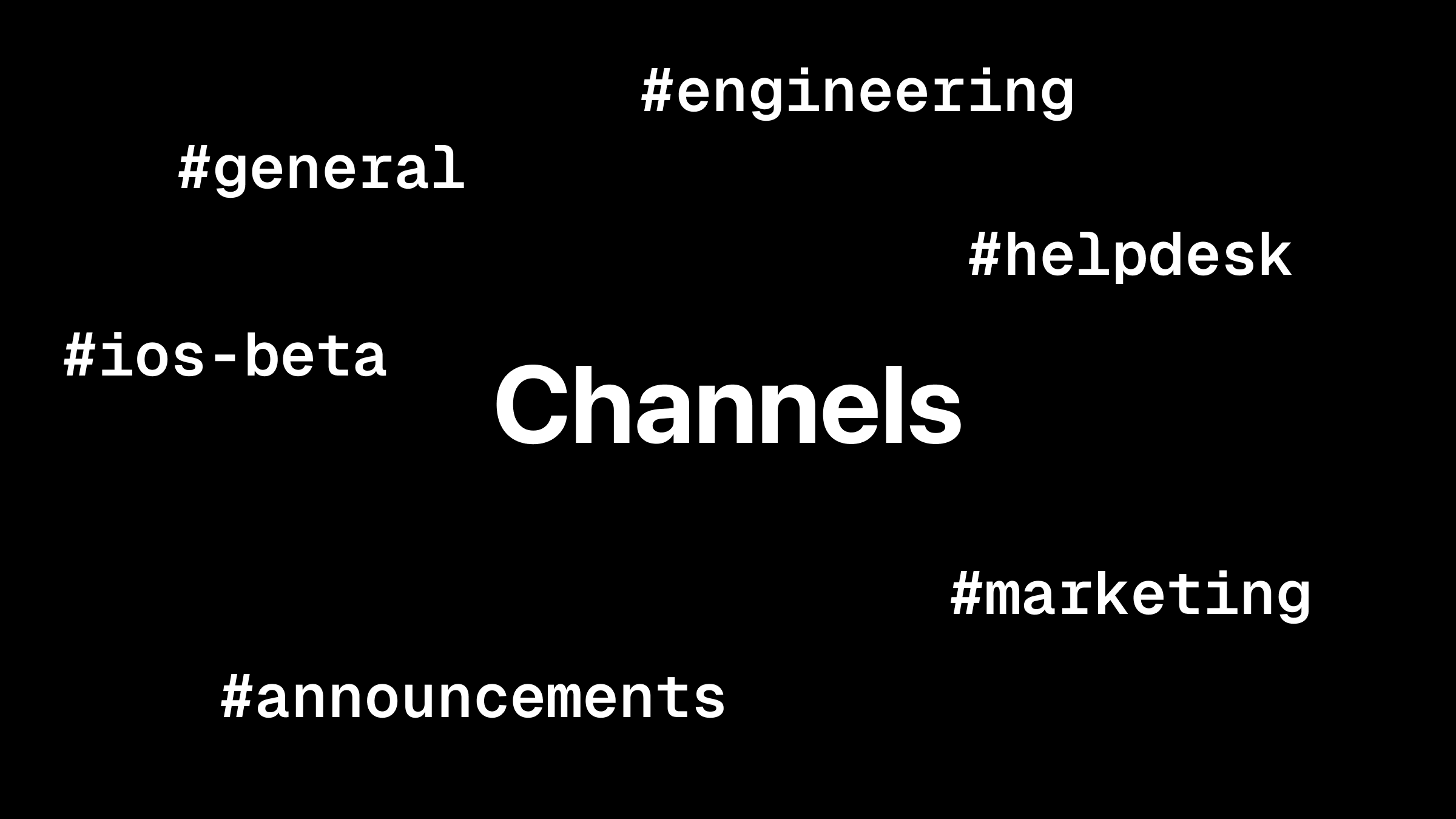
Feb 16, 2026
Channels: Target Users and Devices + Scoped API Keys
Use channels to route Push Notifications and Live Activities to specific users and devices.
Channels are now supported across all ActivitySmith SDKs and integrations, and the documentation has been updated with channel examples.
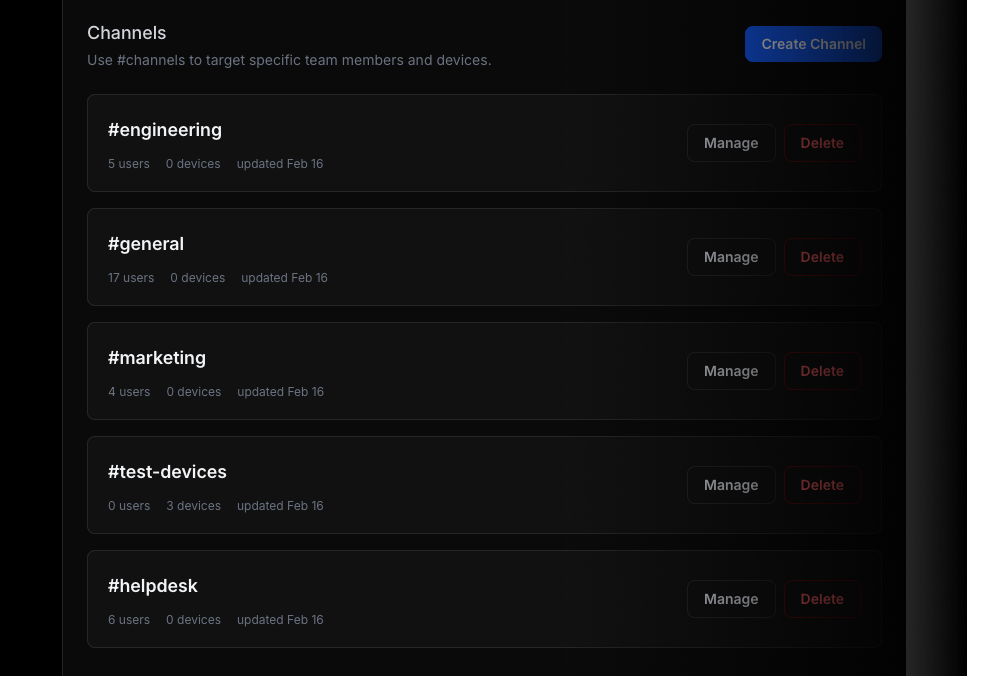
You can also scope API keys to specific channels for tighter control over where updates can be delivered.
Why channels
Channels let you route updates to the right audience, for example: #engineering, #ios-builds, #marketing.
Example
{ "title": "Build Failed", "message": "CI pipeline failed on main branch", "channels": ["ios-builds", "engineering"]}If channels are omitted, delivery behavior stays unchanged.
Ready to bring ActivitySmith into your workflow?
Start your 7-day free trial. No credit card required.
