Custom Icons and Interruption Levels for Push Notifications
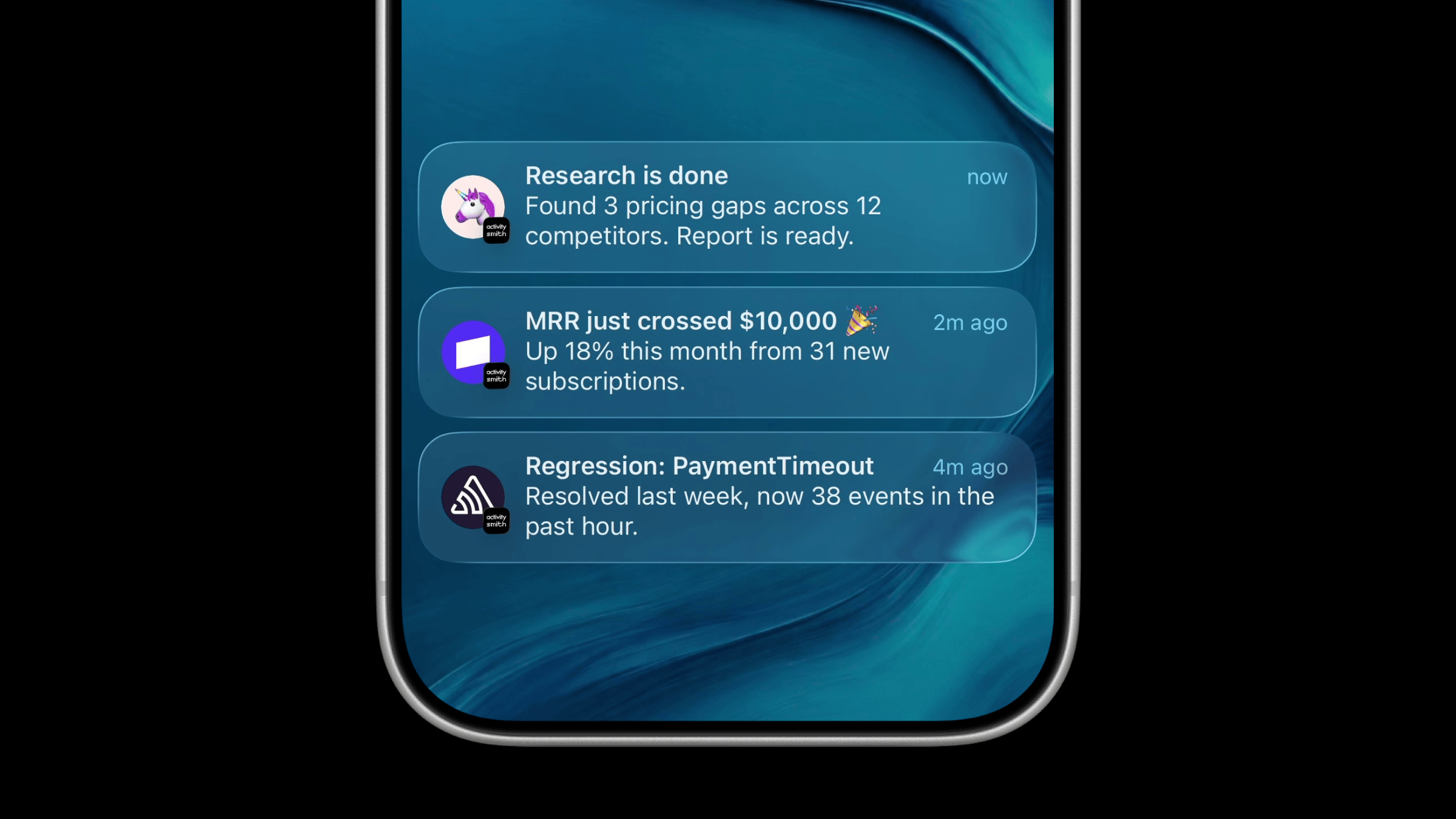
Push Notifications get two new options: a custom icon, and a choice of how urgently iOS delivers them.
Custom Push Notification Icons
Set icon to a public HTTPS image URL to show a logo or avatar on the notification. A smaller ActivitySmith app icon still appears next to it, so you know where the notification came from.
Use it to tell sources apart at a glance, like Sentry for errors, Stripe for revenue, or an avatar for your AI agent.
await activitysmith.notifications.send({ title: "MRR just crossed $10,000 🎉", message: "Up 18% this month from 31 new subscriptions.", icon: "https://cdn.activitysmith.com/integrations/icons/stripe.png",});With a custom icon, iOS may hide the subtitle. Keep the important details in the title and message.
Push Notification Interruption Levels
Set interruption_level to choose how much a notification should interrupt you:
passive: Arrives quietly in the notification list, without sound or lighting up the screen. Good for daily summaries and routine job results.active: Normal delivery. This is the default, so you can leave the field out.time-sensitive: Can break through Focus and Scheduled Summary when you allow Time Sensitive Notifications for ActivitySmith. Good for approvals, failed deploys, and anything that can't wait.
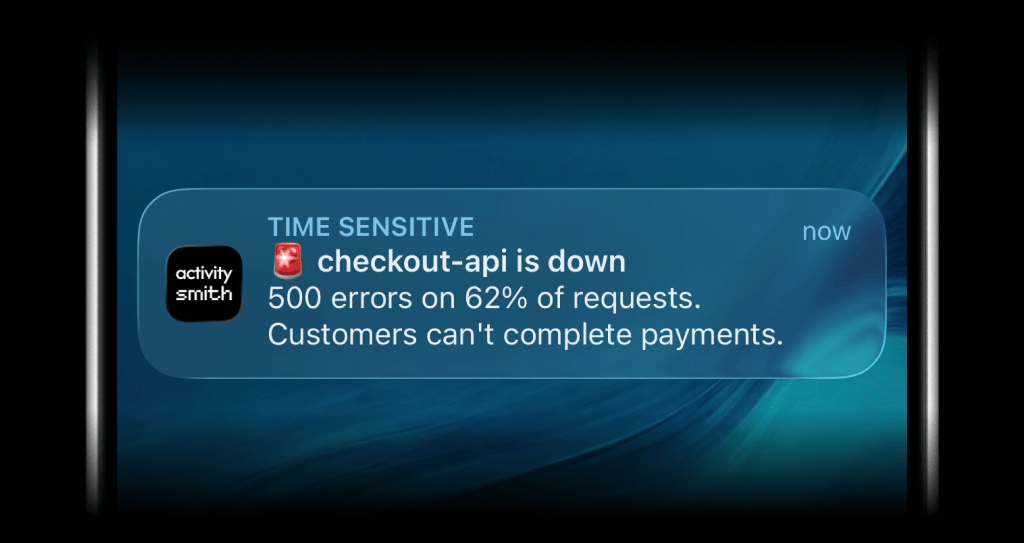
await activitysmith.notifications.send({ title: "🚨 checkout-api is down", message: "500 errors on 62% of requests. Customers can't complete payments.", interruption_level: "time-sensitive",});Availability
Available through the API, SDKs version 1.13.0 and newer, the CLI, and the MCP server.
Requires the ActivitySmith iOS app version 1.16.0 or newer.
Ready to bring ActivitySmith into your workflow?
Start your 7-day free trial. No credit card required.
