01
Create the webhook
Open ActivitySmith webhooks, choose CircleCI, then pick the workflow or job completion starting point you want to use.

CircleCI tells ActivitySmith when workflows and jobs complete. ActivitySmith turns those webhook events into routed iOS Push Notifications with the project, branch, commit, status, and a tap target back to the run. Send events as Push Notifications for fast, actionable alerts.
Use provider payload fields to keep each iOS update specific, routeable, and tied to the workflow event that caused it.
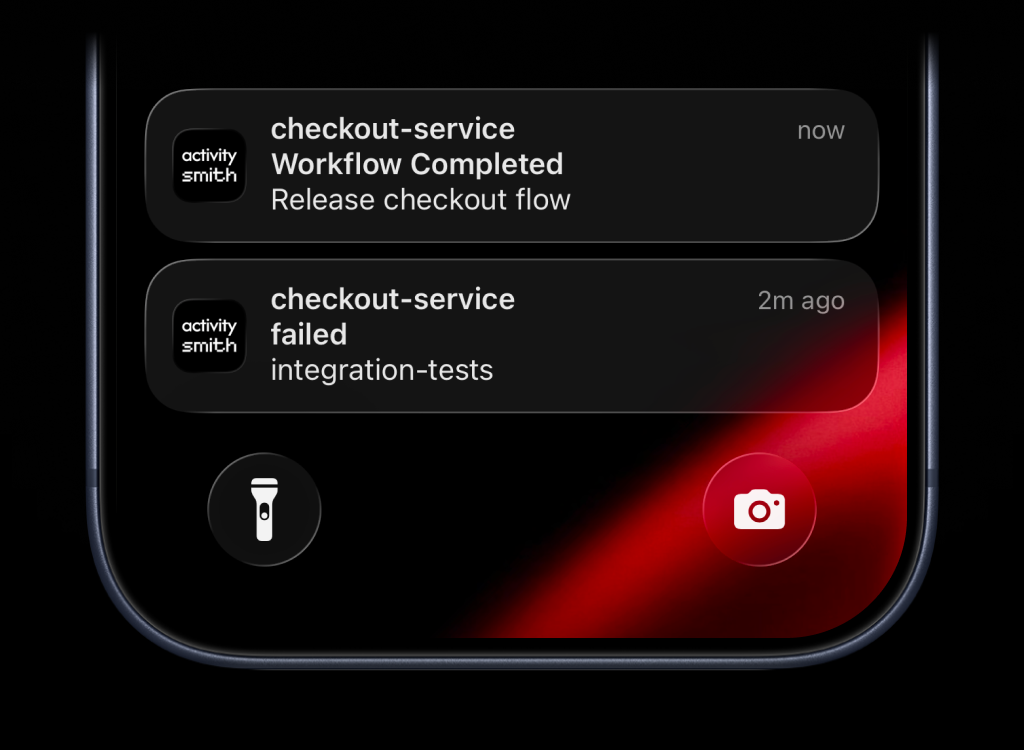
Create the ActivitySmith endpoint first, paste it into CircleCI, then choose what appears on your device from the incoming payload fields.
01
Open ActivitySmith webhooks, choose CircleCI, then pick the workflow or job completion starting point you want to use.
02
Copy the generated ActivitySmith endpoint into CircleCI outbound webhooks, choose the event types, and add the signing secret if you want request verification.
03
Map CircleCI payload fields into the notification title and message, then choose the channel or device group that should receive each result.
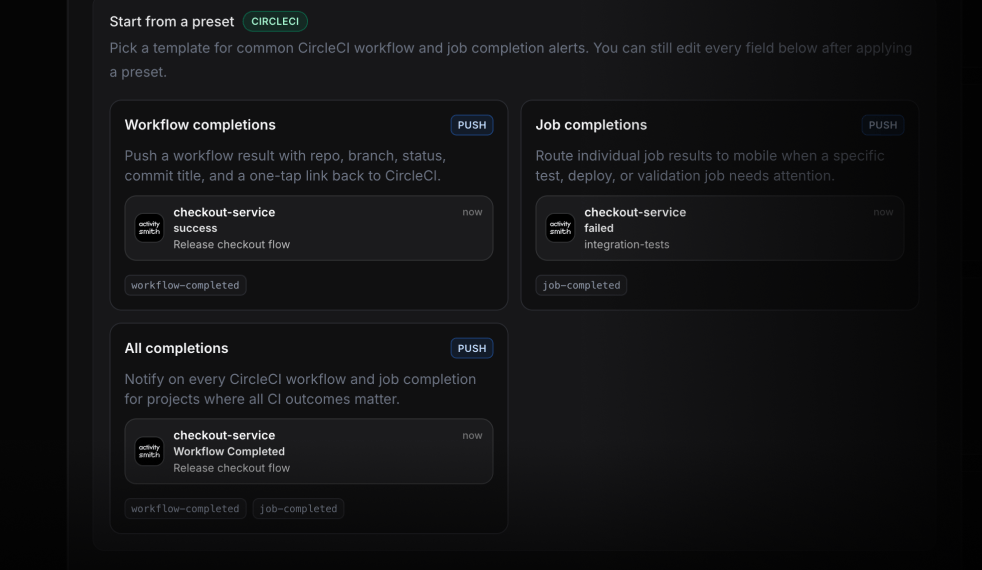
CircleCI webhooks carry the workflow and job context. ActivitySmith turns that context into team-routed Push Notifications so build outcomes reach people away from the dashboard.
Send a Push Notification when a workflow finishes failed, errored, canceled, or unauthorized so the owning channel sees the broken run immediately.
Route successful workflow completions for high-risk branches or release workflows so the team knows a fix landed without waiting in CircleCI.
Send job completion events to the team that owns the affected test suite, deploy step, or validation job instead of broadcasting every pipeline result.
Include the workflow or pipeline URL as the notification action so the person who gets the alert can open the exact run on their device.
Start your 7-day free trial. No credit card required.
