← Back to changelog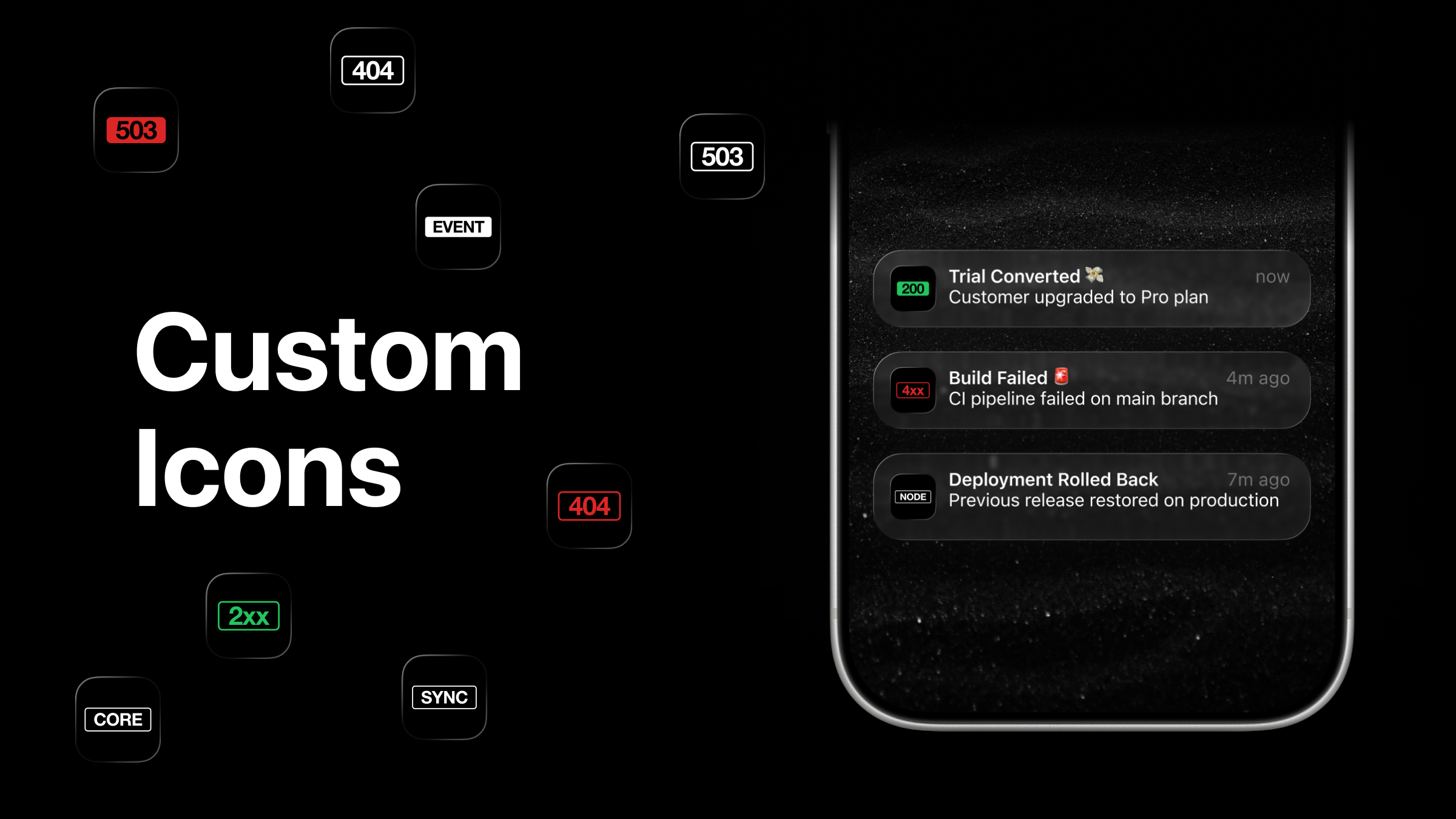
Apr 21, 2026
Custom App Icons: 36 Unbranded Icons for Your Home Screen and Lock Screen
The ActivitySmith app icon is the one you look at every time a push notification lands on your lock screen. It should feel like yours.
You can now pick from 36 custom app icons - no ActivitySmith branding. Tap Settings → App Icon inside the app and choose the one that fits.
What's new
- 36 new alternate icons with no ActivitySmith branding.
- HTTP status code badges -
200,2xx,404,503, and more. - Label badges -
CORE,FEED,SYNC,LINK, and others. - The icon you choose replaces the default on your home screen and on the lock screen of every incoming push notification.
Heads up: an iOS bug
There's a known iOS bug where push notifications can still render the default icon on the lock screen even after you switch. Apple has acknowledged it and a fix is pending.
Until then, the workaround is simple:
- Restart your device.
- Open the ActivitySmith app once so the push token refreshes.
New push notifications will then show your chosen icon on the lock screen.
Availability
Available in the ActivitySmith iOS app version 1.6.0 and newer.
Ready to bring ActivitySmith into your workflow?
Start your 7-day free trial. No credit card required.
