New Timer Live Activity for Countdowns and Elapsed Runtime
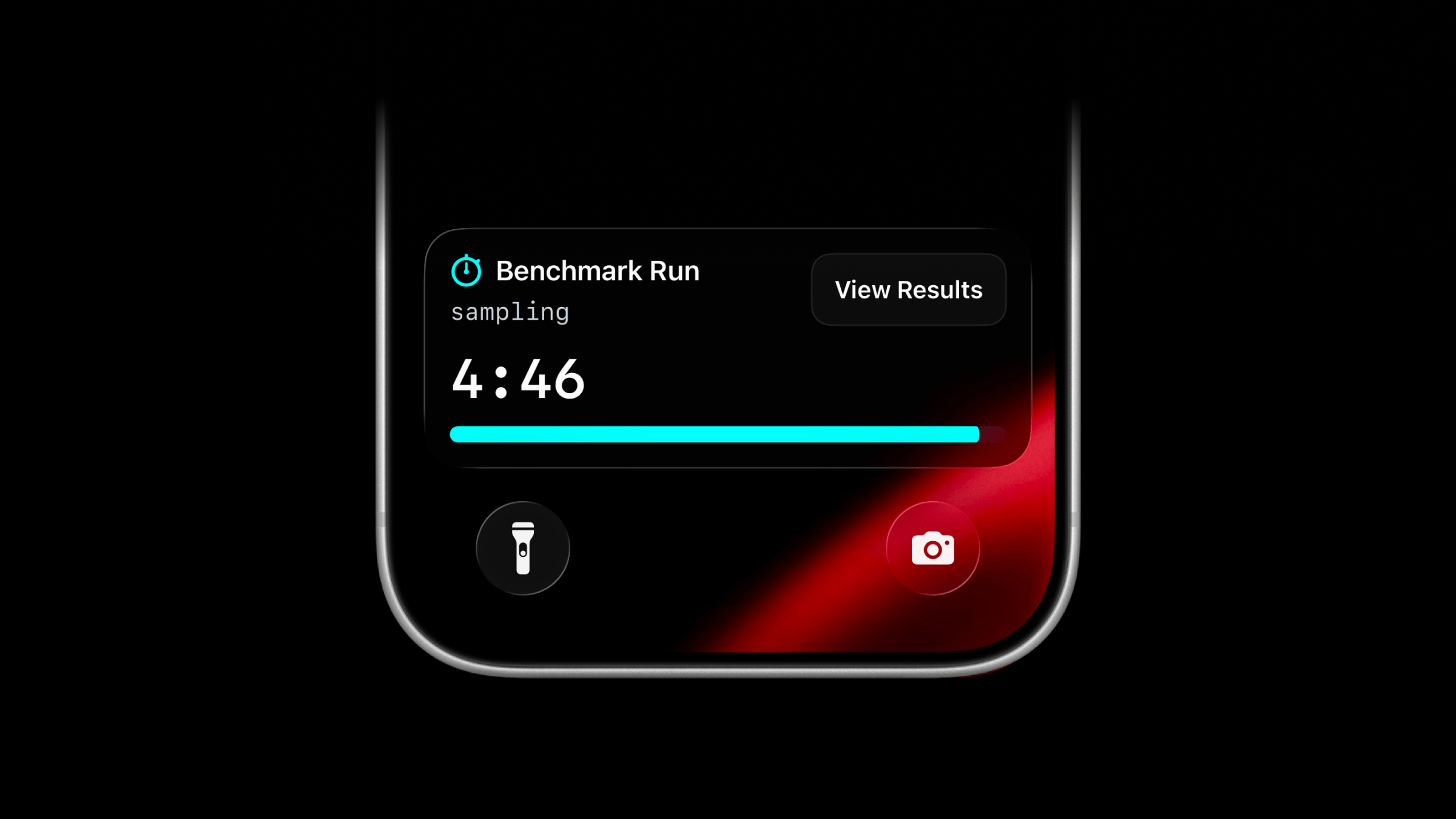
Live Activities now support a new activity type: timer.
Use timer when you want a countdown or running timer to stay visible on the Lock Screen. It can count down from a duration you send, or start at 00:00 and count up while work is running.
Start a Timer Live Activity
Use the same managed stream endpoint as other Live Activity types.
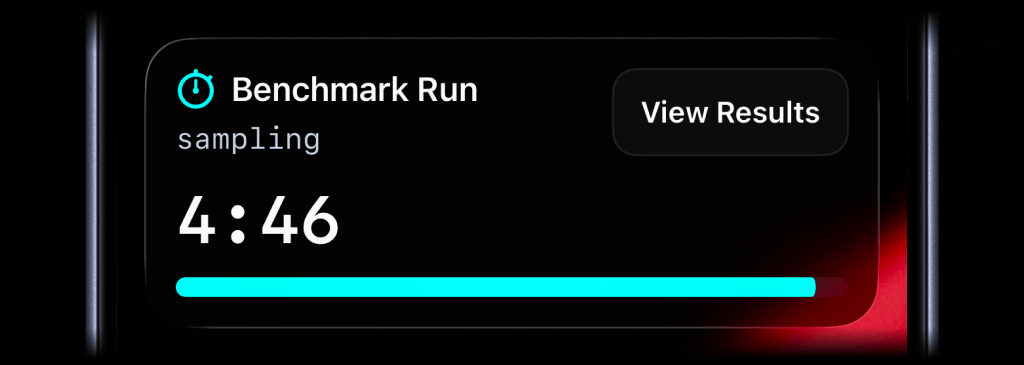
await activitysmith.liveActivities.stream("benchmark-run", { content_state: { title: "Benchmark Run", subtitle: "sampling", type: "timer", duration_seconds: 300, color: "cyan", },});For a countdown, send type: "timer" with duration_seconds. You can update title, subtitle, color, or any other visible field as the work changes. Leave duration_seconds out unless you want to change or reset the timer value.
To start at 00:00 and count up, set counts_down: false and leave out duration_seconds.
Add an Action Button
Timer Live Activities can include the same optional action button as other Live Activity types. Use it to open the run, dashboard, or job page behind the timer.
await activitysmith.liveActivities.stream("benchmark-run", { content_state: { title: "Benchmark Run", subtitle: "sampling", type: "timer", duration_seconds: 300, color: "cyan", }, action: { title: "View Results", type: "open_url", url: "https://benchmarks.example.com/runs/benchmark-run", },});Availability
Available across the API, SDKs, and CLI.
This feature is available in the ActivitySmith iOS app version 1.11.0 and newer.
Ready to bring ActivitySmith into your workflow?
Start your 7-day free trial. No credit card required.
