New Value Live Activity for Your Lock Screen
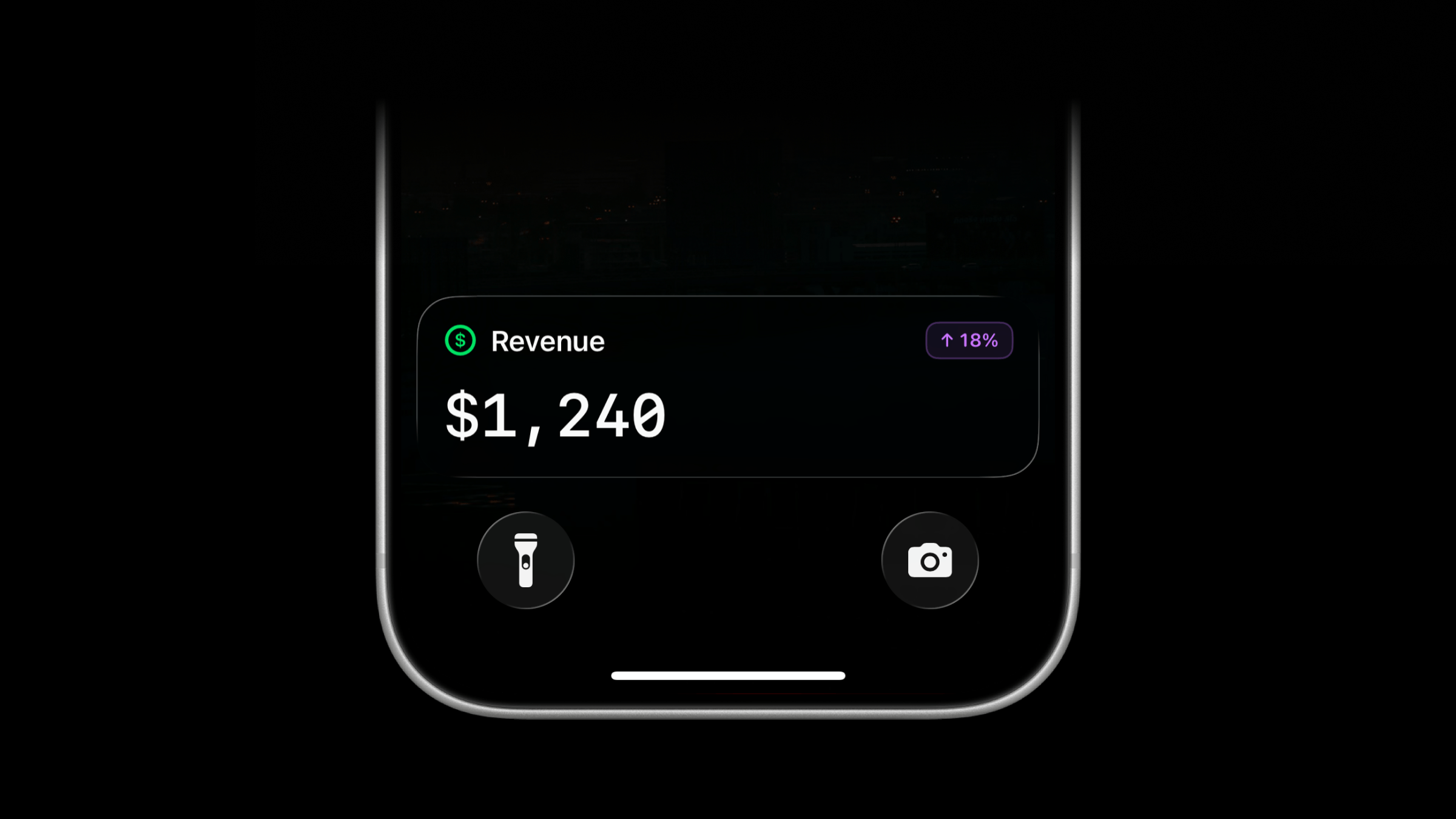
Live Activities now support a new activity type: value.
Use value to track a single number on your Lock Screen, such as revenue or temperature. The value appears in large text with a title above it.
Start a Value Live Activity
Use the same managed stream endpoint as other Live Activity types. Send type: "value" with a title and value.
The value field accepts a number such as 42, or a formatted string such as $1,240 or 23.50°C. Strings keep the formatting you supply, including decimal places and leading zeros.
Add an optional icon, badge, or subtitle to give the value context.
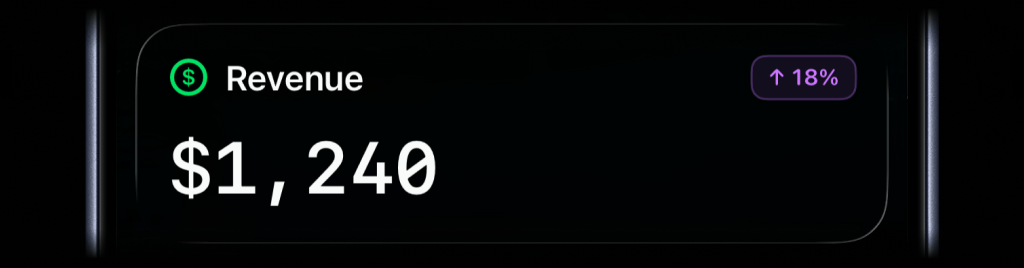
await activitysmith.liveActivities.stream("revenue-today", { content_state: ActivitySmith.contentState({ title: "Revenue", type: "value", value: "$1,240", color: "green", icon: ActivitySmith.alertIcon("dollarsign.circle", { color: "green" }), badge: ActivitySmith.alertBadge("↑ 18%", { color: "purple" }), }),});Call the same PUT /live-activity/stream/{stream_key} endpoint again whenever the value changes. ActivitySmith updates the Live Activity on paired devices.
When you no longer need to track the value, call DELETE /live-activity/stream/{stream_key} to end the Live Activity.
Add an Action Button
Value Live Activities can include optional action buttons, like other Live Activity types. Use them to open a related page, run an Apple Shortcut, or trigger a webhook.
await activitysmith.liveActivities.stream("revenue-today", { content_state: { title: "Revenue", type: "value", value: "$1,240", color: "green", }, action: { title: "View Dashboard", type: "open_url", url: "https://example.com/dashboard", },});Other Notable Additions
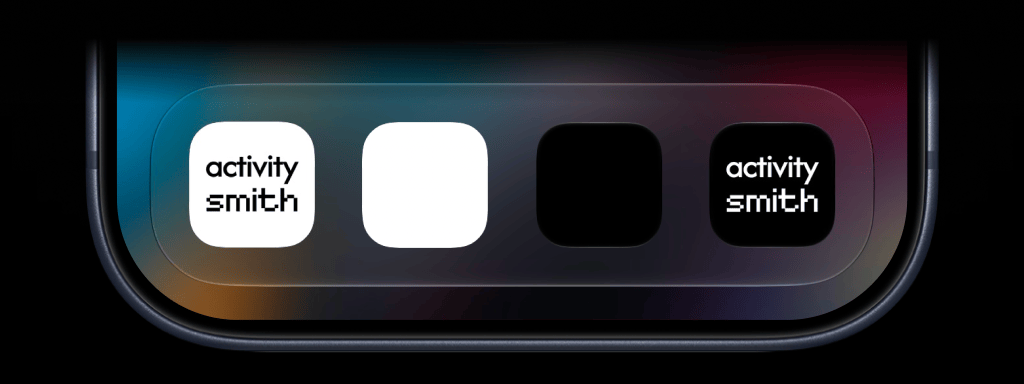
Three new app icons
Choose from three new app icons: Black, White, and Inverted Default. Open Settings → App Icon in the ActivitySmith iOS app to change yours.
Open apps from Push Notifications
Push Notification redirection and actions now support app deep links. Tap a notification or an action button to open an installed app or specific content within it.
- Spotify: Open a track with
spotify:track:6rqhFgbbKwnb9MLmUQDhG6. - Claude: Open the Code tab with
claude://code, or a specific session withclaude://code/SESSION_ID. - Termius: Open the app with
termius://.
Availability
Available across the API, SDKs, CLI, and MCP server.
This feature is available in the ActivitySmith iOS app version 1.15.0 and newer.
