01
Create the webhook
Open ActivitySmith webhooks, choose Linear, then select Push Notifications.

Linear notifies you about what you're assigned to. ActivitySmith routes Linear webhooks to shared team channels — by priority, project, or label — so the right people get the signal, whether or not they're in Linear. Send events as Push Notifications for fast, actionable alerts.
Use provider payload fields to keep each iOS update specific, routeable, and tied to the workflow event that caused it.
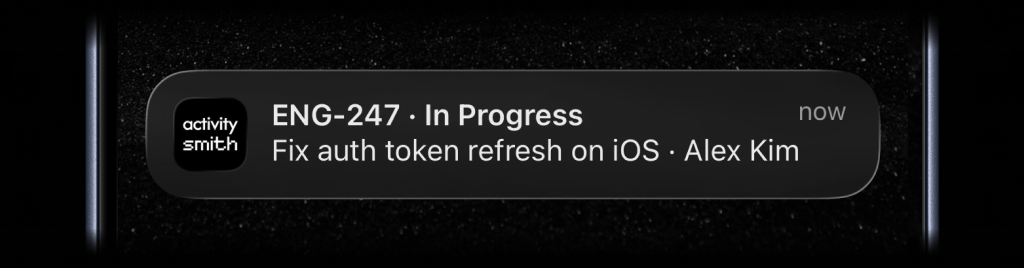
Create the ActivitySmith endpoint first, paste it into Linear, then choose what appears on your device from the incoming payload fields.
01
Open ActivitySmith webhooks, choose Linear, then select Push Notifications.
02
Copy the generated ActivitySmith URL into Linear webhook settings and subscribe to the events you want to route.
03
Choose which Linear payload fields appear in the notification title and body, then assign it to the team channel that should receive it.
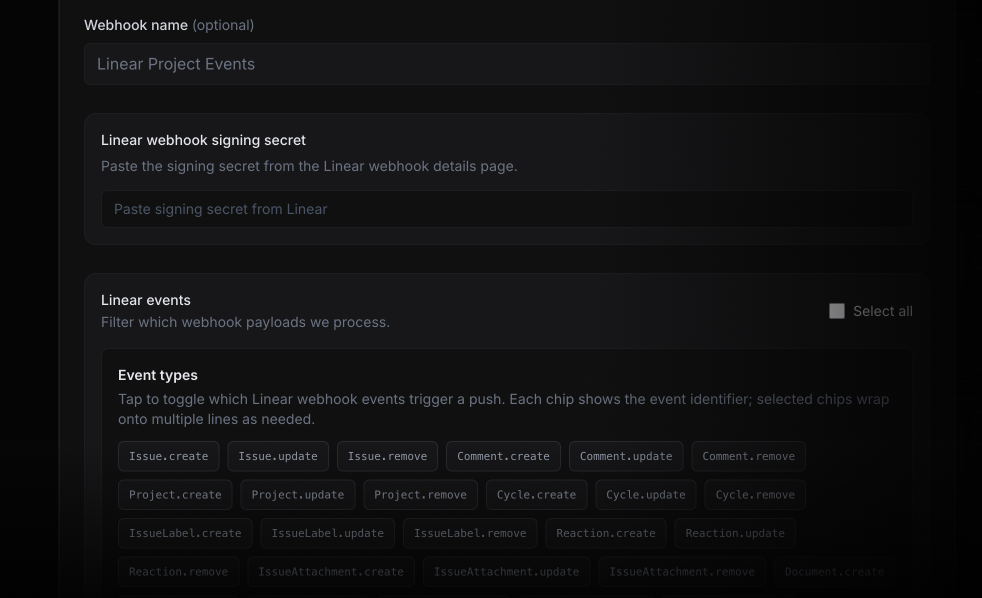
Linear notifies you about issues you're assigned to or following. ActivitySmith routes events to the right team - by priority, project, or label - regardless of who's involved in Linear.
Route any high-priority issue created in your workspace to #on-call or #engineering — regardless of who it's assigned to. No one misses a P1 because they weren't following the issue.
Send cycle start and close events to a shared channel so everyone knows sprint boundaries without checking Linear or waiting for a standup.
Managers, founders, or adjacent teams who don't live in Linear still get the signal. Route project milestones and status changes to anyone with ActivitySmith — no Linear account required.
Already routing GitHub Actions and Railway deploys through ActivitySmith? Add Linear to the same channels and manage all your team's event routing in one place.
Start your 7-day free trial. No credit card required.
