← Back to changelog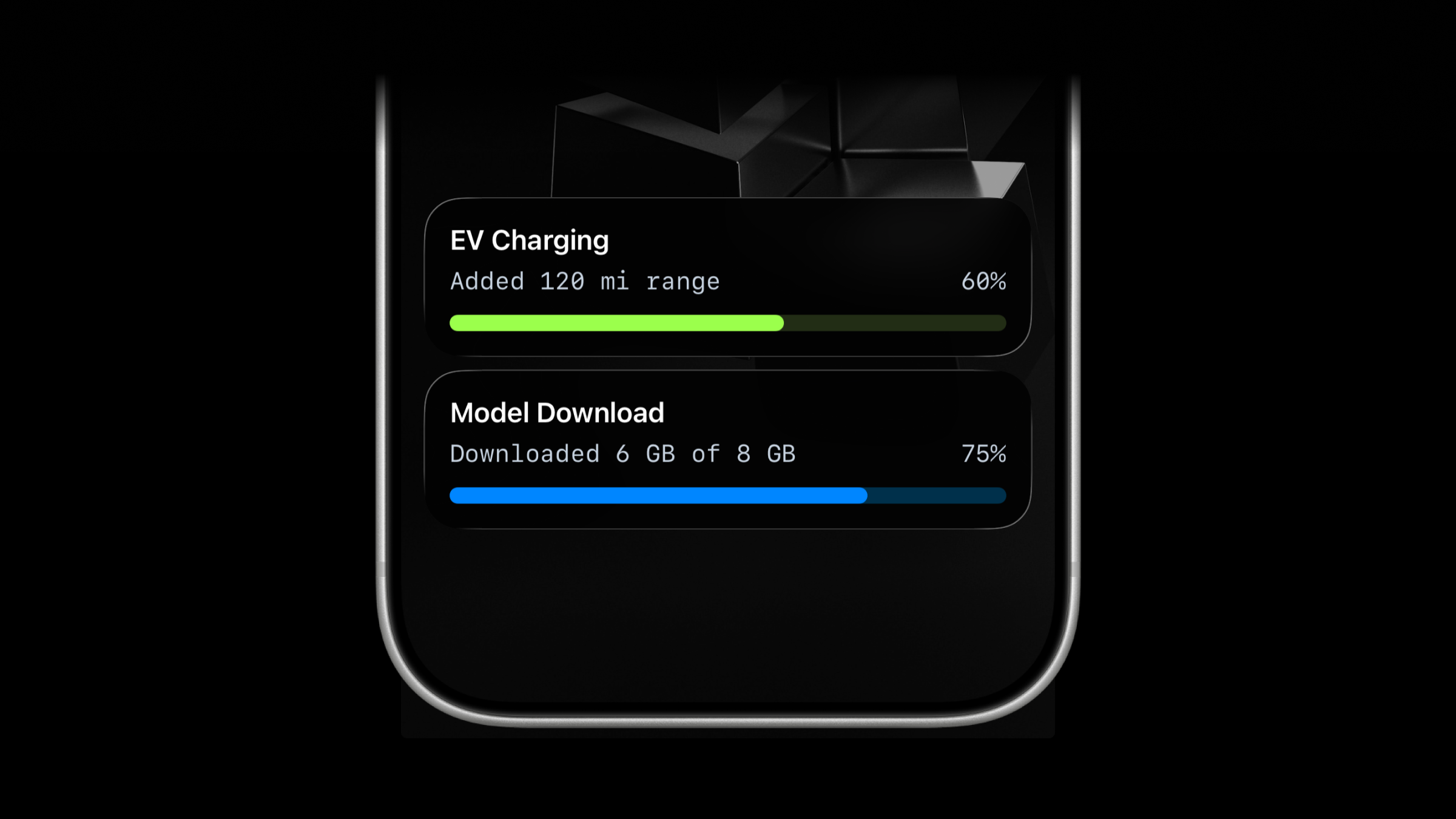
Mar 11, 2026
New Progress Type for Live Activities
Live Activities now support a second activity type: progress.
Use progress when the work is naturally continuous instead of step-based.
It fits EV charging, file transfers, data sync progress, imports, downloads, uploads, and any job where a percentage or numeric range is clearer than "step 2 of 4".
What’s new
- New
progresstype for Live Activities. - Send either
percentageorvaluewithupper_limit. - Keep using
segmented_progressfor step-based workflows. segmented_progressstill supports dynamicnumber_of_stepsduring update and end calls.
Choose the right type
segmented_progress: best for jobs tracked in steps.progress: best for jobs tracked as a percentage or numeric range.
Lifecycle
The lifecycle stays the same:
- Start the activity.
- Save the returned
activity_id. - Update it as progress changes.
- End it when the work is finished.
Start Live Activity
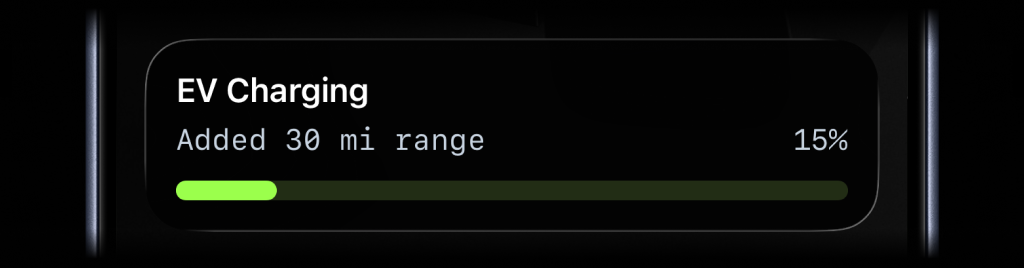
{ "content_state": { "title": "EV Charging", "subtitle": "Added 30 mi range", "percentage": 15, "type": "progress", "color": "lime" }}Update Live Activity
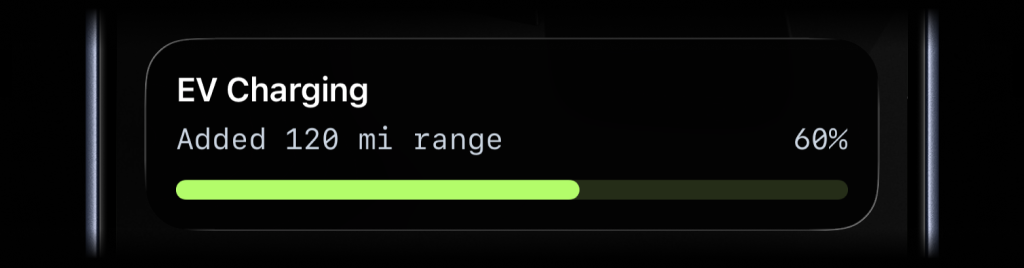
{ "content_state": { "title": "EV Charging", "subtitle": "Added 120 mi range", "percentage": 60 }}End Live Activity
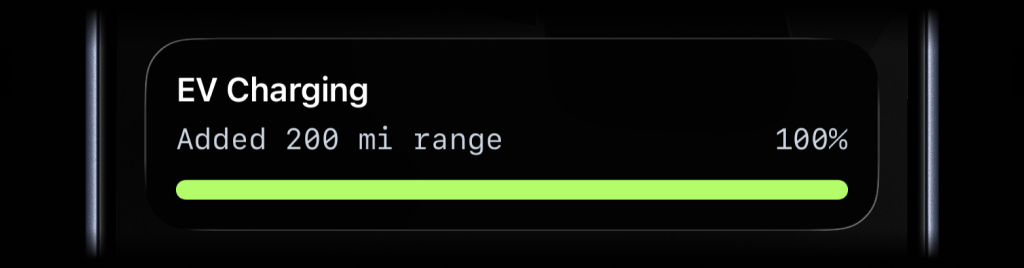
{ "content_state": { "title": "EV Charging", "subtitle": "Added 200 mi range", "percentage": 100, "auto_dismiss_minutes": 2 }}Numeric range example
{ "content_state": { "title": "Data Sync", "subtitle": "241 of 360 records synced", "value": 241, "upper_limit": 360, "type": "progress", "color": "blue" }}Availability
Available now across the API, SDKs, CLI, GitHub Action, and ActivitySmith skill.
This feature is available in the ActivitySmith iOS app version 1.2.0 and newer.
Ready to bring ActivitySmith into your workflow?
Start your 7-day free trial. No credit card required.
