Alert Live Activity for Important Updates
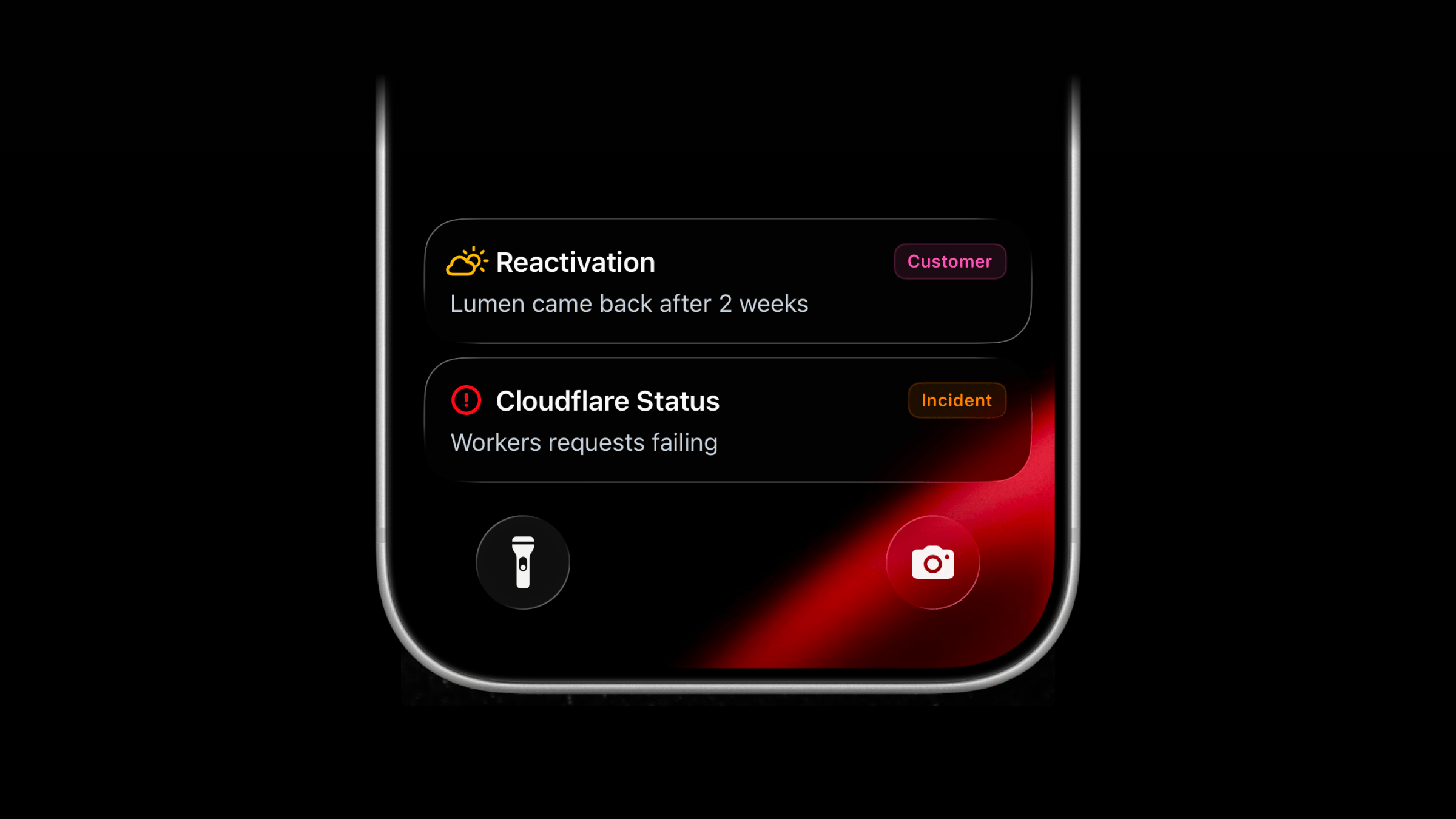
Live Activities now support a new activity type: alert.
Use alert for important updates that should stay visible on the Lock Screen while they matter. It works for customer operations, product adoption, onboarding blockers, reactivations, external service outages, incidents, escalations, and other states that do not fit a progress bar or metrics grid.
Alert Live Activity vs Push Notification
Alert Live Activities can look similar to Push Notifications at first glance, but they have a few benefits:
- Cleaner, fully customizable Lock Screen presentation.
- Stays visible while active, even when the phone is locked. Notifications can get hidden.
- Evolves in place. Update the same Live Activity instead of sending another notification.
- Can disappear immediately or after a short delay when it's no longer relevant.
Start Alert Live Activity
Use the same managed stream endpoint as other Live Activity types. Send type: "alert" with a title and message. You can optionally include:
icon: SF Symbol name. If omitted, the title shifts to the leading edge.badge: a compact label. If omitted, no badge is shown.
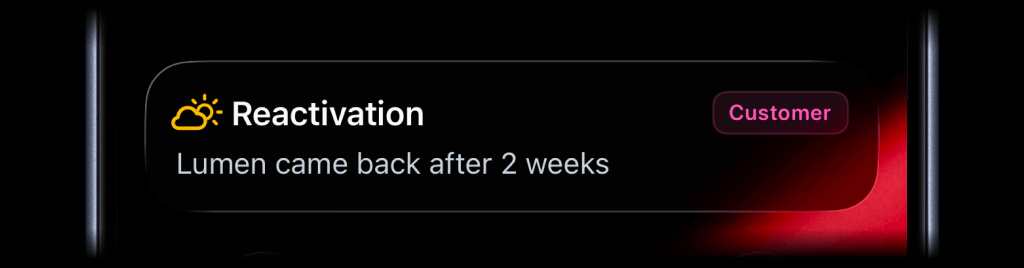
await activitysmith.liveActivities.stream("customer-ops", { content_state: ActivitySmith.contentState({ title: "Reactivation", message: "Lumen came back after 2 weeks", type: "alert", icon: ActivitySmith.alertIcon("cloud.sun", { color: "yellow" }), badge: ActivitySmith.alertBadge("Customer", { color: "magenta" }), }),});Call the same PUT /live-activity/stream/{stream_key} endpoint again when the status changes. ActivitySmith keeps the visible Live Activity updated on paired devices.
When the status is no longer relevant, call DELETE /live-activity/stream/{stream_key} to end it.
Add an action button
Alert Live Activities can include the same optional action button as other Live Activity types. Use it to open the customer, workflow, run, incident, or internal page behind the status update.
await activitysmith.liveActivities.stream("customer-ops", { content_state: ActivitySmith.contentState({ title: "Reactivation", message: "Lumen came back after 2 weeks", type: "alert", color: "purple", icon: ActivitySmith.alertIcon("cloud.sun", { color: "yellow" }), badge: ActivitySmith.alertBadge("Customer", { color: "magenta" }), }), action: { title: "Open Workflow", type: "open_url", url: "https://app.example.com/customers/lumen", },});Picking a SF Symbol
The icon.symbol value is the name of a SF Symbol. Browse the catalog with one of these tools:
- ActivitySmith app - Open Settings -> SF Symbols to browse 45 hand-picked icons ready to use
- SF Symbols - Apple's official macOS app
- Interactful - free third-party iOS app listing all SF Symbols under Foundations -> Iconography
Availability
Available across the API, SDKs, and CLI.
This feature is available in the ActivitySmith iOS app version 1.9.0 and newer.
Ready to bring ActivitySmith into your workflow?
Start your 7-day free trial. No credit card required.
