Remote Approvals for AI Agents
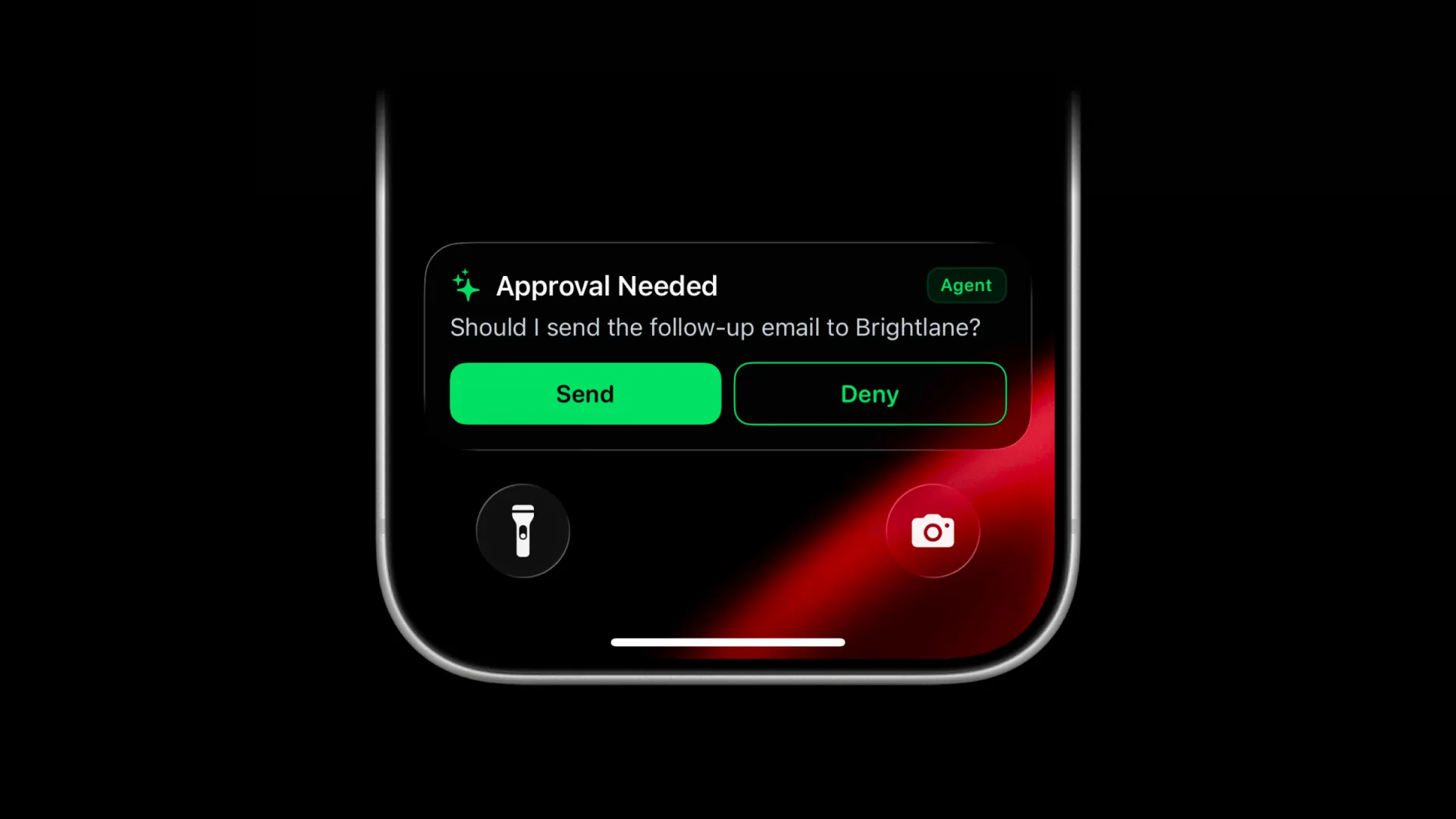
Remote approvals for AI agents are now available through the ActivitySmith MCP server. When an agent reaches a step that needs your permission, it can send the approval request to your iPhone as an actionable Push Notification or Live Activity, wait for your response, then continue with the result.
This gives actions like deploying to production, sending an email, publishing content, deleting data, or making a purchase an explicit human checkpoint without requiring you to stay beside the terminal.
How remote approvals work
- The agent sends ActivitySmith a question, optional context, and two action labels.
- ActivitySmith stores the approval and delivers it to your paired iPhone or iPad.
- You choose an action from the Push Notification or Live Activity.
- The decision returns to the same waiting agent through MCP.
The approval remains available for up to 30 minutes. ActivitySmith handles the stored request and returns the result, so you do not need to build a webhook endpoint or approval state management.
Choose how the approval appears
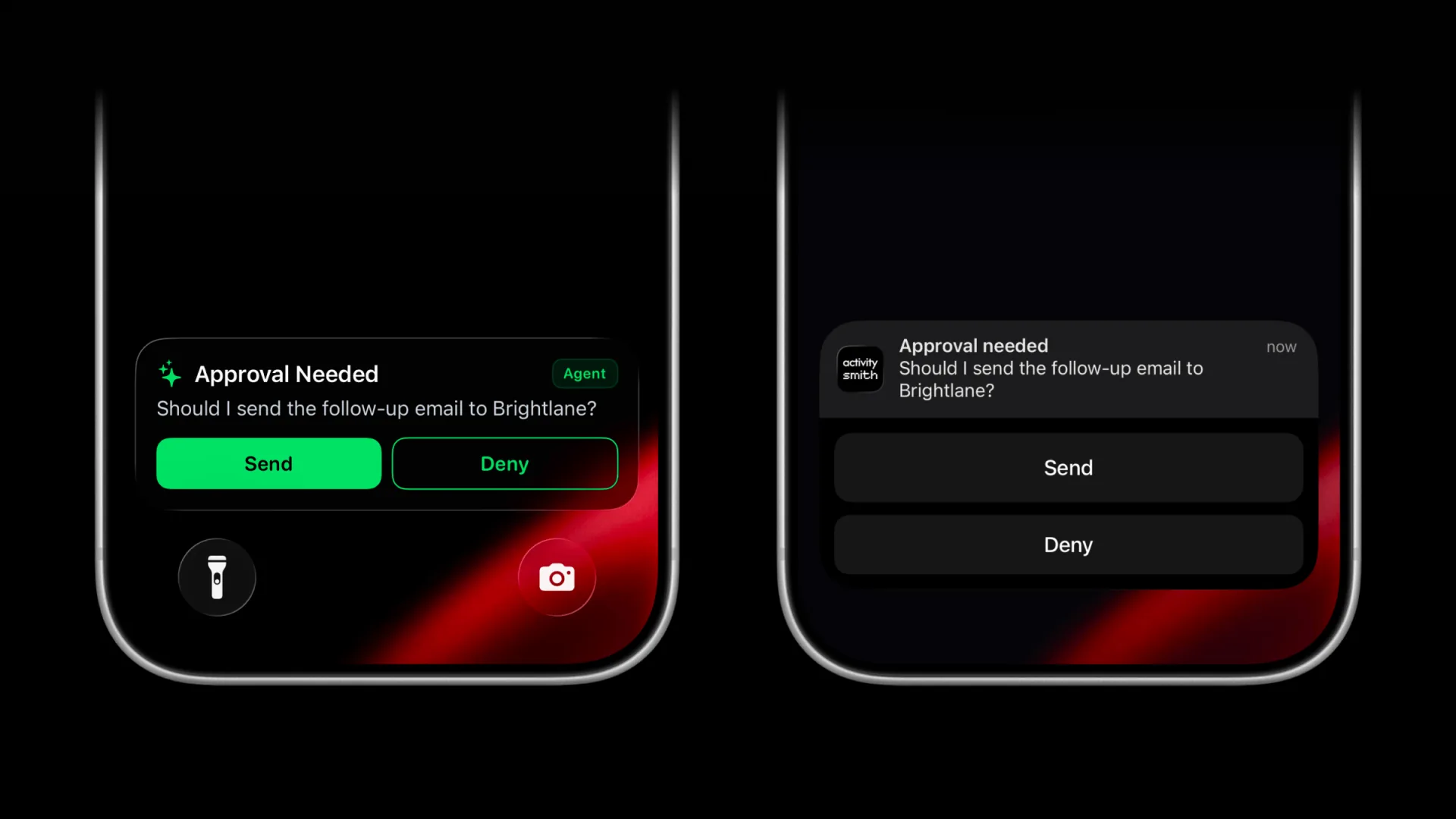
The same approval can arrive as either a Push Notification or Live Activity. Both surfaces show the question and actions, resolve the same stored request, and return the same result to the agent.
Use buttons that match the action
Agents can replace generic Approve and Reject labels with clear, action-specific outcomes:
- Send and Deny for an outbound email.
- Deploy and Cancel for a production release.
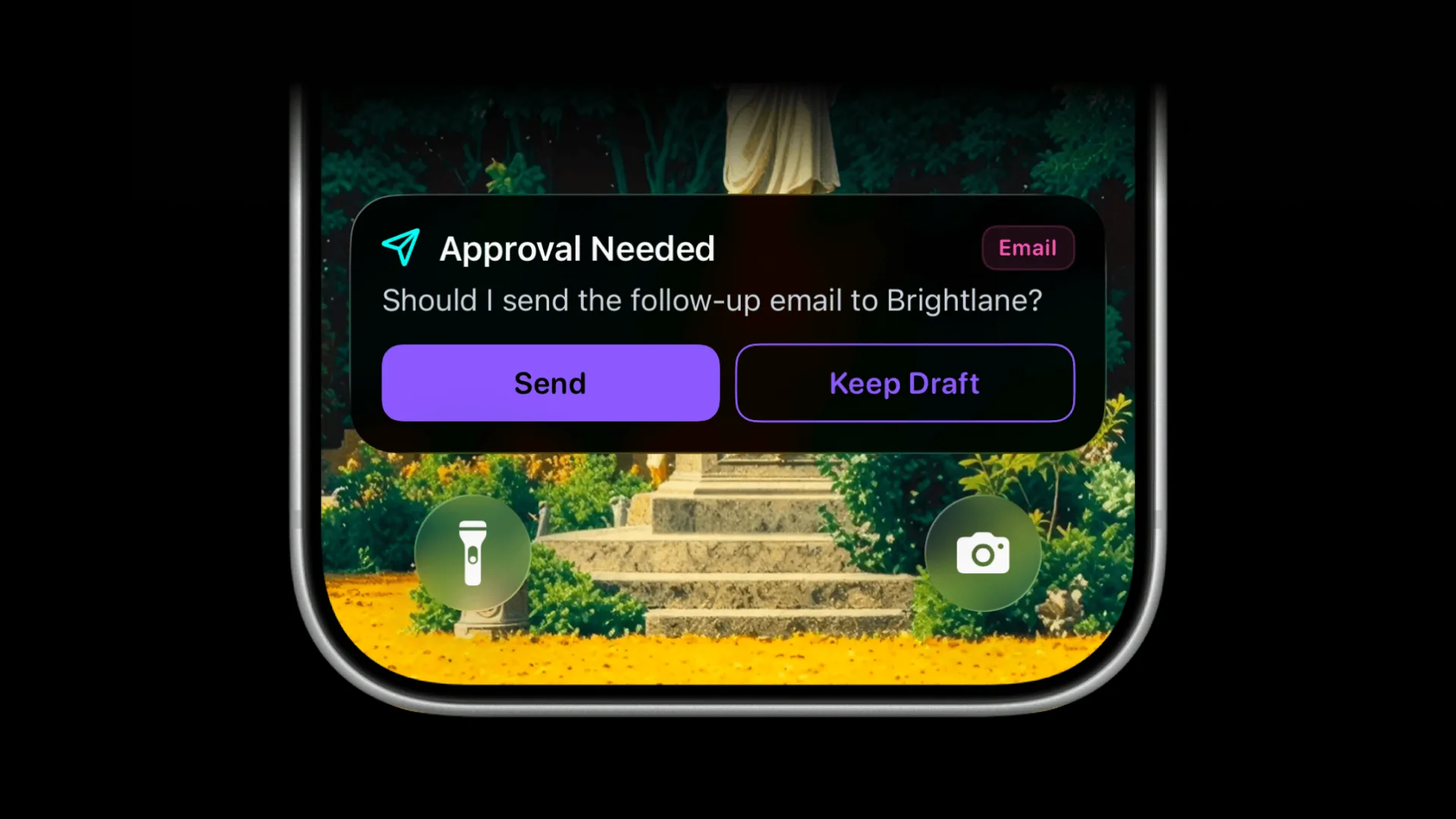
- Publish and Keep Draft for content.
- Delete and Keep for a destructive operation.
Customize the pending Live Activity
The pending Live Activity can use a custom color, SF Symbol, and badge so different approval types are easy to recognize. An email approval can use a paper plane and Email badge, while a production approval can use its own icon and label.
Approved, declined, timed-out, and cancelled requests keep consistent outcome states, regardless of the pending appearance.
Built for durable agent workflows
If the MCP client stops waiting before you decide, the agent can resume the wait with the same approval ID. The stored approval remains available until you decide, cancel it, or the 30-minute window ends.
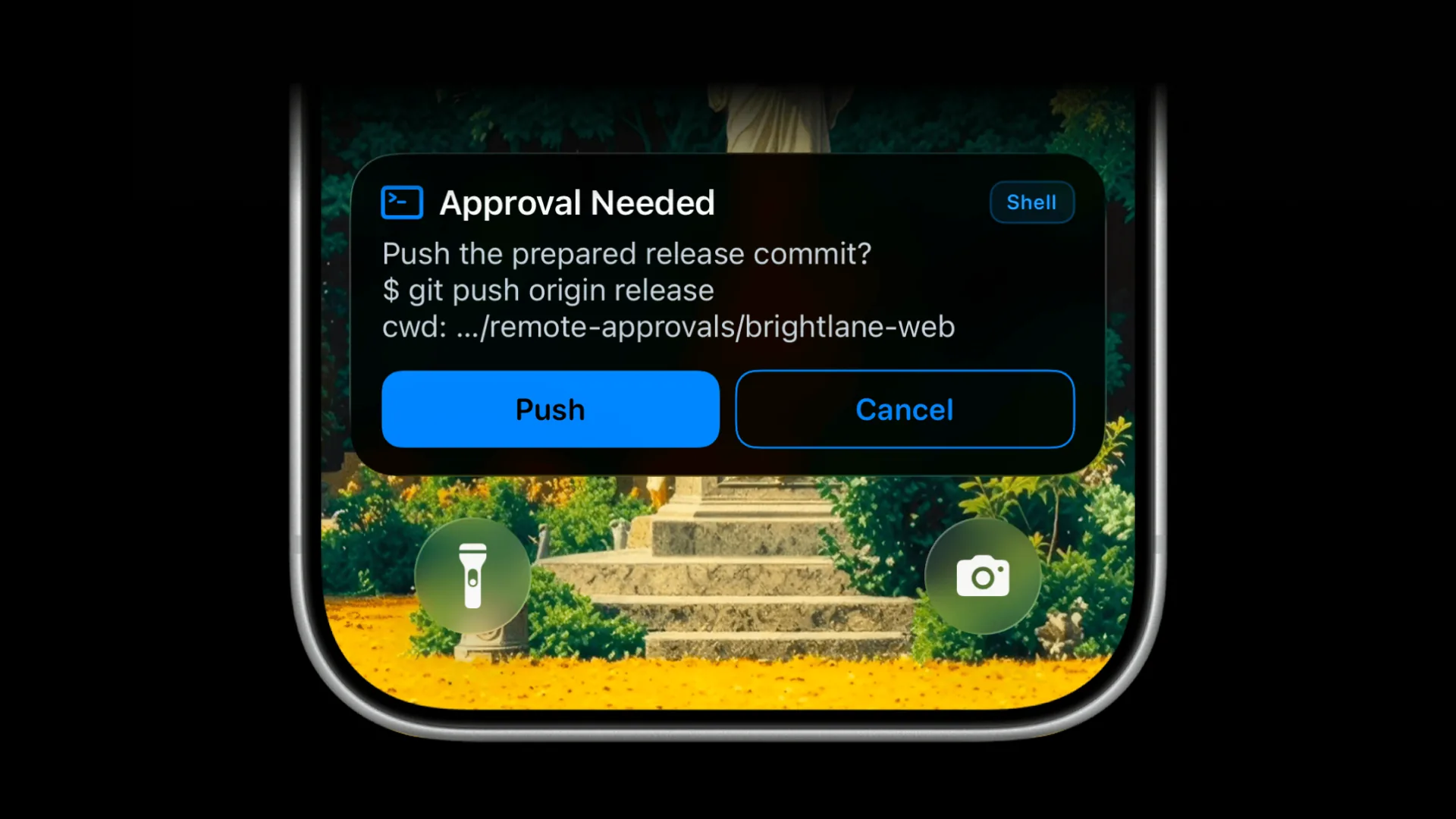
Most approvals only need a clear question and action buttons, as shown above. When more context would help, the agent can also include the exact command or tool call, decision-relevant arguments, and an optional scope such as the working directory, repository, project, environment, customer, account, or resource.
Add an approval rule to your agent
Start with a plain-language instruction:
Ask me for approval before making any purchaseThe agent can request approval whenever it reaches that boundary. See the complete remote approvals for AI agents workflow, or connect the ActivitySmith MCP server to try it.
