Tags for Push Notifications and Live Activities
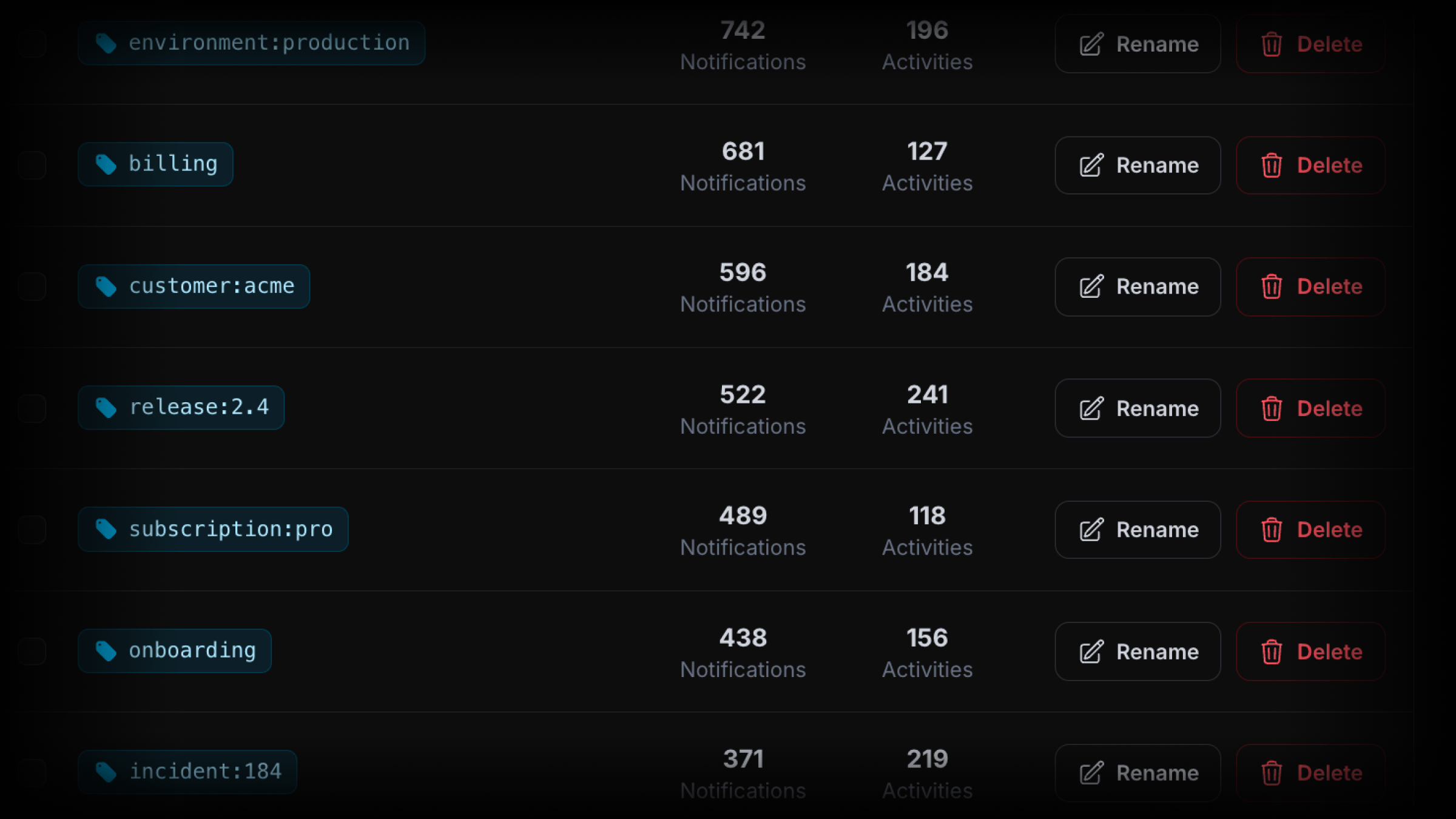
Tags are now available across ActivitySmith. Add one or more tags to Push Notifications and Live Activities to organize and filter their history in the web app.
Organize history around your own identifiers
Tags can represent customers, releases, environments, and workflows:
user:382orcustomer:acmefor customer history.release:2.4orenvironment:productionfor deploys and incidents.workflow:reindexorincident:184for operational work.
Tags are created automatically when first used, with up to 20 tags per request.
Add tags to any request
{ "title": "New subscription 💸", "message": "Customer upgraded to Pro plan", "tags": ["user:382", "billing"]}Browse related history
Click a tag in Push Notification history to see matching Push Notifications, or click one in Live Activity history to see matching Live Activities. The Tags view combines both into one timeline.
You can also search, sort, rename, and delete tags from the web app. Renaming a tag updates its visible name throughout history. Deleting a tag leaves the underlying Push Notifications and Live Activities intact.
Availability
Tags are available through the API, MCP server, SDKs and CLI, and web app. See the Tags documentation for request examples, filtering, and tag management.
