01
Create the webhook
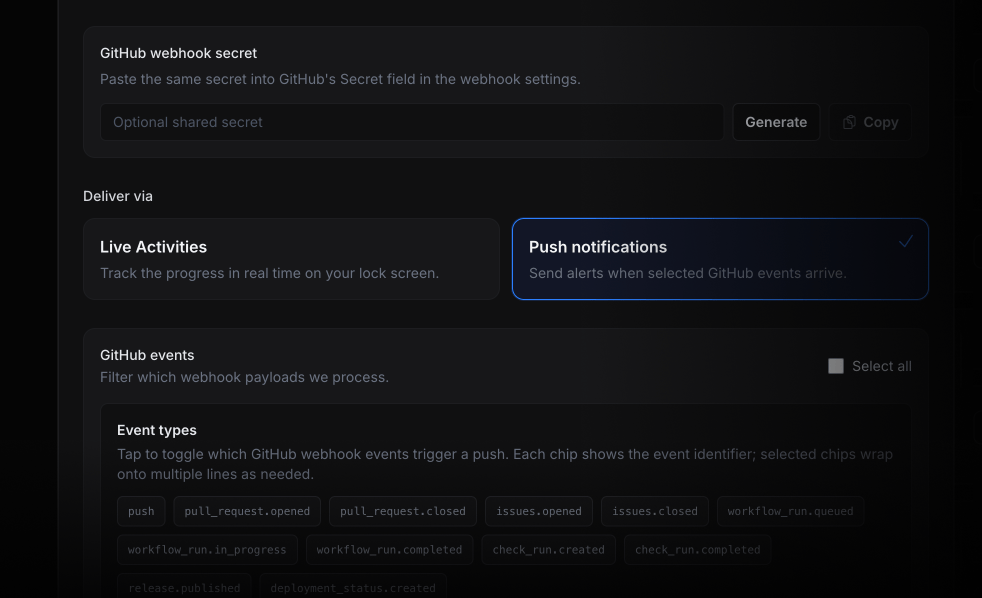
Open ActivitySmith inbound webhooks, choose GitHub, then select Push Notifications or Live Activities.
Route GitHub repository or organization webhooks through ActivitySmith so workflow runs, checks, deployments, pull requests, issues, and releases appear on your iOS device. Send events as Push Notifications for fast alerts, or keep long-running work visible with Live Activities.
Use provider payload fields to keep each iOS update specific, routeable, and tied to the workflow event that caused it.
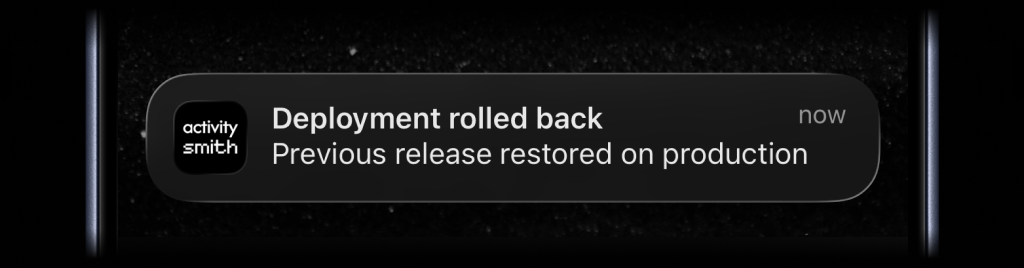
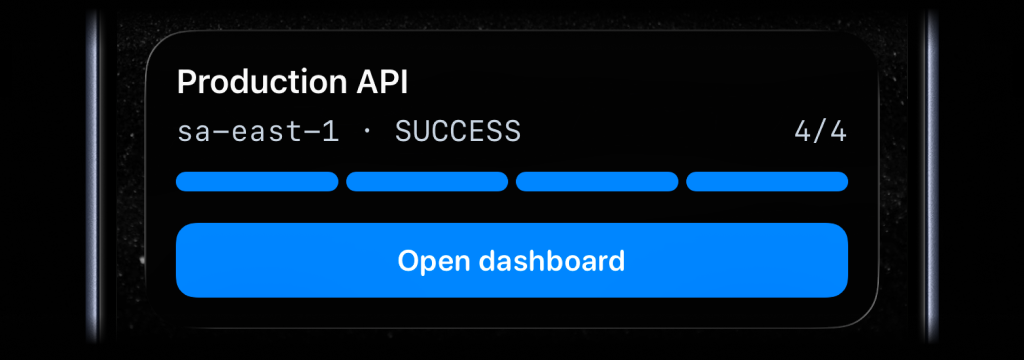
Create the ActivitySmith endpoint first, paste it into GitHub, then choose what appears on your device from the incoming payload fields.
01
Open ActivitySmith inbound webhooks, choose GitHub, then select Push Notifications or Live Activities.
02
Add the generated ActivitySmith URL under repository or organization webhooks and choose the GitHub events you want to receive.
03
Map GitHub JSON body paths into titles, messages, progress, channels, and action buttons. Subscribe with composite keys like workflow_run.completed when the payload includes an action field.
Start a Live Activity when a workflow is queued or in progress, update it as jobs advance, and finish it when GitHub reports a completed run with success or failure.
Send push notifications for opened or merged pull requests, new comments, and issue lifecycle changes so reviewers see updates without watching email.
Route deployment status and release published events to the right channel so production rollouts and tagged releases are visible in real time.
Configure the same secret in GitHub and ActivitySmith so inbound deliveries are verified with HMAC-SHA256 before they reach your devices.
Start your 7-day free trial. No credit card required.
