Free iOS Dock Mockup Generator
Put your app in a pixel-accurate iOS 27 Liquid Glass dock, add App Icon Badges, and download a high-resolution PNG for launch posts, landing pages, and App Store screenshots.
100% free. No sign-up, no watermark, and your images never leave your browser.
Dock Apps
Home Screen
Wallpaper
iPhone Frame
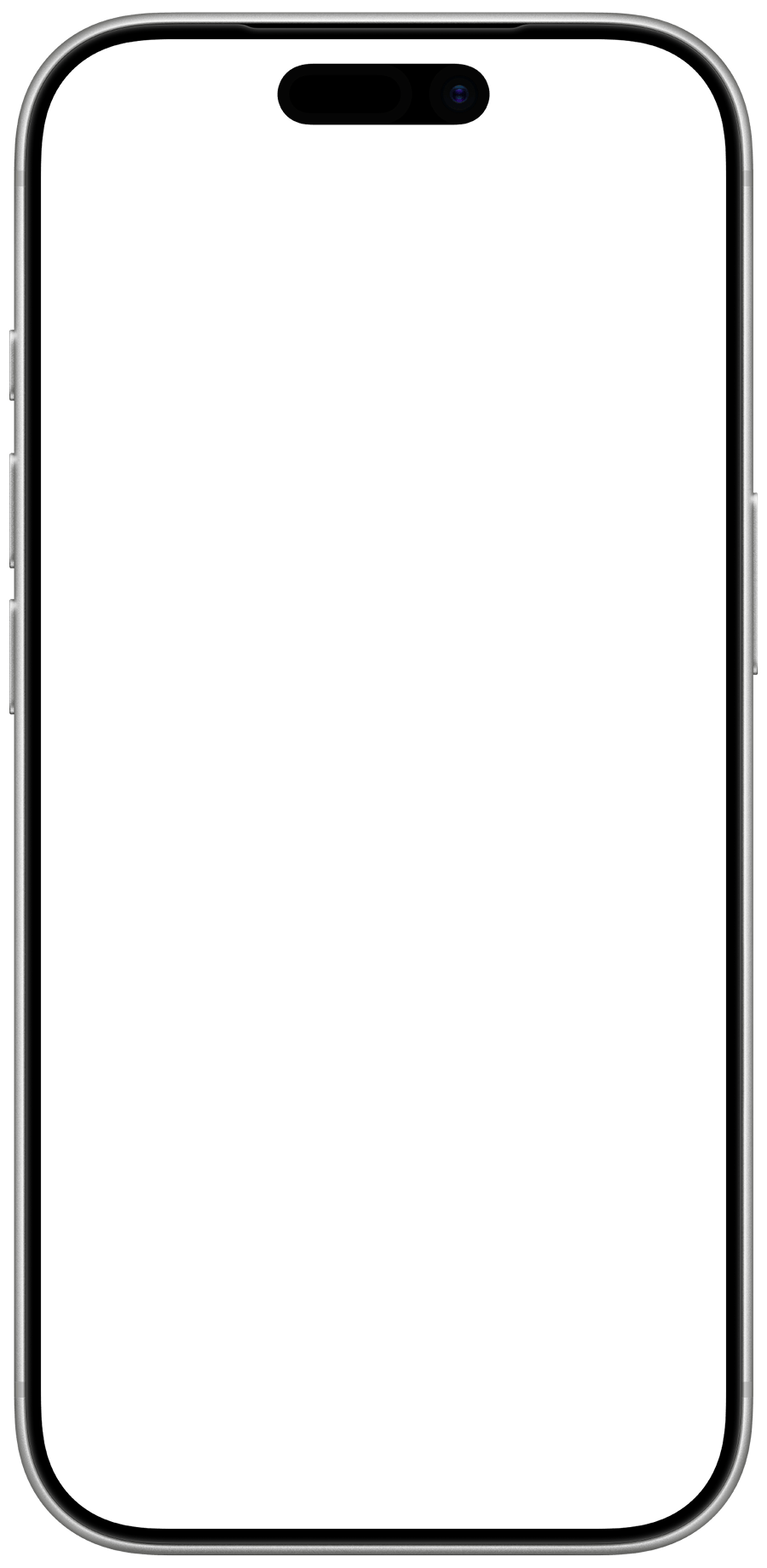
1343 x 469
Not affiliated with or endorsed by Apple Inc. Apple, iPhone, iOS, and App Store are trademarks of Apple Inc., registered in the U.S. and other countries. App icons and app names belong to their respective owners.
How to make an iOS dock mockup
- Step 1
Pick the apps
Add up to four apps to the dock. Choose Apple's app icons or popular apps, or upload your own icon.
- Step 2
Add badge counts
Type a count for any app to show the red App Icon Badge. Large counts use your device's number format, such as 8,333.
- Step 3
Download the PNG
Pick a wallpaper and an iPhone color. Choose Dock Close-Up or Full Screen. Select Download PNG, or select Copy to paste the image into a design tool or a chat.
Where to use your dock mockups
The dock holds the apps people use every day. Show your app there, and people see it as one of them.
Launch posts
Show your app icon in a real iPhone dock when you announce a launch on X, LinkedIn, Reddit, or Product Hunt.
Landing pages
Put your app next to Phone and Messages in your hero section, so visitors picture it on their own Home Screen.
App icon reviews
Check a new app icon at real size beside Apple's icons before you ship it. Try it on light and dark wallpapers.
App Store and ads
Make a sharp Home Screen image for App Store screenshots, ads, and pitch decks without taking a screenshot on a device.
Badge count ideas
Show what a badge count on your app icon looks like, such as unread messages, open orders, or today's signups.
Docs and tutorials
Show readers where your app sits after they install it, or what the badge looks like when a setup step works.
What is an iOS dock mockup?
An iOS dock mockup is an image of the bottom of an iPhone Home Screen with the apps of your choice in the dock. Designers, developers, and marketers use dock mockups to show an app icon in context, next to the apps people already know, instead of on a plain background.
This iPhone dock mockup generator recreates the iOS 27 Home Screen on iPhone 18 Pro, measured from the iOS 27 simulator: the clear Liquid Glass dock that bends the wallpaper near its edges, the iOS app icon shape, the red App Icon Badge, and the Search button. Download a close-up of the dock or the whole screen, with or without the iPhone frame. To mock up Push Notifications on the Lock Screen, use the free iPhone Lock Screen and Push Notification mockup generator.
Frequently asked questions
Is this iOS dock mockup generator free?
Yes. The tool is free, and you do not need an account. Exported images have no watermark.
Are my icons and wallpaper uploaded to a server?
No. The tool runs in your browser. Your icons and wallpaper stay on your device.
Does the dock use iOS 27 Liquid Glass?
Yes. The dock is clear glass that bends the wallpaper near its edges, with light along its top and bottom edges, as on iOS 27. The shape, icon size, and spacing are measured from iPhone 18 Pro.
What size is the exported image?
Full Screen exports are 1206 x 2622, the iPhone 18 Pro screen resolution. Dock Close-Up exports keep the same resolution and crop to the bottom of the iPhone. With Include iPhone frame turned on, the PNG has a transparent background.
Can I use my own app icon?
Yes. Select an app in the dock, then select the plus tile under Other apps and choose an image. The tool crops it to a square and applies the iOS icon shape.
How do I show a real badge count on my iPhone?
Use ActivitySmith. Send a number from your scripts, backend, or AI agent with one API call, and it shows as the App Icon Badge on the ActivitySmith app. Track MRR, signups, or open tickets right on your Home Screen.





Put your numbers on your Home Screen.
ActivitySmith sets the App Icon Badge from your scripts, backend, or AI agents, and sends real Push Notifications and Live Activities to your iPhone.
